
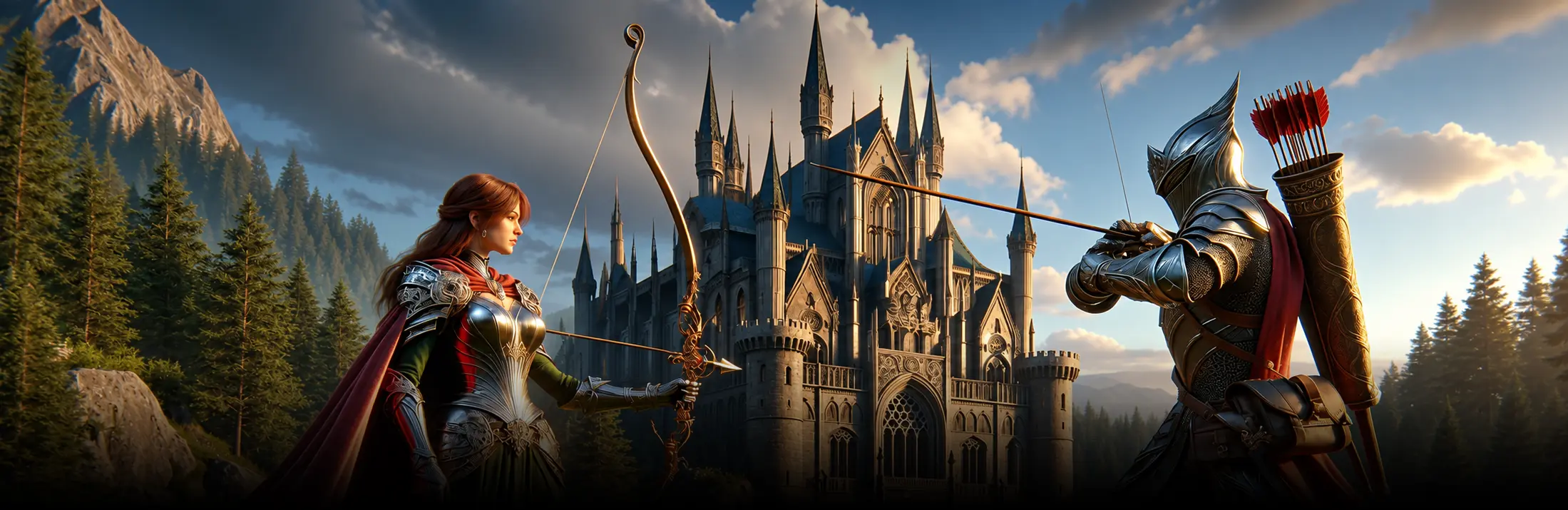

Video game art styles define how players read the world before they touch a controller. The right style fits the genre, the platform and the production budget. Pixel art, cel-shaded, low-poly, hand-painted, voxel and anime-inspired are the most production-ready video game art styles for indie and mid-budget studios in 2026.
Why art style is a production decision, not a mood board
Art style is the earliest production choice that locks budget, tooling and team composition. A pixel-art roguelike with one artist on Aseprite costs and scales differently from a stylized 3D action game built in Unreal with a five-person art team. The style sets the DCC stack (Photoshop, Procreate, Spine, Blender, Maya, ZBrush, Substance Painter), the rigging approach, the asset pipeline, the LOD strategy and the QA matrix. It also drives the marketing assets, the store page screenshots and the trailer.
For B2B producers the decision is rarely about taste. It is about matching the visual direction to the team that can ship it on the target platform within the agreed milestone. Style misalignment is one of the most common reasons indie projects miss their launch window. The art lead, the technical artist and the producer should review style options against engine fit, asset count and the post-launch content plan before any key art is commissioned. A structured game art design review can ground these decisions before the first asset ships.
2D video game art styles that still ship games in 2026
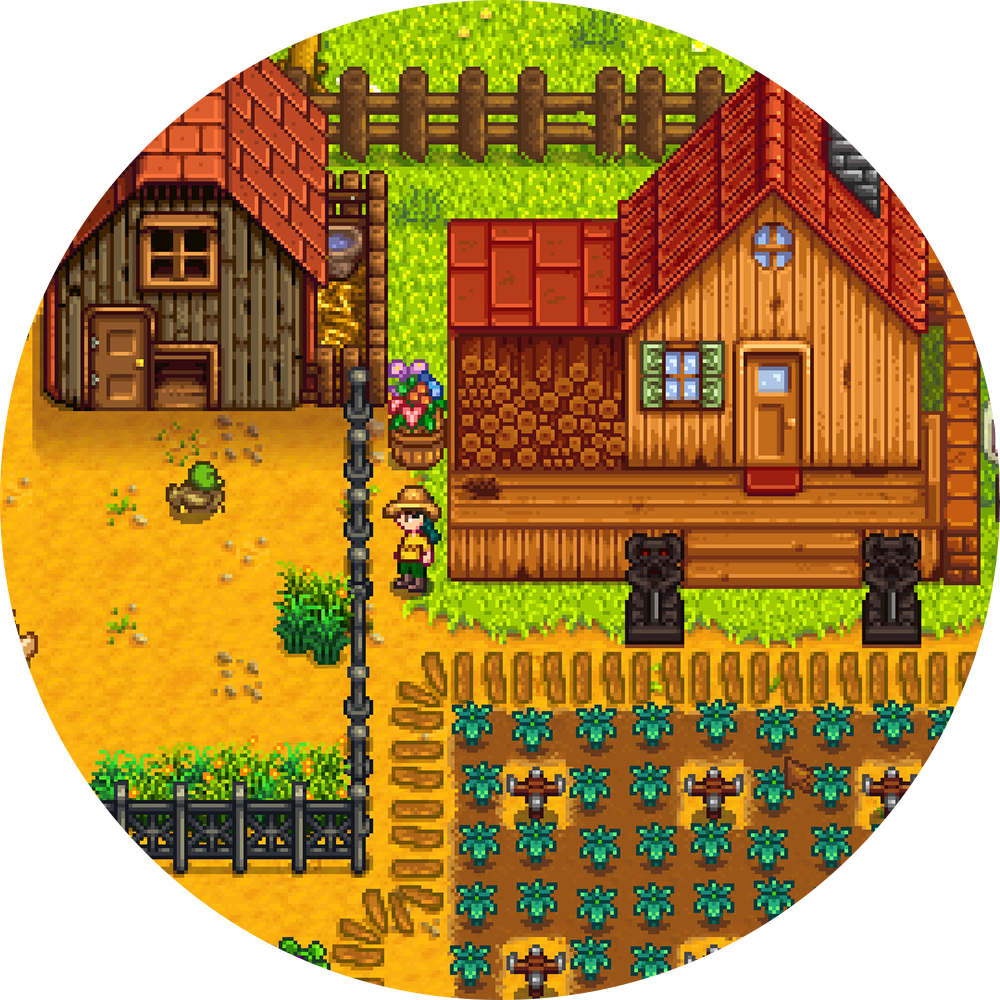
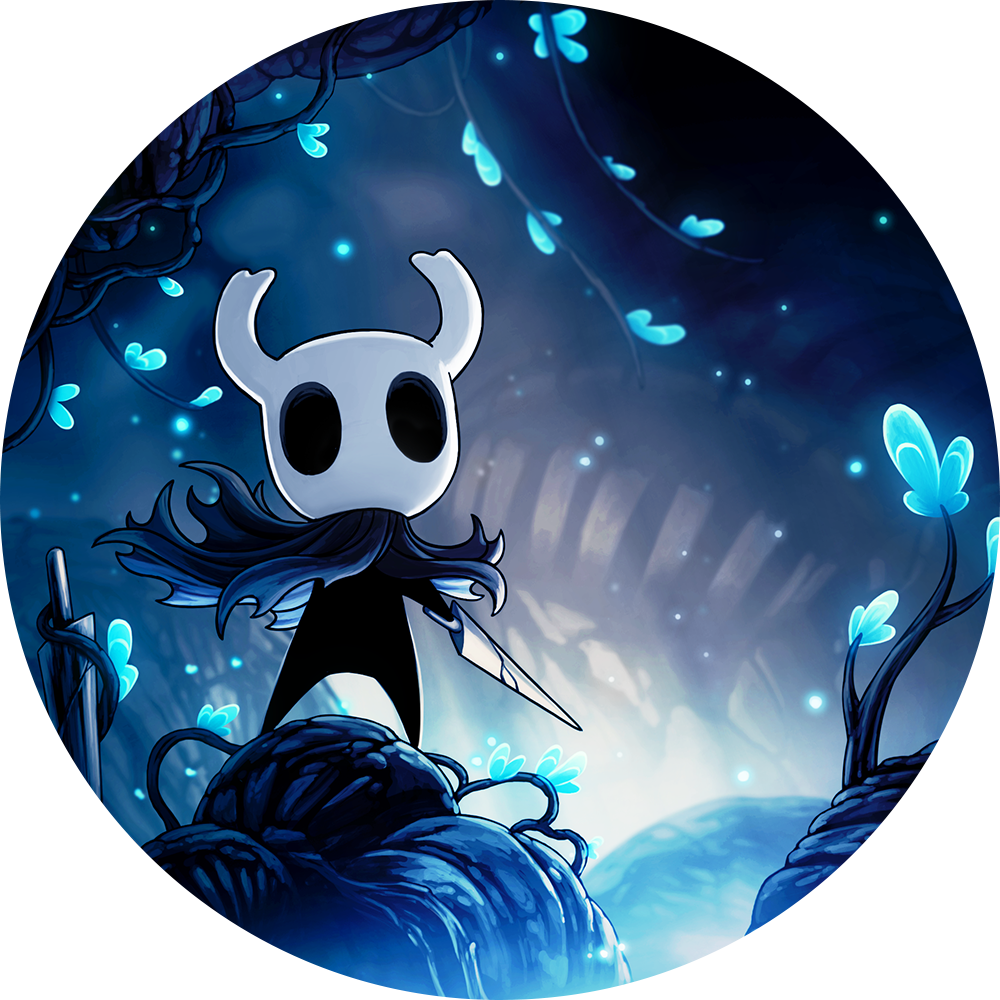
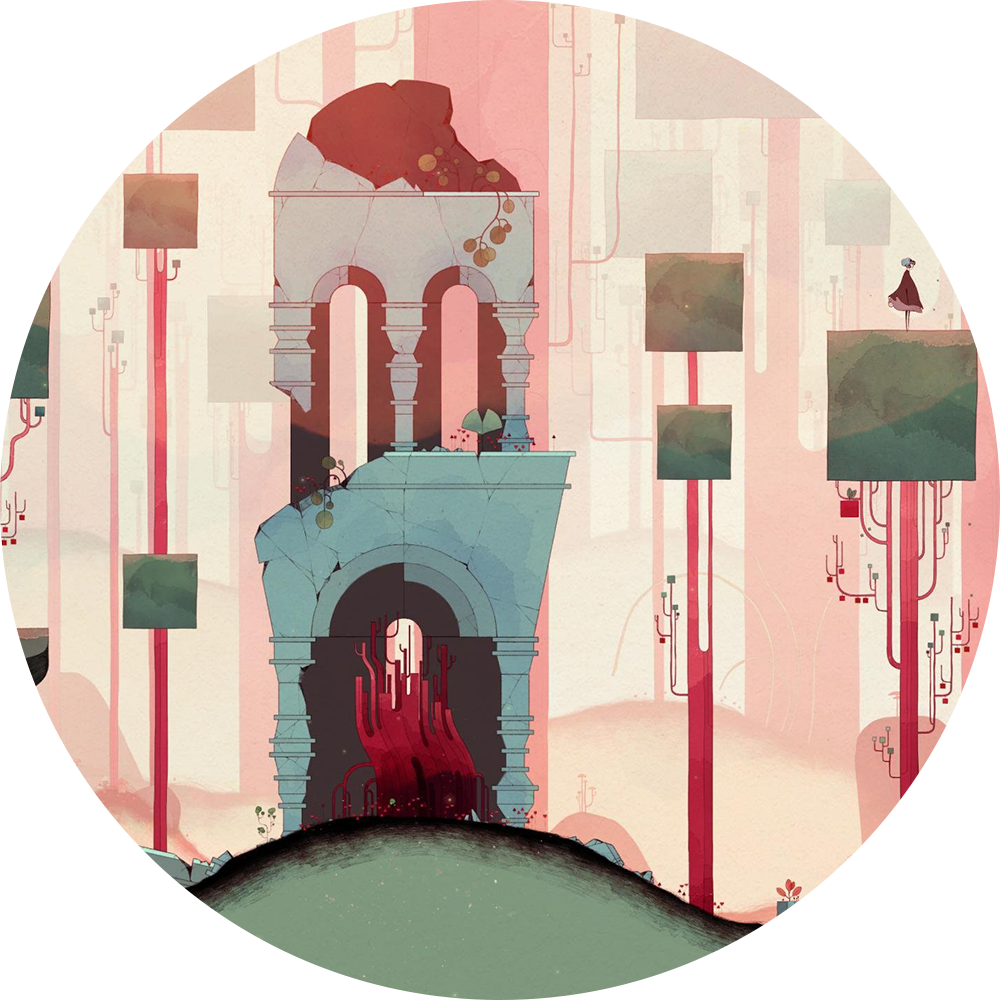
2D remains a strong commercial choice for indie and mid-budget studios because it has lower asset cost, faster iteration and clearer visual identity than 3D. Pixel art dominates roguelike, retro platformer and farming sim genres. Hand-drawn and cel-animated styles work well for narrative games and side-scrollers. Vector and flat styles fit puzzle, hyper-casual and educational titles. Isometric covers tactics, city builders and CRPGs. The 2D pipeline usually runs through Photoshop or Procreate for concept and finals, Aseprite or Pyxel Edit for pixel work, Spine or DragonBones for skeletal animation, and Toon Boom Harmony for frame-by-frame. Editorial coverage on 80 Level shows how 2D pixel-art skills can support a stylized indie pipeline through pixelized textures, sprites, UI work, Aseprite, Unity, and lightweight production constraints. For deeper concept-stage planning, see the studio guide on video game concept art.
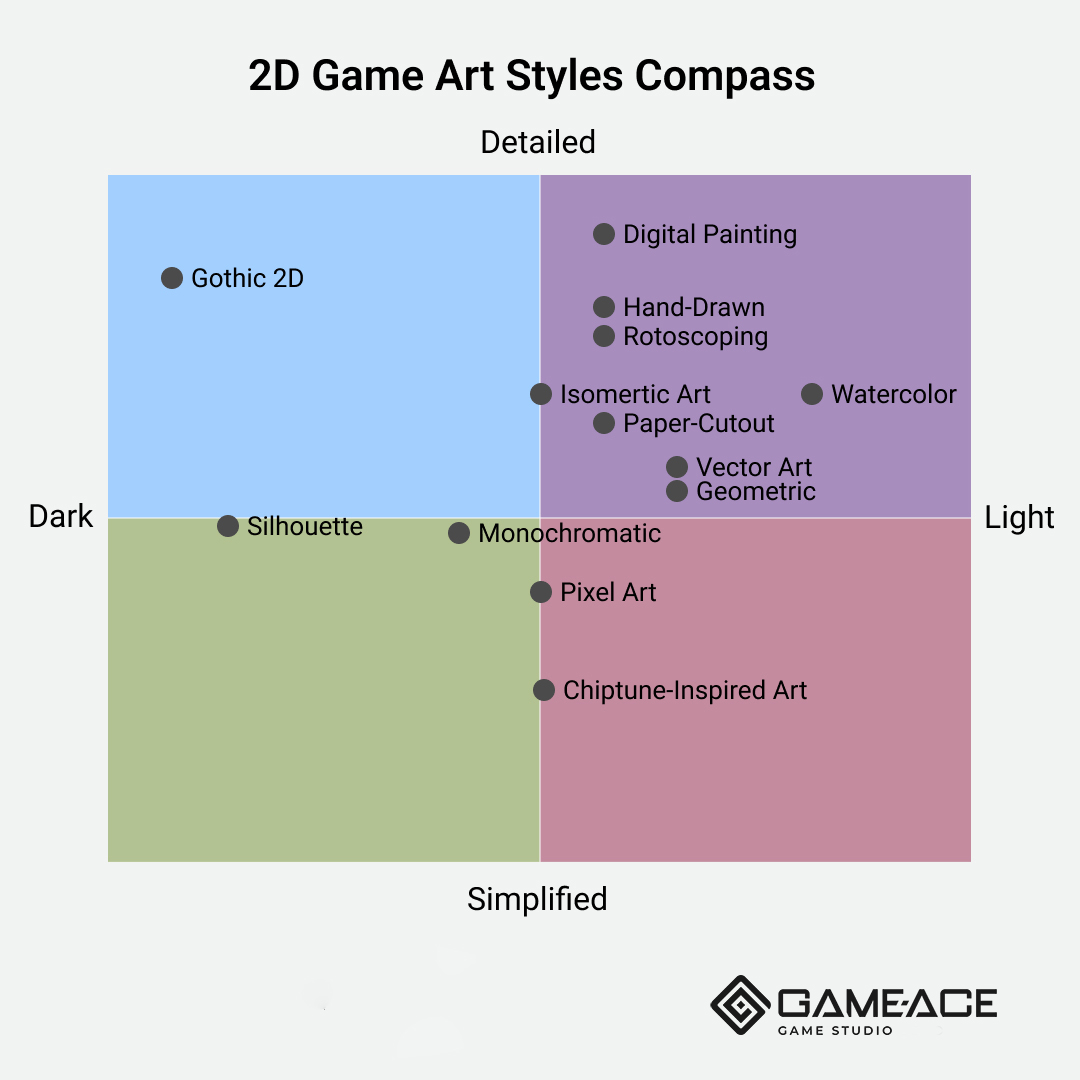
Please note that art styles can be used in various ways, and this infographic is based on typical uses of these styles. Different games may use the same style but position differently on the compass based on their narrative and atmosphere.
Core 2D directions for production-ready games:
- Pixel art for roguelikes, retro platformers and farming sims (Aseprite, Pyxel Edit).
- Hand-drawn and cel-animated for narrative side-scrollers and adventures (Toon Boom Harmony, Procreate).
- Vector and flat for puzzle, hyper-casual and educational titles (Adobe Illustrator, Affinity Designer).
- Isometric for tactics, city builders, CRPGs and management sims (Photoshop, Blender for projection).
- Watercolor, paper-cutout, silhouette for atmospheric and narrative-driven games (Procreate, After Effects).
3D video game art styles for indie and mid-budget productions
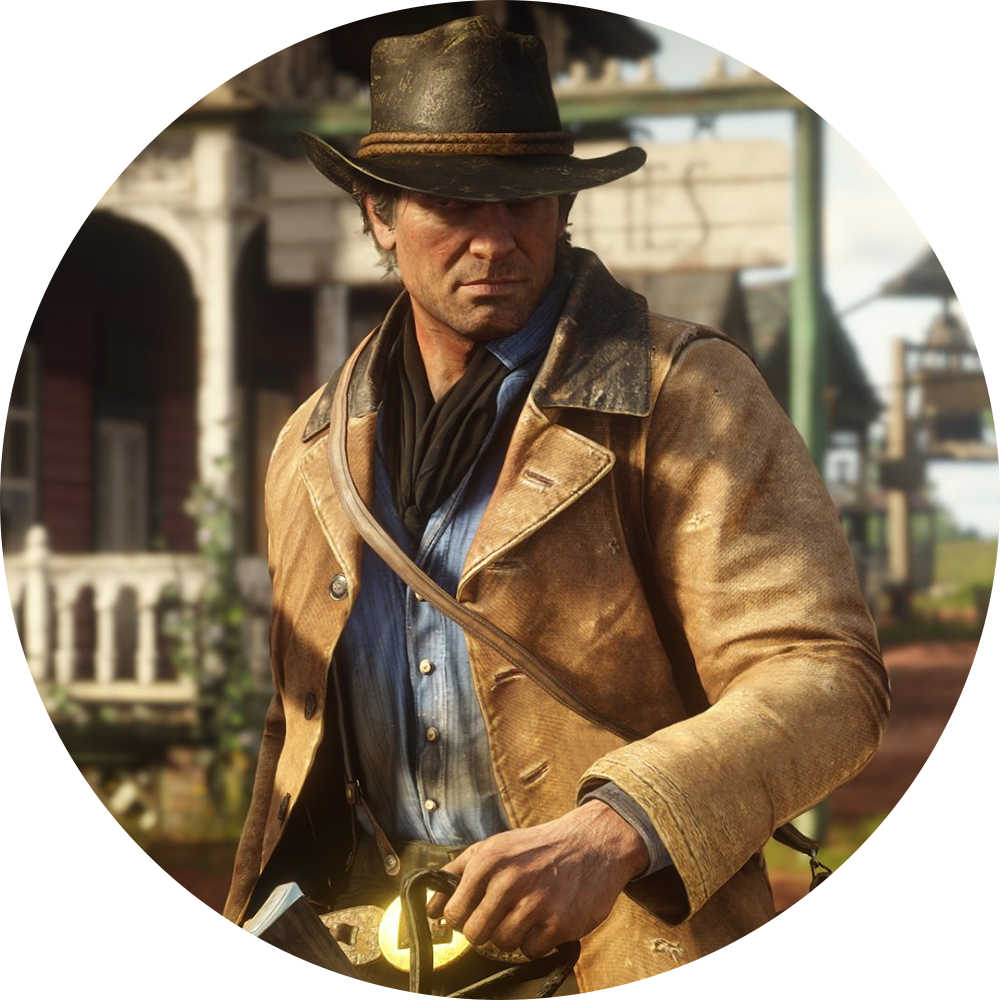
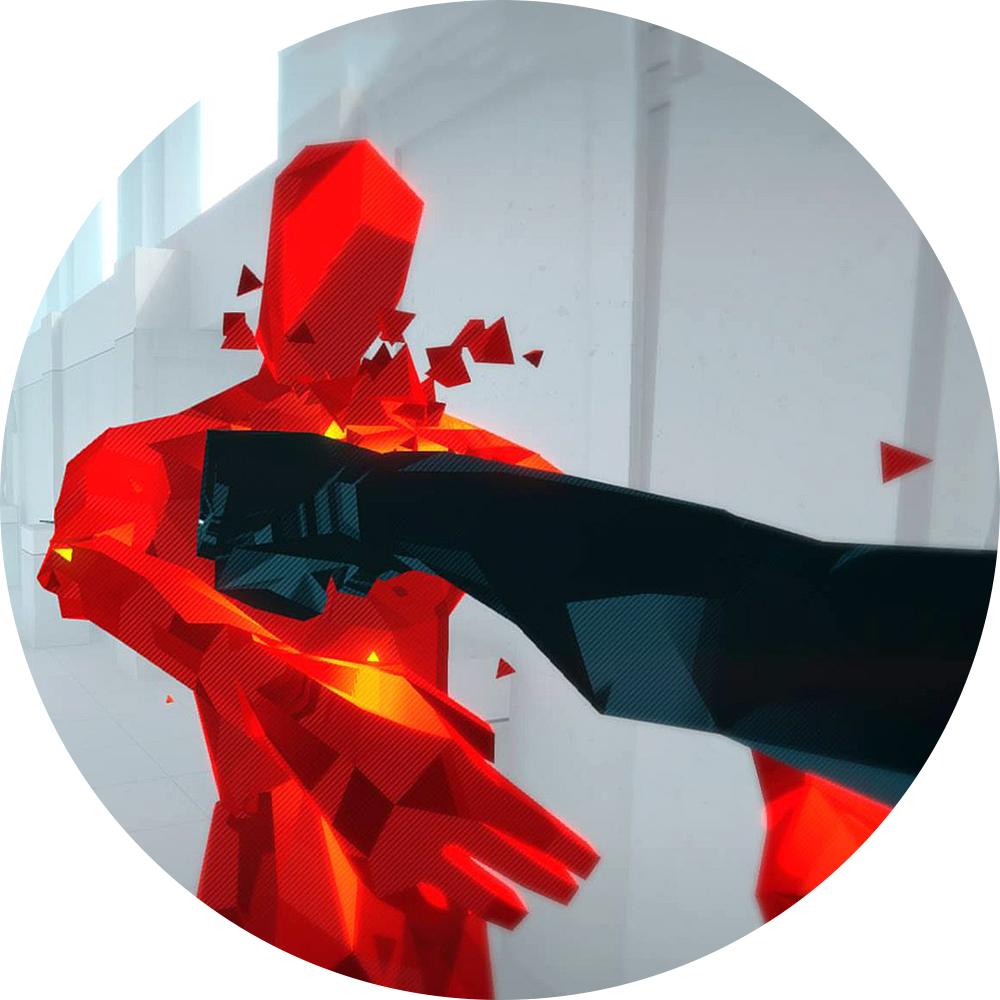
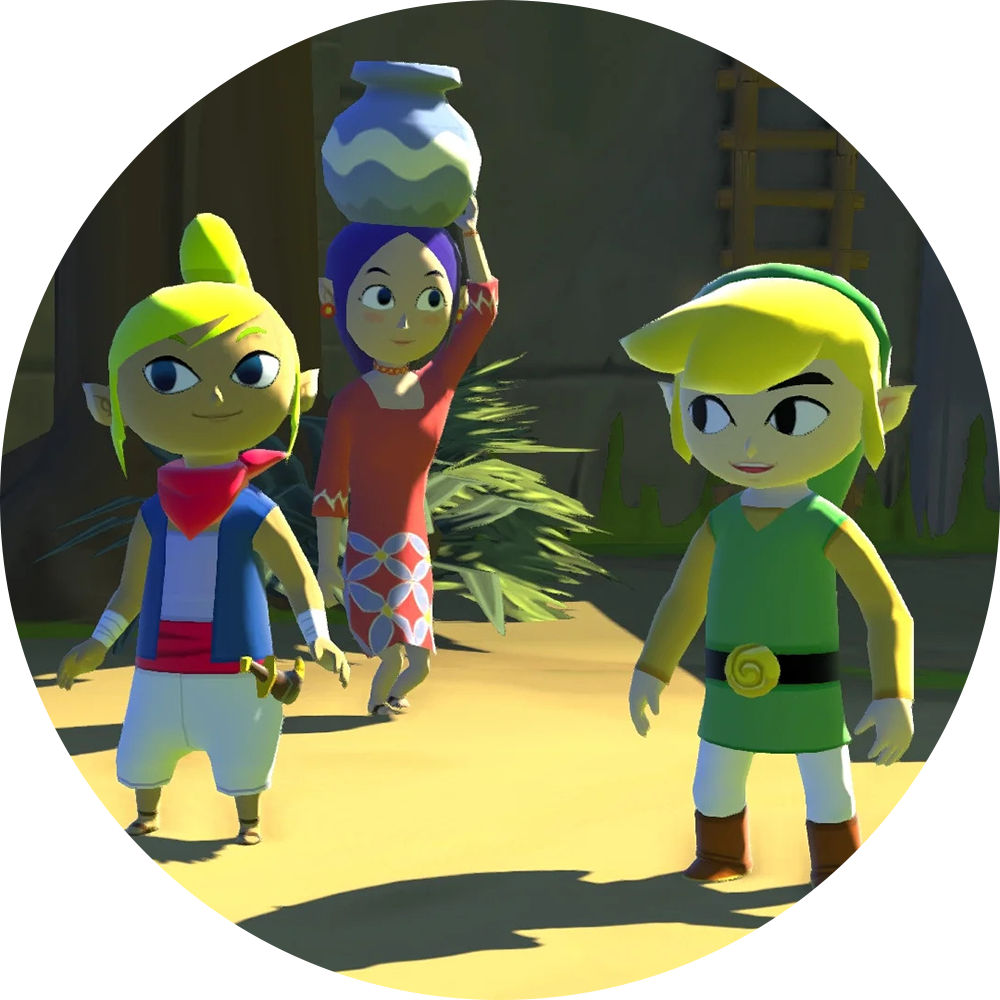
3D opens larger gameplay possibilities but adds rigging, lighting, LOD and optimization work. For indie and mid-budget studios the most production-ready directions are low-poly, cel-shaded, stylized realism, voxel and hand-painted. Low-poly fits puzzle, narrative and exploration games with small teams. Cel-shaded and toon-rendered styles work for action, adventure and platformer genres on mobile and console. Stylized realism is the workhorse of indie RPGs and survival games. Voxel covers sandbox, building and roguelike genres. Hand-painted texture work scales well for fantasy and online RPG-style projects. The 3D pipeline usually combines Maya or Blender for modeling and rigging, ZBrush for sculpting, Adobe Substance 3D or 3D-Coat for texturing, and Unity or Unreal for the runtime. Studios scoping a stylized 3D project often start with a 3D game art outsourcing review to align asset count, rigging needs and the post-launch content plan with the available art team.
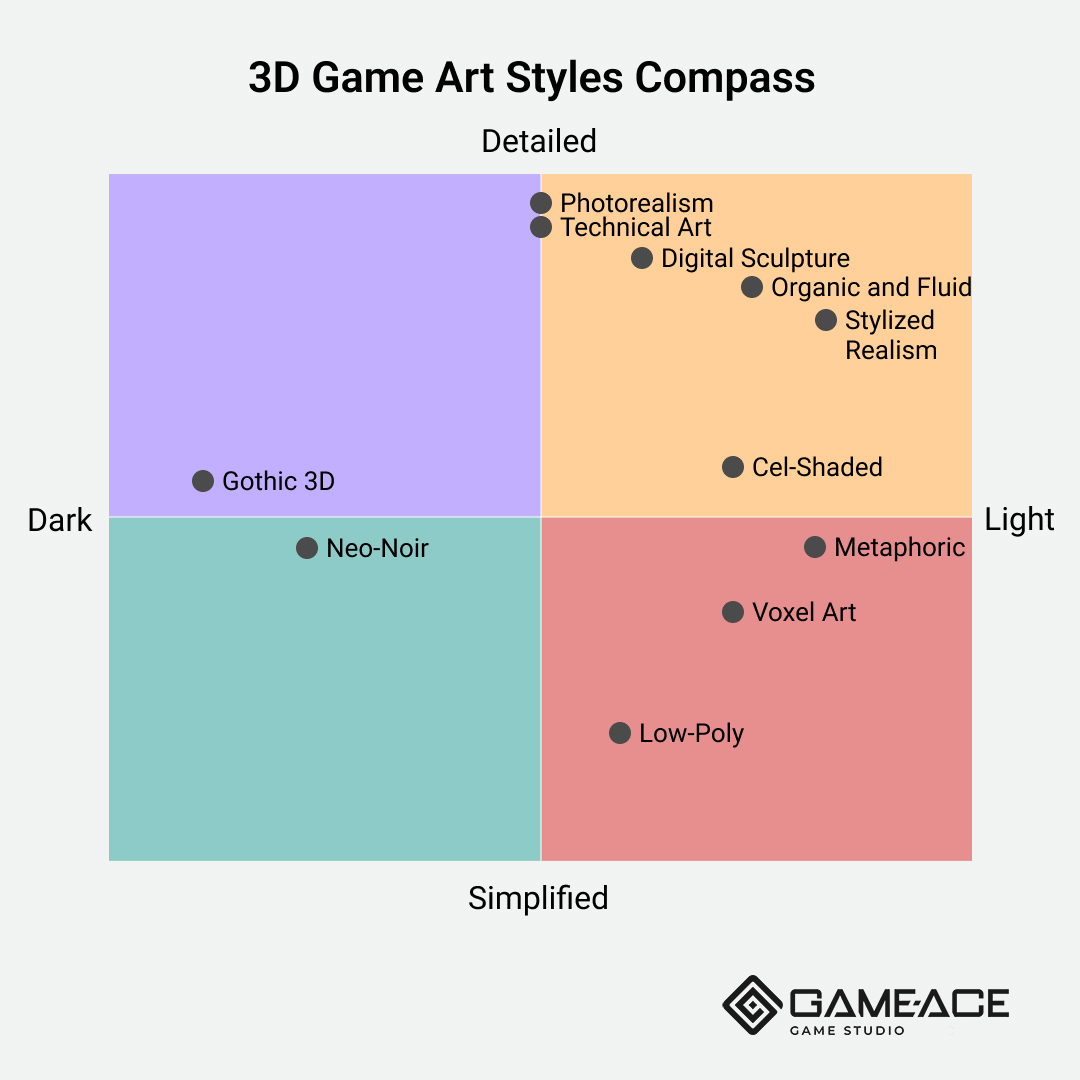
Please note that art styles can be used in various ways, and this infographic is based on typical uses of these styles. Different games may use the same style but position differently on the compass based on their narrative and atmosphere.
Core 3D directions for production-ready games:
- Low-poly for narrative, exploration and puzzle games (Blender, Maya, Substance Painter).
- Cel-shaded and toon-rendered for action and platformer genres (Unity URP, Unreal Toon shading).
- Stylized realism for indie RPGs, survival and adventure games (ZBrush, Substance Painter, Quixel Mixer).
- Voxel for sandbox, building and roguelike genres (MagicaVoxel, Qubicle).
- Hand-painted for fantasy and online RPG-style projects (Photoshop, 3D-Coat, Substance Painter).
Art style families compared by production profile
The table below compares the most common video game art styles for indie and mid-budget production. Cost and timeline ranges are approximate and assume a focused production scope, a small art team and a clear style guide.
| Art style | Typical genres | Production cost | Team size | Engine fit |
| Pixel art | Roguelike, retro platformer, farming sim | Low | 1–3 artists | Unity 2D, Godot, custom |
| Hand-drawn 2D | Narrative adventure, platformer | Medium | 2–5 artists | Unity 2D, Unreal, Godot |
| Low-poly 3D | Puzzle, narrative, exploration | Low to medium | 2–4 artists | Unity URP, Unreal, Godot |
| Cel-shaded 3D | Action, platformer, adventure | Medium | 3–6 artists | Unity URP, Unreal Toon |
| Stylized realism | Indie RPG, survival, adventure | Medium to high | 4–8 artists | Unreal, Unity HDRP |
| Voxel | Sandbox, building, roguelike | Low | 1–3 artists | Unity, custom, Unreal |
2D vs 3D pipelines: cost, tools and team
The 2D vs 3D decision shapes the production budget more than any single visual choice. 2D pipelines are flatter: concept moves directly to final art, animation is sprite-based or skeletal, and the engine integration is straightforward. 3D pipelines are deeper: concept, modeling, rigging, texturing, lighting and LOD optimization each require dedicated roles. A small indie team can ship a polished 2D game with two or three artists. A 3D game at the same quality bar usually needs at least one technical artist, one rigger, one environment artist, one character artist and one lighting and VFX specialist. The DCC stack also differs. 2D teams work in Photoshop, Procreate, Aseprite, Spine and Toon Boom. 3D teams work in Maya or Blender, ZBrush, Substance Painter, Quixel Mixer and Marvelous Designer. Studios scoping a stylized 2D project frequently start with a 2D game art outsourcing review to confirm asset count, animation budget and engine fit. The table below summarizes the main differences.
| Pipeline aspect | 2D production | 3D production |
| Core DCC tools | Photoshop, Procreate, Aseprite, Spine, Toon Boom | Maya, Blender, ZBrush, Substance Painter, Quixel |
| Animation method | Sprite frames, skeletal (Spine, DragonBones) | Skeletal rigs, motion capture, IK |
| Typical team size | 2–4 artists | 5–10 specialists (modeling, rig, texture, lighting, VFX) |
| Engine integration | Direct sprite or vector import | FBX, skeletal mesh, materials, LODs |
| Lighting work | Painted into assets | Real-time lighting, baked GI, shaders |
| Production timeline | Shorter, faster iteration | Longer, more dependencies |
Niche video game art styles: pixel, voxel, isometric, anime, retro
Beyond the main families, several niche directions ship strong commercial games every year. Pixel art keeps a dedicated audience on Steam and Switch. Voxel suits sandbox and building games with destructible environments. Isometric covers tactics and city builders because the camera angle is fixed. Anime and manga-inspired styles fit narrative, dating and gacha games on mobile. Retro art targets nostalgia-driven genres. For a deeper look at the underlying production techniques, see how to create video game art.
Style to platform fit for niche directions:
- Pixel art: mobile, Switch, PC, console (Aseprite, Pyxel Edit).
- Voxel: PC, console, sandbox-friendly platforms (MagicaVoxel, Qubicle).
- Isometric: mobile, PC, tablet (Photoshop, Blender projection).
- Anime and manga: mobile gacha, PC, console (Live2D, Spine, Clip Studio Paint).
- Retro and chiptune-inspired: PC, Switch, indie marketplaces (Aseprite, custom tools).
How to choose an art style for a specific project
The choice of art style starts from four inputs: target genre, target platform, available team and production budget. A focused indie team of three artists with a six-month timeline should pick a style they can ship at quality, not the style they admire most. A mid-budget studio with a defined backend, monetization model and live ops plan can afford a more ambitious style but should still test it against asset count and post-launch content. The art lead and the producer should run a short style exploration phase: two or three style targets, three or four key art frames each, a visual benchmark from a shipped game in the same family. After the exploration the team locks the style, builds a style guide and signs off the pipeline. For projects leaning into 3D, the studio guide on 3D modeling for video games walks through the asset budget conversation in more depth.
Common video game art styles by genre
Most commercial indie and mid-budget genres have a default style range that fits the audience and the production economics. The art lead can start from that range and adjust to the studio's strengths. The default range is a starting point that signals the audience and reduces marketing risk, not a rule. Studios that pick a style outside the default range should plan extra marketing assets.
Game art case study from Game-Ace
One Game-Ace project shows how a production-ready game art style translates into a shipped mobile build.
Welcome to Knight Stack Jump, a stylized hyper-casual mobile game by Game-Ace
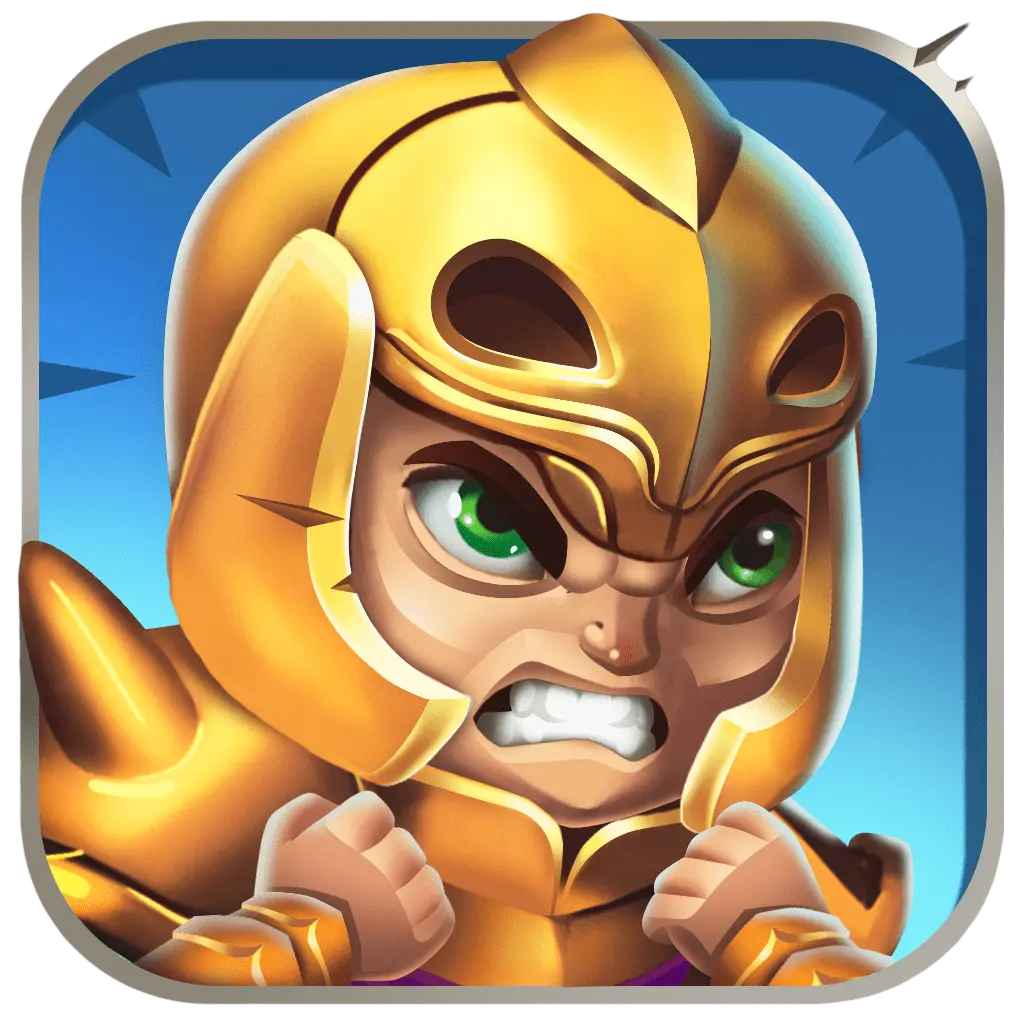
Knight Stack Jump is a mobile hyper-casual title built around a stacking-jump core loop and a stylized 2D art direction. Game-Ace handled art production and runtime integration, keeping the visual identity readable on small screens and the asset count tight for fast iteration.
When to talk to Game-Ace about game art
As a custom game development company, Game-Ace runs production-ready art pipelines for 2D and 3D directions across indie and mid-budget projects, with engagement models that match team extension, co-development and full-cycle delivery. The studio has been in game development since 2005, with 120+ in-house specialists and 200+ delivered games across iGaming, mobile, web and multiplayer genres.
Teams typically reach out at one of these stages:
- Style exploration: scoping two or three style targets with a benchmark game and a tested asset.
- Asset pipeline review: aligning DCC stack, rigging and engine integration with the available team.
- Full art production: concept, characters, environments, animation, VFX and porting-ready assets.
- In-house team scaling: matched artists onboarded against an existing style guide.
If you are scoping a stylized 2D art set, a 3D character art project, or co-development with your in-house art team, talk to Game-Ace. Browse the art portfolio for shipped projects across genres at art portfolio, then contact us at contact us to discuss your art direction, target platform and production timeline.
 How to design learning games for kids
  Arcade game design: a production guide
  Game environment design for production-ready worlds
  Narrative game design: from concept to shipped story
  Game UX: a practical guide for studios and product teams


































