


Playable ads are short interactive demos that let a user try a mini version of a game or app inside an ad slot before they install. In mobile user acquisition, playable ads consistently outperform static banners and skippable video on install intent, retention, and post-install engagement. This guide covers formats, specs, production, and cost.
What are playable ads?
A playable ad is a self-contained interactive creative, usually built in HTML5 or a lightweight engine like PlayCanvas or Unity, that renders inside an ad slot on mobile networks, social platforms, or the web. The user taps, drags, or swipes through a 15 to 60 second gameplay loop that mimics a real product moment, then hits an end card with a store install button.
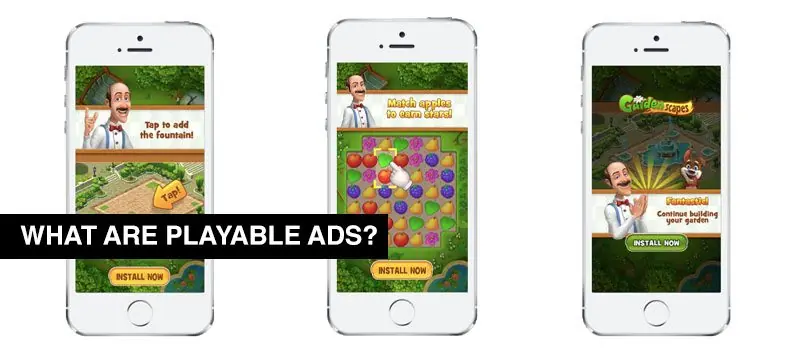
Playable ads for games first spread on Facebook and mobile ad networks around 2016 and are now the default format for hyper-casual, casual, and mid-core mobile UA campaigns.
The format also works for non-game apps: fintech onboarding, e-commerce configurators, and SaaS product demos have all shipped playable creatives.
Scoping playable ads for a UA campaign?
Why playable ads outperform static and video
Playables force one thing static and video cannot: an active tap or drag before the install prompt. That single interaction lifts install intent, filters out low-fit users, and gives the publisher post-click analytics that video does not, including completion inside the mini-game, time-to-first-interaction, and drop-off point.
- Higher install conversion versus static banners on the same placement.
- Better day-1 and day-7 retention because users self-qualify before install.
- Rich attribution: gameplay events, not just impressions.
- Lower creative fatigue when the loop varies (different levels, characters, or endings).
- Works with rewarded placements, interstitials, and social feed formats.
Where playable ads run: networks and platforms
Almost every mobile ad network now supports playable ads as a first-class format. The major buys are Google Ads (App campaigns), Meta Audience Network, Unity Ads, AppLovin, and ironSource (now part of Unity LevelPlay). Each network has its own asset spec, but they all follow the IAB MRAID 2.0 or 3.0 standard for interactive ad packaging.
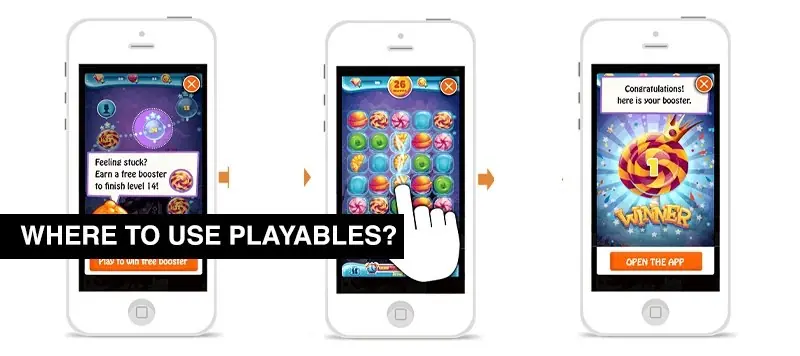
Google Ads accepts HTML5 playables packaged as a single index.html up to 5MB, see Google’s official playable ad specifications for the current file size limits and safe area rules. Meta uses a similar HTML5 package but with its own tester and Facebook SDK end-card integration.
Types of playable ads
The taxonomy below covers the five formats that show up in most UA campaigns. Choice depends on the product, the network, and how much of the real gameplay you want to expose upfront.
| Format | Typical length | Engagement metric | Install intent | Production time |
|---|---|---|---|---|
| Mini-game demo | 15-30 sec | Level completion | High | 3-5 weeks |
| Interactive story | 30-60 sec | Choice branches | Medium | 4-6 weeks |
| Product simulator | 20-45 sec | Feature taps | High (SaaS/e-com) | 4-7 weeks |
| Try-before-download | 15-20 sec | Time-in-play | High | 2-4 weeks |
| Hero moment loop | 10-15 sec | Tap-through rate | Medium | 2-3 weeks |
Hyper-casual campaigns lean on hero moment loops and try-before-download. Mid-core RPG and strategy titles favor mini-game demos with a real combat or match slice.
How Game-Ace produces a playable ad
Production runs in five stages and usually takes 2 to 6 weeks per creative, depending on whether we reuse the source game or build a bespoke mini-game.
- Stage 1, brief and content source: we decide between two approaches, a “miniature” build that trims the live game code to fit the ad envelope, and a “bespoke” build with new art and scripts inspired by the game but scoped for the ad only. The miniature route is faster; the bespoke route usually converts better.
- Stage 2, scenario and estimation: our producer works with the client marketing lead on the hook, the pass condition, and the end-card call to action.
- Stage 3, art and animation: concept, symbol set, or character rigs go through Spine, Adobe Illustrator, or Maya depending on 2D or 3D output. Assets stay tight, playable ads for Google Ads must fit under 5MB total.
- Stage 4, engineering: development in HTML5 and JavaScript, or PlayCanvas or Unity WebGL export, with MRAID hooks for network compatibility.
- Stage 5, QA, integration, and network delivery: we test on iOS Safari, Chrome Android, and each target network’s playable tester. Analytics wire-up covers Unity Analytics, AppsFlyer, and network-native events.
Teams that want to run this workflow alongside their own marketing team can bring Game-Ace in under a game co-development model, or export from an existing Unity project using Unity mobile game development tooling. HTML5 and WebGL packaging follows the same pipeline documented on our WebGL game development page.
What playable ads cost and how long they take
A single playable ad from a specialist studio typically costs between €4,000 and €15,000. Simple hero moment loops sit at the low end. Bespoke 3D mini-game demos with 2 or 3 variants for A/B testing land in the €10,000-€25,000 range.
Timeline: 2 to 6 weeks brief to delivery for a first creative, with iteration cycles of 3 to 7 days for variants. Related reading: mobile game development cost and mobile game design.
Practical tips for a playable ad that converts
- Keep the loop under 30 seconds. First interaction inside 3 seconds.
- One mechanic, one goal. No tutorials the user has to read.
- End card CTA in high contrast, above the fold, with a store icon.
- Ship at least two creative variants for A/B testing on each network.
- Test on real mid-tier Android devices, that is where install intent lives.
Talk to Game-Ace about your next playable ad
If you are scoping playable ads for a UA campaign or looking to co-develop ad-tech creative with your in-house marketing team, Game-Ace can scope, prototype, and ship the first creative in three to four weeks. Related reading: hyper-casual game development, casual game development, and mobile game development.
 How to make a game app: a practical guide from idea to launch
  Best gaming platform: how to pick the right one
  Mobile gaming trends shaping the industry now
 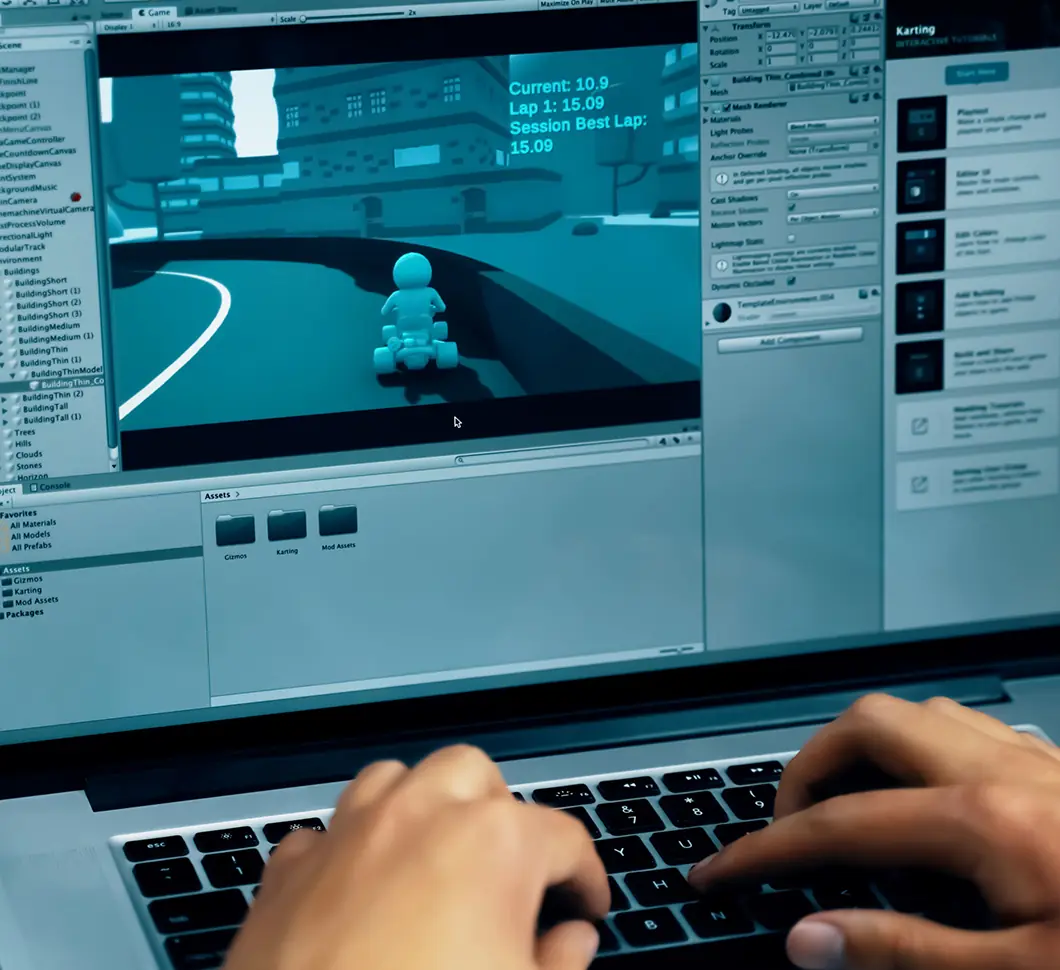 Unity mobile game development guide
 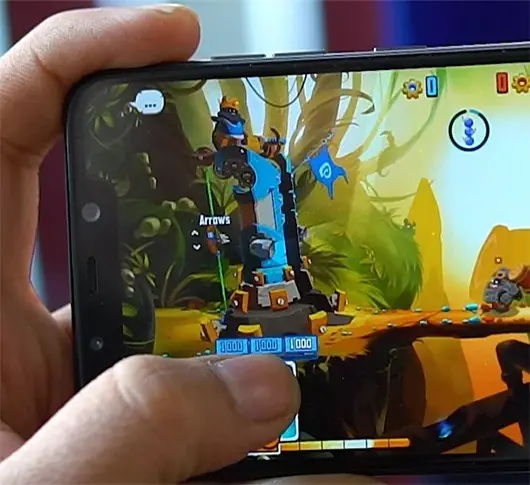 Mobile game testing for iOS and Android: end-to-end guide


































