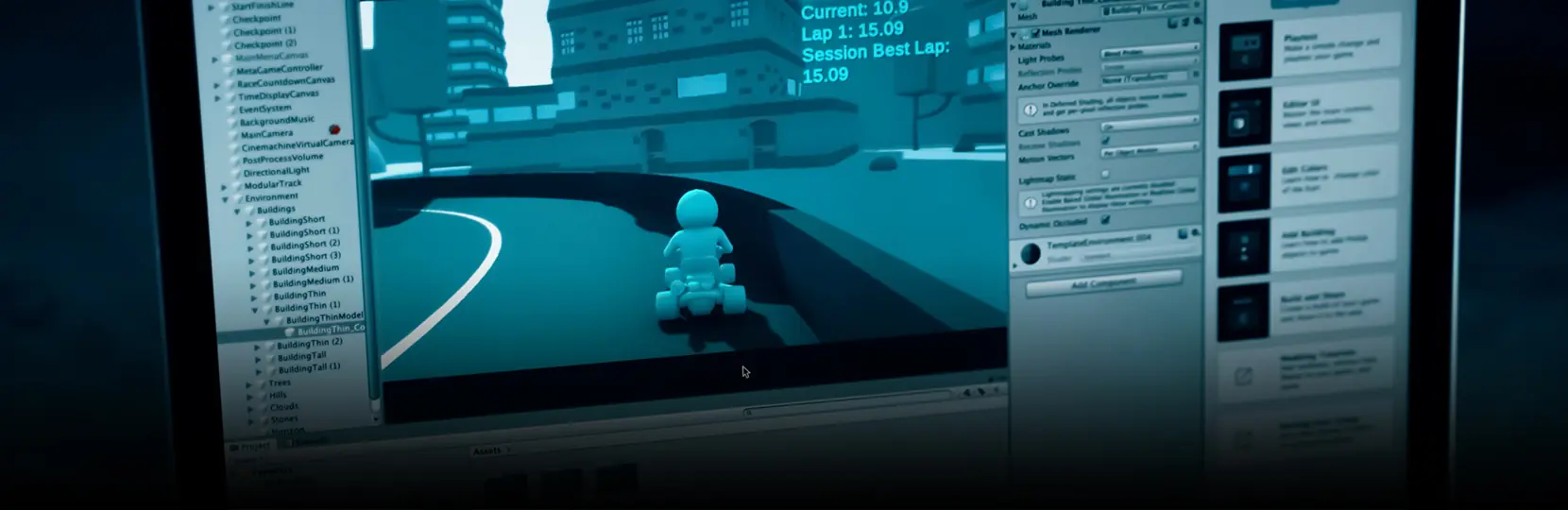

To make a mobile game in Unity, start a 2D or 3D project on the current LTS Editor, target Android and iOS player settings, build on the Universal Render Pipeline with mobile-tuned shaders, set up Addressables for content delivery, integrate Unity IAP and an ads SDK, profile on real devices, and ship through Unity Cloud Build to the App Store and Google Play. This guide walks a studio through that pipeline end to end, the way a production mobile game development team actually runs it.
Unity mobile game project setup
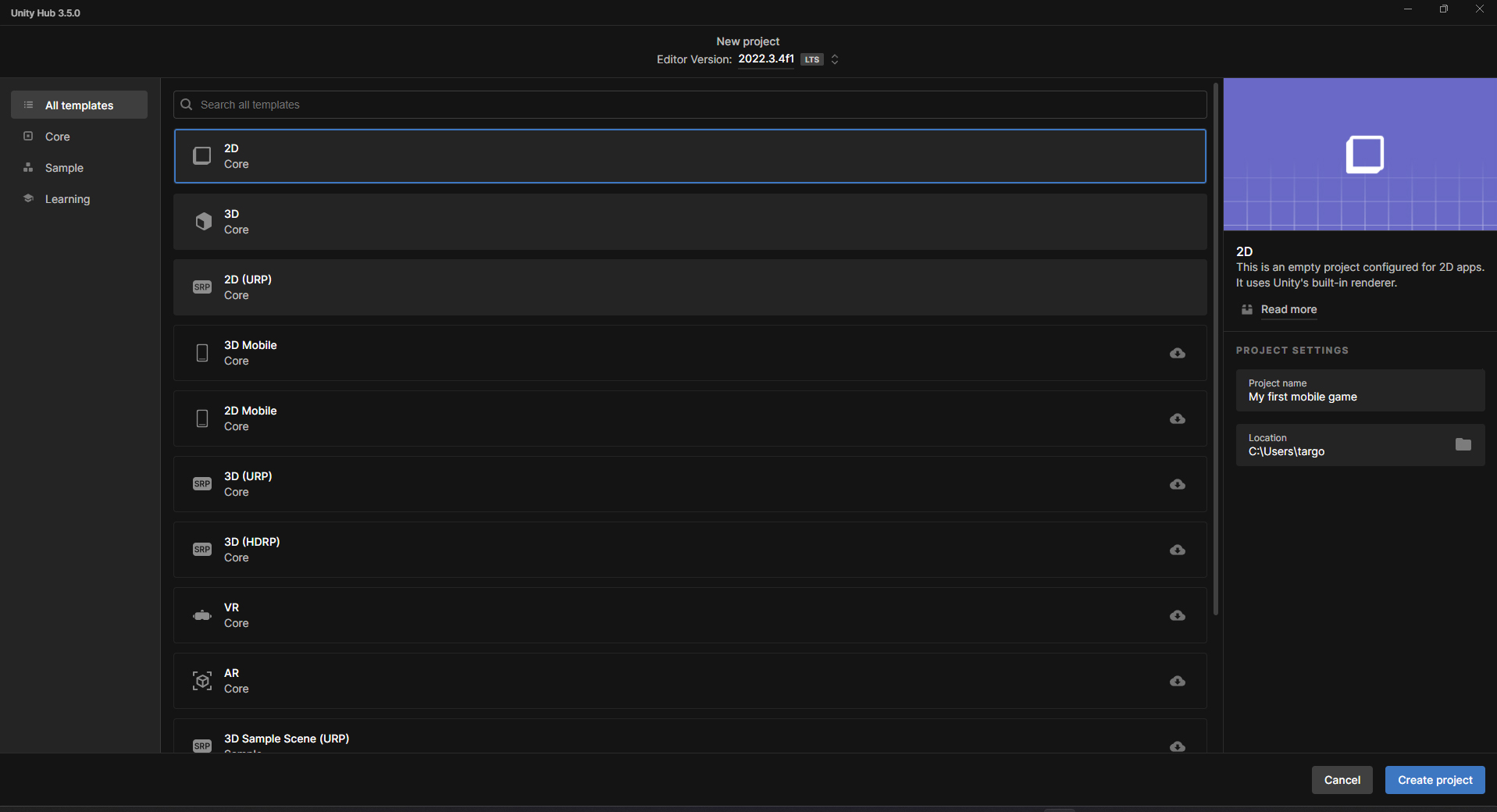
A clean mobile project starts before any gameplay code.
Pick the current Unity LTS release so the Editor, package versions, and platform tooling stay aligned for the full production cycle, then create the project from the 3D (URP) or 2D (URP) template so the render pipeline is wired from day one. In Player Settings, set the Android target API level to the latest version required by Google Play, switch the scripting backend to IL2CPP with ARM64 enabled, and set the iOS deployment target to a supported minimum that matches the studio device matrix. Configure Quality Settings per platform with conservative defaults, enable Incremental GC, and turn on Multithreaded Rendering. Add only the packages the project will actually use, so build size and import times stay predictable as the team scales.
- Unity LTS Editor with the matching Android Build Support, iOS Build Support, and WebGL modules when needed.
- URP package configured with mobile-friendly Renderer assets and forward rendering.
- Addressables package for content delivery and remote catalogs.
- Input System package for cross-device input handling.
- Burst and Jobs packages for performance-critical systems; ECS (DOTS) only when the gameplay loop benefits from it.
Render pipeline choice for Unity mobile game development
For mobile, the Universal Render Pipeline is the default choice. URP gives a single forward renderer tuned for tiled mobile GPUs, supports Shader Graph, and exposes per-camera renderer features that scale from low-end Android devices to current iPhones.
The Built-in Render Pipeline still ships some legacy projects, but new mobile titles rarely justify staying on it because URP shader variants and post-processing are far easier to budget on constrained hardware. Lock graphics targets before art production: a target frame rate, a memory ceiling, and a draw-call budget per scene. Bake static lighting where the game allows it, keep real-time lights to a handful per frame, and prefer GPU instancing and SRP Batcher-compatible shaders. Tune post-processing per device tier so the low-end build drops bloom and depth of field automatically.
| Pipeline | Best fit | Mobile considerations | Migration cost |
| Built-in (BiRP) | Legacy projects already in production | Limited mobile post-processing, manual shader work, harder to scale across device tiers | Low if staying, high if porting later |
| URP | New mobile titles, casual to mid-core | Forward renderer tuned for tiled GPUs, Shader Graph, scalable Renderer Features | Low for new projects, moderate from BiRP |
| HDRP | Not recommended for mobile | Designed for desktop and console hardware, not suitable for the target devices in this guide | Not applicable |
Performance profiling on real devices
Mobile profiling has to happen on representative hardware, not only in the Editor. The Unity Profiler connected to a tethered device shows CPU main thread cost, render thread cost, and GC allocations frame by frame. Frame Debugger explains where draw calls come from, and RenderDoc captures a single frame for deep GPU analysis. On Android, ARM Mobile Studio gives shader cycle counts and bandwidth data for Mali GPUs; on iOS, Xcode Instruments and the Metal frame capture reveal command buffer cost, texture bandwidth, and thermal pressure. Profile a low-end device, a mid-range device, and a current flagship for each release branch, and track three numbers across builds: average frame time, peak memory, and battery temperature after fifteen minutes of play. For the deeper techniques behind those numbers, see our guide to Unity performance optimization.
- Unity Profiler: CPU, GPU, memory, rendering, and audio timelines.
- Frame Debugger: per-draw-call inspection inside the Editor.
- RenderDoc: deep GPU capture for Vulkan and OpenGL ES on Android.
- ARM Mobile Studio: Streamline and shader analysis for Mali GPUs.
- Xcode Instruments: Time Profiler, Allocations, and Metal System Trace for iOS.
Addressables and content delivery
Addressables let a mobile build stay small at install time and grow on demand. Group assets by usage pattern: core gameplay bundles ship inside the app, while large level packs, seasonal content, and high-resolution textures load from a remote catalog.
Use content update workflows so a live build can fetch a new catalog without a full store update, and plan the bundle layout around the data the game actually streams per session, not around folder structure in the project. Pair Addressables with a CDN that supports range requests so the patch payload stays small. For long-running live ops, keep a stable schema for analytics events and remote config keys so older clients keep reporting useful data after content updates ship.
Unity mobile game development monetisation and analytics
Monetisation is part of the technical design, not a late-stage bolt-on. In-app purchases ship through Unity IAP or a direct StoreKit and Google Play Billing integration when the team needs finer control over receipts. Rewarded video, interstitial, and banner ads run through Unity LevelPlay, AdMob, or IronSource depending on eCPM data from comparable titles. Analytics splits into product analytics (Firebase, Unity Analytics, or GameAnalytics) and revenue analytics tied to mediation reporting. Validate every receipt server side so refunds and chargebacks reconcile correctly, and keep ad placements behind a remote config flag so the live ops team can pause an ad unit without a client update. The economics behind those choices are worth modelling early; our breakdown of how to build a profitable mobile game covers the trade-offs.
| Category | Option A | Option B | When to pick |
| In-app purchases | Unity IAP | Native StoreKit + Google Play Billing | Unity IAP for speed; native for fine-grained receipt control |
| Ad mediation | Unity LevelPlay | AdMob or IronSource | LevelPlay for Unity-first teams; AdMob or IronSource for existing partner contracts |
| Product analytics | Firebase Analytics | Unity Analytics or GameAnalytics | Firebase for broad ecosystem; GameAnalytics for cohort and DAU dashboards out of the box |
| Remote config | Firebase Remote Config | Unity Remote Config | Match the analytics vendor to avoid duplicated identity stitching |
CI/CD and build pipelines
A reliable build pipeline removes a major class of release risk. Unity Cloud Build handles Editor version pinning, Android and iOS signing, and parallel platform builds without local infrastructure, while studios that already run Jenkins, GitHub Actions, or GitLab CI can drive the Unity CLI in batch mode and pair it with Fastlane to upload IPAs to TestFlight and AABs to Google Play internal testing. Cache the Library folder per branch so incremental builds stay fast. Run automated smoke tests against the produced build, including a cold-start performance check on a tethered device farm, and gate that step with structured game testing before promotion. Tag every store-bound build with the commit SHA, Editor version, and Addressables catalog hash so a regression in the wild can be traced back to a specific change without guesswork.
- Unity Cloud Build for managed Editor versions and signing.
- Self-hosted runners with the Unity CLI for studios with existing CI.
- Fastlane for TestFlight, App Store Connect, and Google Play uploads.
- Gradle and Xcode project tweaks committed to source control, not generated by hand each build.
- Device farm smoke tests gated before promotion to the store.
Unity mobile game submission to App Store and Google Play
Store submission is a documentation exercise as much as a build exercise. For the App Store, Apple expects a signed IPA uploaded through Xcode or Transporter, a TestFlight build verified by internal reviewers, and an App Store Connect listing with screenshots per device class, privacy nutrition labels, and an export compliance declaration. For Google Play, the team uploads an Android App Bundle (AAB), targets the current Play API level, completes the data safety form, and runs at least one internal testing release before production rollout. Alternative stores (Amazon Appstore, Galaxy Store, Huawei AppGallery) accept similar artefacts with their own metadata requirements. Because a single Unity build feeds several stores at once, plan the release the way a cross-platform mobile game ships, and lock screenshot capture and localisation into the checklist so marketing assets never block a tested build.
Unity mobile game post-launch live ops
A live mobile game is a service. The first weeks after launch reveal device coverage gaps, crash hotspots, and monetisation issues that no test plan can predict at full scale.
Connect Firebase Crashlytics or a similar crash reporter so stack traces flow into the same backlog as gameplay bugs. Pair a remote config feature-flag system with staged rollouts so a new ad placement or balance change can reach five percent of players before the full base. Plan content updates around the Addressables catalog rather than the app binary whenever possible. For long-term retention, keep a steady cadence of small content drops and treat each one as a measurable experiment with a clear hypothesis on retention and ARPDAU.
- Crash and ANR monitoring with stack traces tied to build IDs.
- Remote config and feature flags for staged rollout of risky changes.
- Addressables content updates that ship without a store review cycle.
- A/B tests for monetisation placements, tutorial flows, and difficulty curves.
- Player support pipeline linked to in-game player ID for fast reproduction.
Game-Ace Unity mobile games in production
The pipeline above is how we ship our own Unity mobile titles. Two recent builds show the workflow end to end on real Android and iOS releases.
Demon Runner: a Unity endless runner on iOS and Android

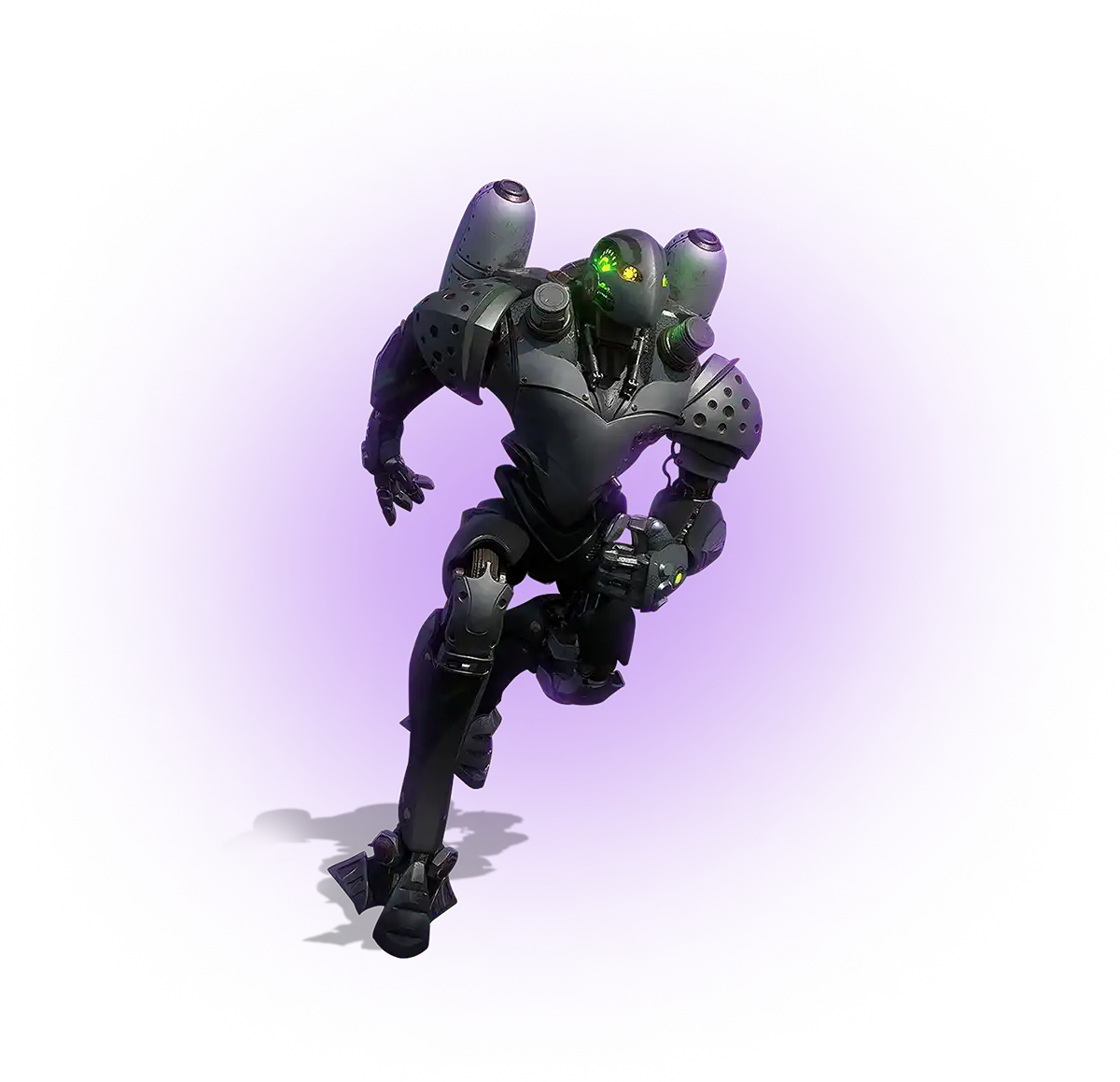
Demon Runner is a mobile-first endless runner built in Unity, with a two-action combat loop, loot-chest progression, and an offline-first architecture. Game-Ace ran the full cycle from a single codebase to stable Android and iOS builds, shipping to both the App Store and Google Play alongside the launch website.
If you are planning a Unity mobile game, an MVP, or co-development with your in-house team, talk to Game-Ace.
When to talk to Game-Ace
Game-Ace has built mobile games on Unity since 2005 from its Cyprus HQ, with 120+ in-house specialists across engineering, art, QA, and live ops, and 200+ delivered games across mobile, web, and multiplayer genres. Mobile projects ship under strict NDA with full source code and IP transfer at handover.
The usual reasons studios and publishers bring us into a Unity mobile project:
- Full-cycle build: from greenlit GDD to a store-ready Android and iOS release, with profiling and live ops baked in.
- Co-development: a Unity team plugged into your existing pipeline to add capacity without slowing your leads down.
- Rescue and optimisation: taking over an in-flight build to fix performance, crashes, or store-rejection issues.
- Team extension: Unity engineers, artists, and QA added to your production line for a defined scope.
For a deeper look at delivery models, scope, and engagement, see our Unity mobile game development services, and bring us a concrete target frame rate, device matrix, and release window so the first conversation is about your build, not generalities.
 How MetaHuman changes game character development
  Game development for startups: budget and MVP guide
  Engineering tower defense games from prototype to live service
  Idle game development: a full production guide
  Gamification in recruitment: what actually works