


Learning games for kids work when every action in the game maps to a real skill the child practices in class or at home. Strong designs pair a clear learning objective with a short interaction loop, an age-appropriate interface, and feedback that arrives before the next move. The rest of this guide covers age design rules, curriculum mapping, mechanics, three production cases, and the metrics that prove the game taught something.
Why learning games for kids must go beyond fun
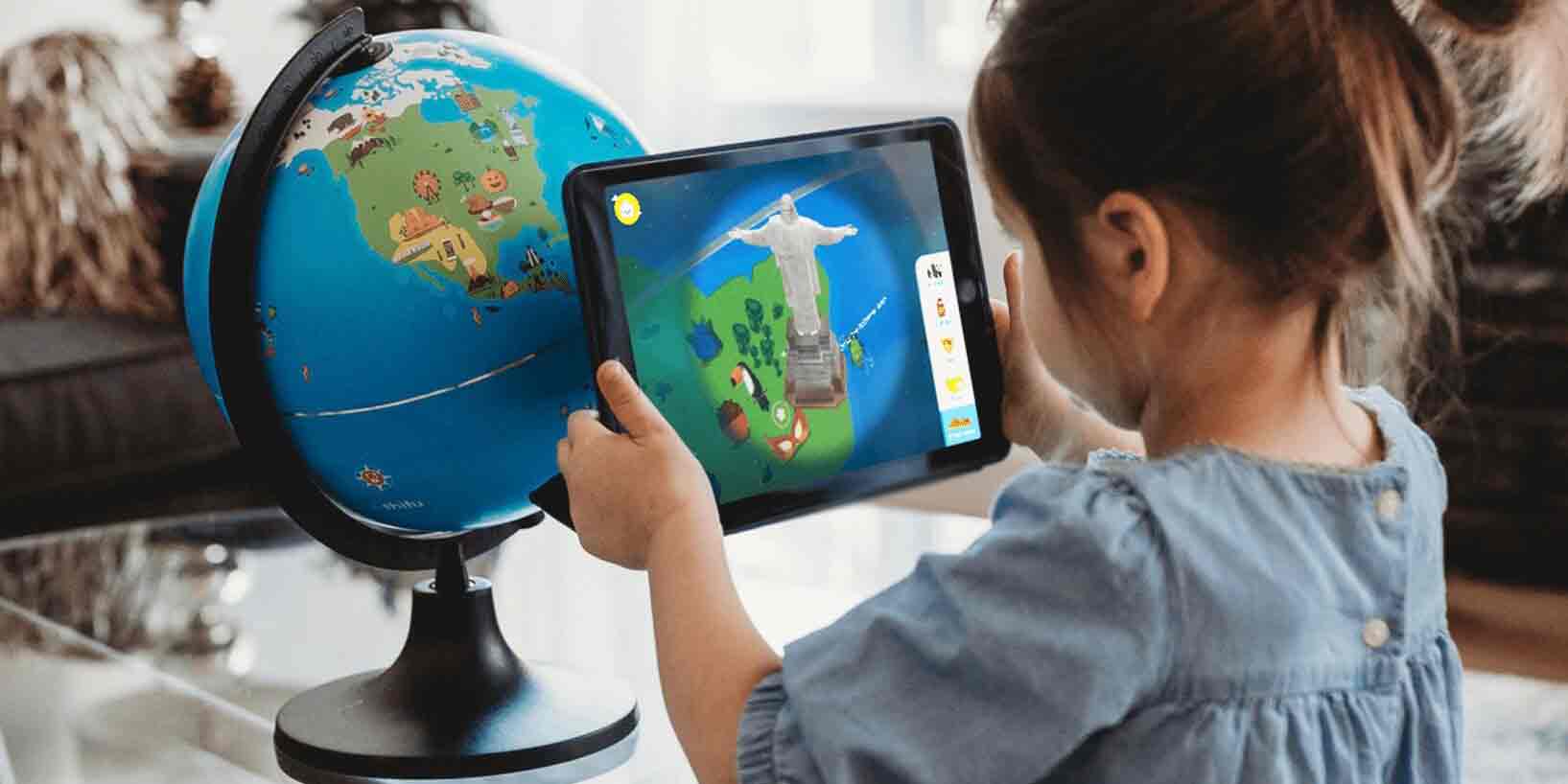
Learning games for kids must go beyond fun because attention alone does not produce a measurable skill. A title that entertains can hold a child for ten minutes and still leave the teacher nothing to grade. A learning game is built so the only path through the loop forces the learner to practice a target behaviour: solving a sum, reading a sentence, sorting a sequence, choosing a budget. Game-Ace treats learning games as serious game development projects, with the learning objective scoped as the primary spec rather than a polish layer added after the art is done.
The difference shows up in small mechanics. A reading game that rewards correct sentence completion teaches; the same game that drops coins for tapping anywhere is entertainment with letters in it. A math game that escalates from single-digit sums to two-digit only after a defined accuracy threshold teaches; the version that lets the player skip ahead via power-up has broken the loop. When Game-Ace plans a K-12 or L&D project, the first artefact is a learning objective map. Every screen, every reward, every fail state ties back to one row in that map. If a feature has no row, it does not ship.
Designing learning games for kids by age band
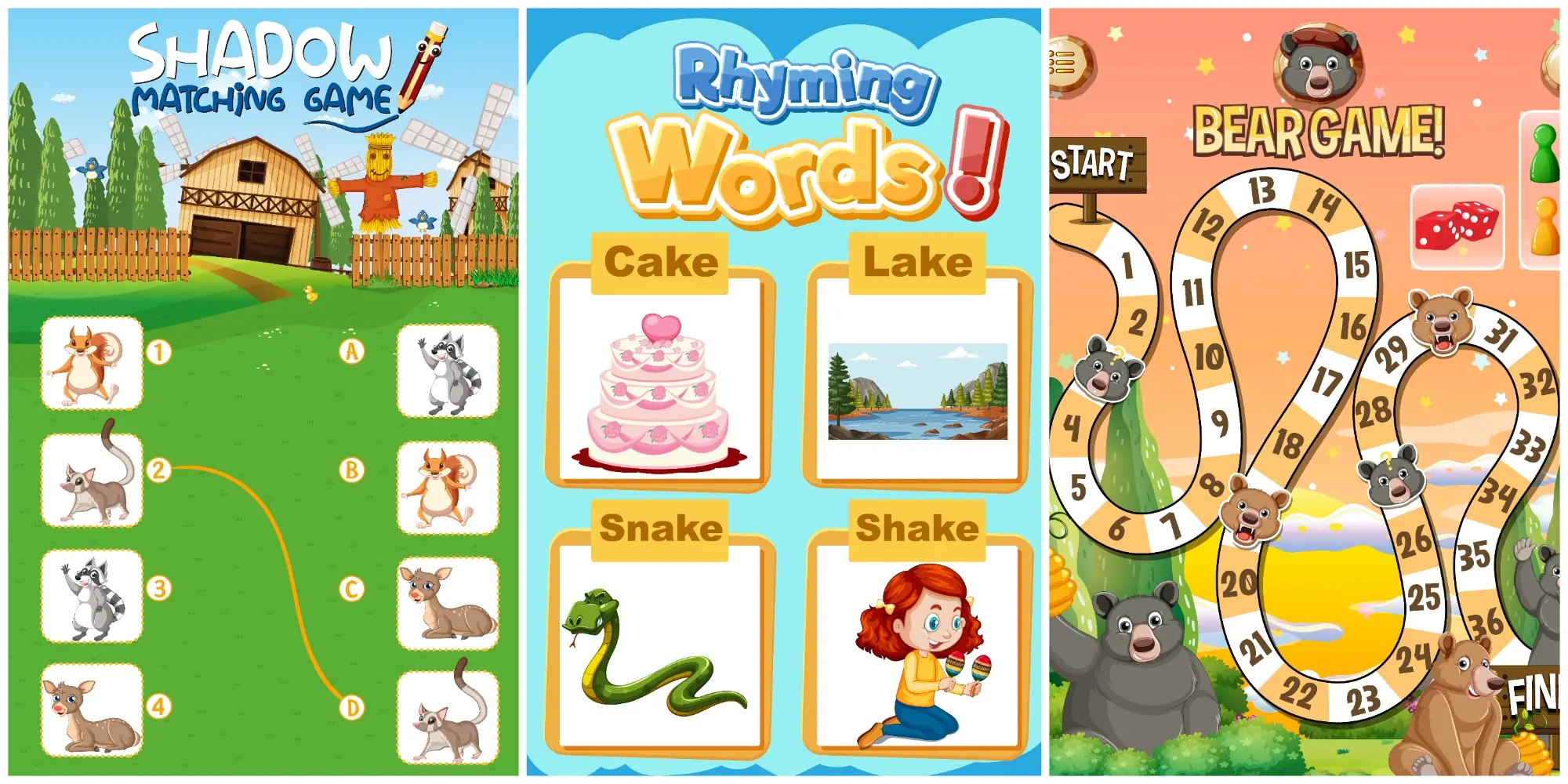
Age band is the single biggest design constraint in learning games for kids. A K-2 learner cannot parse multi-clause instructions and is still building fine-motor control for drag gestures. A grade 9 to 12 learner can manage a multi-screen workflow, parse a data dashboard, and accept delayed feedback when it is justified. The table below summarises the rules Game-Ace uses across age bands when scoping educational game design for publishers and edtech platforms.
| Age band | Session length | Input model | Reading load | Feedback timing | Reward type |
| K-2 (ages 5 to 7) | 5–8 min | Single-tap, large targets, audio prompts | Low; icons and voice-over instead of text | Immediate, animated, no failure penalty | Visible progress, character growth, no points UI |
| 3 to 5 (ages 8 to 10) | 8–12 min | Tap and drag, dual-finger gestures | Short sentences, sight-word level | Within 1 second, with optional replay | Sticker collections, unlock paths, light streaks |
| 6 to 8 (ages 11 to 13) | 10–15 min | Tap, drag, basic typing | Paragraph-level, content-area vocabulary | Within 2 seconds, with worked example on miss | Skill trees, badges with criteria, leaderboard opt-in |
| 9 to 12 (ages 14 to 17) | 12–20 min | Full keyboard, mouse, multi-touch | Multi-paragraph, technical terms | End-of-task summary plus per-step on demand | Mastery levels, portfolio artifacts, real-world tie-in |
The grade band rules cascade into UI specifics that the educational games for kids team revises on every project. For K-2, the team enforces a 64-point minimum touch target, two interactive elements per screen, and audio voice-over for prompts longer than three words; type sizes start at 24 points and palettes follow the Okabe-Ito colour-blind safe set. For grades 3 to 5, two-line instructions and non-punitive streak rewards are the norm. Grades 6 to 8 admit multi-step problems and a worked-example overlay on miss. For grades 9 to 12, the team can ship realistic dashboards, sliders, and number inputs that approximate workplace tools. Across all bands, the team aligns to WCAG 2.1 AA, which gives school districts the accessibility evidence they need during procurement.
Game-Ace splits the design phase by age band rather than by feature. A title that targets both K-2 and grade 3 to 5 ships as two configured profiles, not one compromise. The product owner decides at scoping whether the build is single-band, dual-band, or wide K-12.
Mapping curricula and learning objectives to gameplay
Mapping curricula to gameplay is the work that separates educational game design from edutainment. The team writes a learning objective in the language of a teaching framework, lists the micro-steps a learner must perform to demonstrate it, and picks a mechanic that forces those micro-steps as the only path to progress. If the mechanic admits a shortcut, the mapping is broken. The frameworks Game-Ace maps against most often are Bloom's taxonomy verbs at the chosen cognitive level, the Common Core State Standards, the Next Generation Science Standards, and corporate competency frameworks for L&D buyers.
A worked example helps. Take the objective 'Grade 4 learner can decompose a two-digit subtraction problem using place value.' In Bloom verbs, this sits at 'apply.' The mechanic that forces the right micro-steps is a manipulative interface where the learner taps to split a tens-rod into ten unit-blocks before they can drag away the subtrahend. The same loop reaches Common Core 4.NBT.B.4 and gives the publisher a documented standard alignment. Game-Ace does this work in gamification-driven curriculum projects with the publisher's instructional designer. The output is a spreadsheet that survives the build and becomes part of the QA acceptance criteria.
Financial Garden from the Game-Ace portfolio
One Game-Ace project shows how the rules above land in a shipped financial literacy learning game for children.
Welcome to Financial Garden, a financial literacy learning game by Game-Ace

Financial Garden teaches children core money habits through a garden-tending loop where every saving, earning, and spending decision shows up as plant growth. Game-Ace upgraded design, user flow, and the visual system so lessons on budgeting and delayed gratification stay readable for the target age.
Mechanics that turn play into real-world skill
Mechanics turn play into a real-world skill only when the in-game action is structurally the same as the out-of-game action the learner needs to perform. A sequencing mechanic teaches sequencing. A drag-and-drop classification mechanic teaches classification. Adding a coin reward to a mechanic that already teaches the skill does not change what the learner learns; replacing the skill mechanic with a coin-collection mechanic does. The mechanics Game-Ace uses most often in game-based learning production are listed below, paired with the skills they actually train.
- Drag-and-drop classification trains sorting, categorisation, taxonomy work, and is the right mechanic for biology habitat or grammar parts-of-speech objectives.
- Sequence assembly trains procedural memory and is the right mechanic for history timelines, scientific method steps, or recipe-style life-skills lessons.
- Threshold-gated escalation trains mastery and is the right mechanic for math fluency, sight-word recognition, and any skill measured by accuracy at speed.
- Branching decision trees train consequence-mapping and are the right mechanic for civics, ethics, and budgeting tasks where one good choice prevents three bad outcomes.
- Constrained simulation trains hypothesis testing and is the right mechanic for STEM lab work, electrical circuits, and ecosystem balance objectives.
- Speech recognition trains pronunciation and is the right mechanic for early reading and second-language phoneme work, with the caveat that audio handling raises COPPA review depth.
Each of those mechanics has a wrong way to use it. A drag-and-drop that scores only the visual snap teaches recognition, not classification. A timer-driven recall that rewards speed without checking accuracy teaches guessing. Game-Ace runs a 'strip the art' review on every loop: the designer rebuilds it in monochrome shapes and asks whether the underlying decision still resolves to the correct one. If a learner can solve the monochrome version, the mechanic carries the skill. If not, the original was leaning on visual cues.
The mechanic also dictates the failure model. A K-2 phonics game cannot end a session on a wrong answer; it has to redirect with a softer cue. A grade 9 to 12 budgeting simulation can fail the player and force a restart, because the learner is old enough to read failure as part of the lesson.
LMS, accessibility and child-data compliance
Educational game development for the school or corporate L&D market does not finish at gameplay. The build must ship into a learning management system the buyer already runs, clear an accessibility review, and pass a privacy audit before a school district will license it. SCORM 1.2 and 2004, xAPI, LTI 1.3, and cmi5 are the four standards Game-Ace integrates against most often.
Each standard has a cost profile. SCORM 1.2 is the cheapest to integrate and the most widely supported but limits the payload to completion, score, and time. SCORM 2004 fixes some sequencing limits but stays file-based. xAPI sends statements to a Learning Record Store, which lets the dashboard track every learner decision; the trade-off is that the buyer runs or buys an LRS. LTI 1.3 covers launch from inside the LMS with single sign-on and grade passback. cmi5 is the modern combination of xAPI plus a launch contract, and it is the option Game-Ace recommends for new titles that need both rich data and easy LMS launch. On privacy, US COPPA, enforced by the FTC, is the gate every K-12 title clears: verifiable parental consent, no third-party behavioural advertising for users under 13, and a parental gate on in-app purchases.
Accessibility is the third gate. Closed captions on every audio prompt, keyboard navigability for every interaction, and motion-reduced alternatives ship by default rather than as a paid upgrade.
Measuring whether the learning game actually taught

A learning game proves it taught by collecting the right metrics, not by being fun. Session length and click totals tell engineering whether the build is stable; they tell pedagogy almost nothing. The metrics that matter map back to the learning objective row in the curriculum spreadsheet: accuracy on the target skill, time-to-correct after a miss, attempt-count distribution, and skill transfer to an unsupported context.
Pedagogy metrics worth tracking in a child-targeted learning game include attempts per step (high counts on a single step flag a UI problem or content gap), error clusters (a common wrong answer usually points to a misconception), strategy shifts after feedback, and retention across a 48-hour gap. On top of those, a classroom-grade educational game design ships with a teacher dashboard that surfaces per-student progress against the curriculum standards mapped at scoping. Game-Ace builds the dashboard in the same sprint as the gameplay so metric definitions and in-game events do not drift between releases.
If the dashboard cannot answer a single question the buyer asked at procurement, the title has not finished shipping. The team treats that question list as a feature checklist, not as marketing copy.
If you are scoping a learning game for K-12, a corporate skills-training platform, or a serious-game build, talk to Game-Ace.
Planning a learning game with Game-Ace

Game-Ace, a custom game development studio, builds learning games for kids across K-12, early literacy, financial literacy, STEM, and corporate L&D. The studio runs the work as full-cycle development, co-development with a publisher's curriculum team, or team extension into an existing edtech group. Every project starts with a curriculum spreadsheet and ends with a teacher or parent dashboard tied to it. Founded in 2005 and staffed by 120+ in-house specialists, the team has shipped 200+ titles.
 How MetaHuman changes game character development
  Game development for startups: budget and MVP guide
  Engineering tower defense games from prototype to live service
  Idle game development: a full production guide
  Gamification in recruitment: what actually works

































