
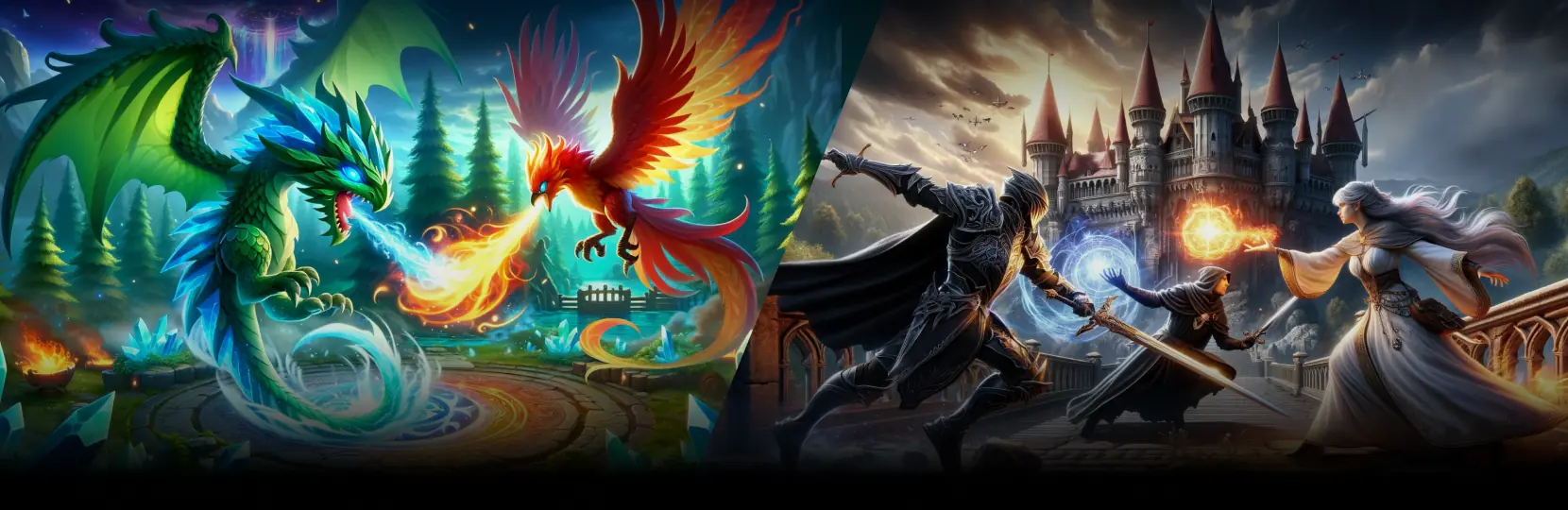

Choose Unity 2D when the game leans on sprite art, tile-based levels, side-scrolling or top-down mechanics, and a smaller art budget. Choose Unity 3D when the game needs spatial navigation, physics-driven interaction, camera freedom, or VR. Unity 2D vs 3D is not a quality question, it is a scope, pipeline, and budget question that must be answered before production starts.
What actually changes between Unity 2D and Unity 3D
Unity 2D and Unity 3D share the same engine core, but the production pipelines differ from day one. In a Unity 2D project the render path is usually the 2D Renderer inside URP, art is authored as sprites and sprite atlases, levels are built with Tilemap and sorting layers, and physics uses Rigidbody2D and Collider2D. In a Unity 3D project the render path is URP or the default 3D forward renderer, art is built as meshes with LODs and PBR textures, levels use Terrain or modular meshes with lightmaps and probes, and physics uses 3D Rigidbody, joints and character controllers.
The engine choice is the same. The pipeline, the team composition, and the asset budgets are not.
Scoping a Unity 2D or Unity 3D project and want a technical review before committing?
When to choose Unity 2D
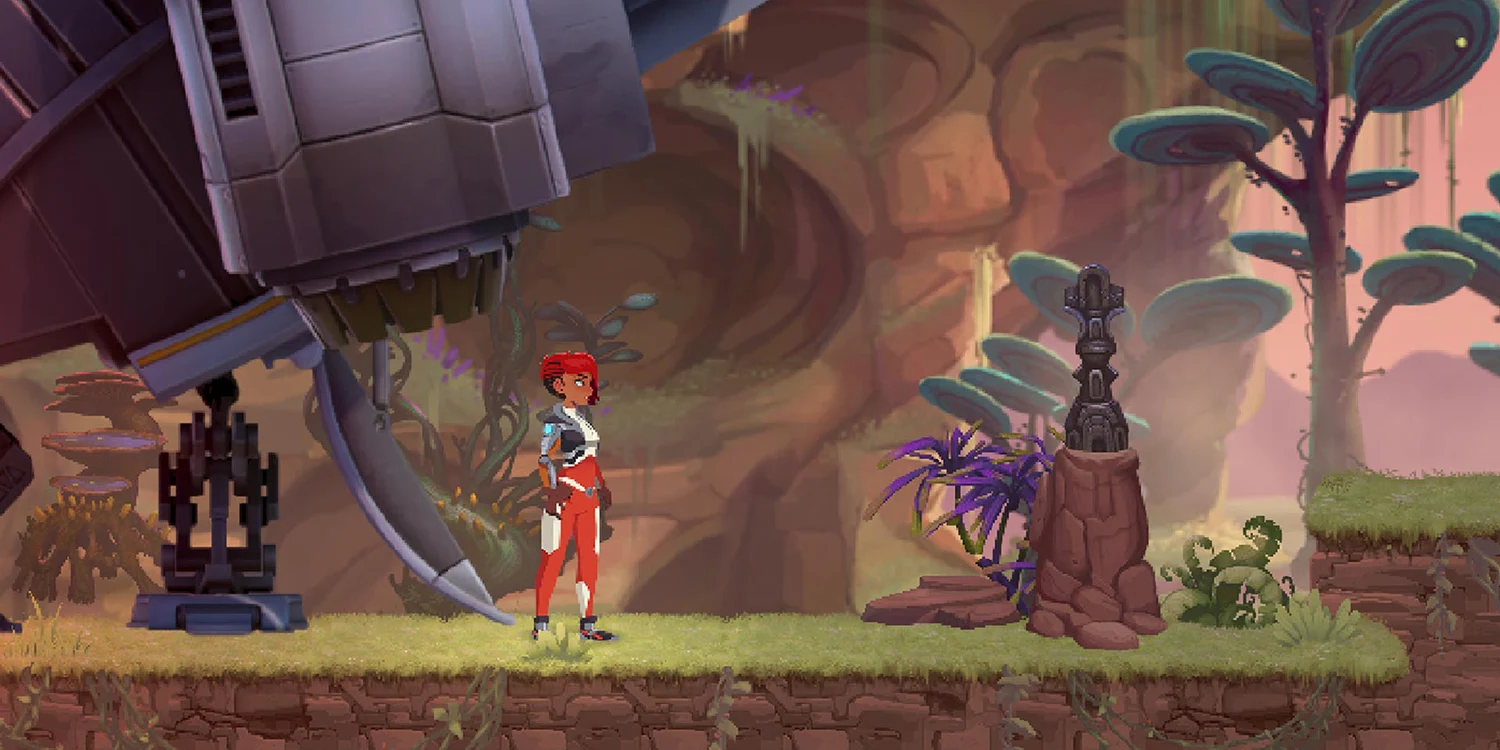
Unity 2D fits games where the visual language is inherently flat: puzzle, match-3, casual arcade, side-scrollers, top-down shooters, roguelites, card and board games, casino slot games, and narrative visual novels. It also fits any project where the team wants faster iteration on art, smaller build size, wider device coverage, and lower runtime cost on low-end phones.
- Casual and hyper-casual mobile titles with short sessions and heavy A/B testing on art.
- Match-3 and puzzle games where readability and clean silhouettes matter more than depth.
- Slot and casino games with animated symbols, reels, and 2D VFX.
- Metroidvania, platformer and roguelite games with hand-painted or pixel art.
- Educational games, storybook apps, and narrative-driven mobile titles.
A 2D project typically ships with a smaller team: one or two Unity engineers, one to three 2D artists and animators, one game designer, one QA. Timelines for a focused vertical slice are usually 2 to 3 months, and a full 2D mobile release lands in the 4-8 month range depending on content volume.
When to choose Unity 3D
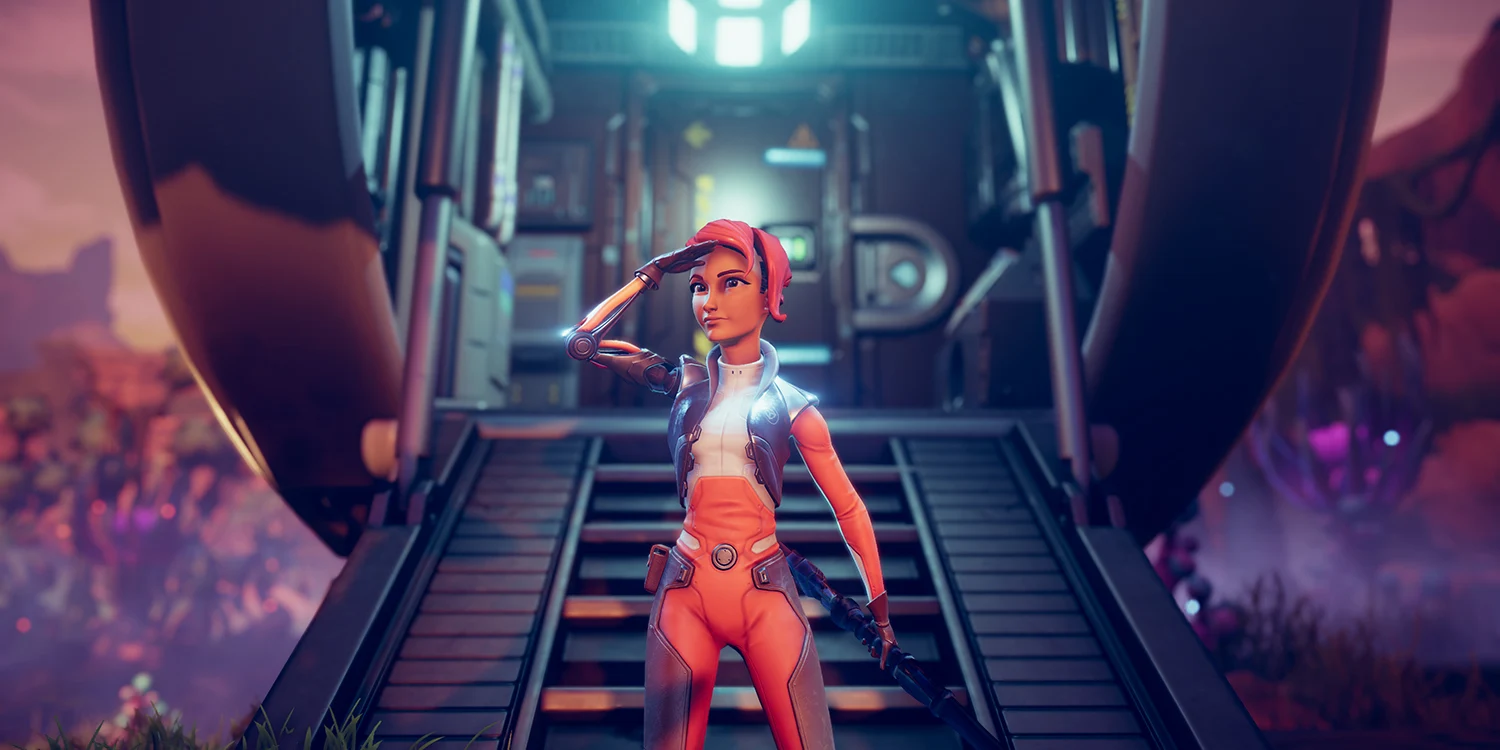
Unity 3D fits games where camera control, spatial navigation, or physics-driven interaction is part of the core loop. That includes first- and third-person games, racing, sports, simulation, tycoon, base-building, VR and AR titles, cooperative shooters, action-adventure games, and any product where the player expects a real sense of space.
Unity 3D also fits enterprise use cases: training simulators, digital twins, product configurators, and architectural walkthroughs. The 3D pipeline is heavier because every character needs modelling, rigging, skinning and animation clips; every environment needs geometry, materials, lightmaps and probes; and every scene needs profiling on the target hardware.
- First- or third-person games with free camera and 3D physics.
- Racing, sports, and simulation titles that require accurate motion.
- VR and AR products, from training to location-based entertainment.
- Tycoon, base-building and strategy games with camera pan and zoom.
- Real-time training and simulation tools for enterprise clients.
Unity 2D vs 3D: side-by-side comparison
The table below summarises the practical differences a producer or CTO usually weighs before greenlighting a Unity 2D or Unity 3D project. Numbers reflect typical mid-sized mobile and cross-platform projects, not outliers.
| Dimension | Unity 2D | Unity 3D |
|---|---|---|
| Typical dev time | 4-8 months for a focused mobile title | 6-14 months for a focused cross-platform title |
| Typical budget | €40,000-€180,000 | €90,000-€450,000+ |
| Rendering | 2D Renderer in URP, sprite lit or unlit, orthographic camera | URP or built-in 3D, forward or deferred, perspective camera |
| Art assets | Sprites, sprite atlases, spine or 2D skeletal rigs, tilemaps | PBR meshes, LODs, skeletal rigs, animation clips, VFX graphs |
| Team composition | 1-2 engineers, 1-3 2D artists, 1 designer, 1 QA | 2-4 engineers, 2-5 3D artists, 1 tech artist, 1 designer, 1-2 QA |
| Runtime cost | Low draw calls, small memory footprint, wide device support | Higher draw calls, larger memory, needs profiling on target devices |
| Best fit | Casual, puzzle, slots, platformers, narrative, educational | Shooters, racing, simulation, VR, training, 3D strategy |
Cost and timeline drivers you cannot skip
Unity 2D vs 3D cost usually comes down to art volume, animation complexity, and platform coverage. In Unity 2D, the biggest driver is unique art per scene and per character animation state. Studios often underestimate how many frames or skeletal poses a single character needs across idle, walk, run, jump, hit and death states.
In Unity 3D, the biggest driver is content pipeline overhead. Every character needs a mesh, UVs, textures, a rig, skinning, and animation clips authored in Maya, Blender or 3ds Max, then integrated into Unity with Animator Controllers or the Playables API. Add optimisation for mobile, and the tech artist role becomes essential.
For a rough benchmark, Game-Ace projects usually land in the €40,000-€180,000 range for 2D mobile scope and the €90,000-€450,000+ range for 3D cross-platform scope. Cross-platform releases and VR builds push the top end higher.
Case studies from Game-Ace
This project shows how Unity 3D maps to real production work. It was delivered by Game-Ace under NDA, with full IP transfer to the client.
Welcome to Star Archer VR, a Unity 3D VR game by Game-Ace
Star Archer VR is a virtual reality archery game built in Unity 3D for standalone VR headsets. Game-Ace handled 3D asset production, gameplay engineering, and VR-specific performance tuning to hold a stable frame rate on mobile-class VR hardware. The project shows the kind of scope where Unity 3D is the correct choice: spatial input, room-scale movement, and physics-driven bow mechanics.
Common mistakes when picking between Unity 2D and 3D
The most common mistake is choosing Unity 3D because it looks more modern, then discovering that the team does not have a 3D pipeline, a rigger, a tech artist, or a profiling budget. A Unity 2D game with strong art usually outperforms a rushed Unity 3D game on the same budget.
The second common mistake is choosing Unity 2D because it feels cheaper, then trying to fake depth with parallax and pseudo-3D tricks that could have been handled cleanly by a lightweight 3D scene. If the game needs real perspective, real physics, or free camera, Unity 3D is the honest answer.
A short pre-production step, usually a two to four week technical validation, is enough to lock the dimension choice before content production starts.
When to talk to Game-Ace about Unity 2D or 3D
If Unity 2D or Unity 3D is part of your roadmap, Game-Ace, a Unity game development studio, handles full-cycle delivery, co-development, and team extension from a single team of 120+ in-house specialists. The team has shipped 2D mobile, 3D VR, and 3D vehicle projects since 2005, so the dimension question is answered from real production experience, not from a template. For deeper technical detail on 2D and 3D rendering paths, the Unity 2D Renderer documentation and URP documentation are the canonical references. See also our Unity game development and hire Unity developers pages, our 2D game art and 3D modeling services, and the related read on Unity vs Unreal.
 Unity 6 for game development: what actually changed
  Rapid game development with Unity: from prototype to build
  Best game engines: a working shortlist
  Unity vs Unreal: picking the right engine for your game
  How to pick a Unity development studio for your next game


































