
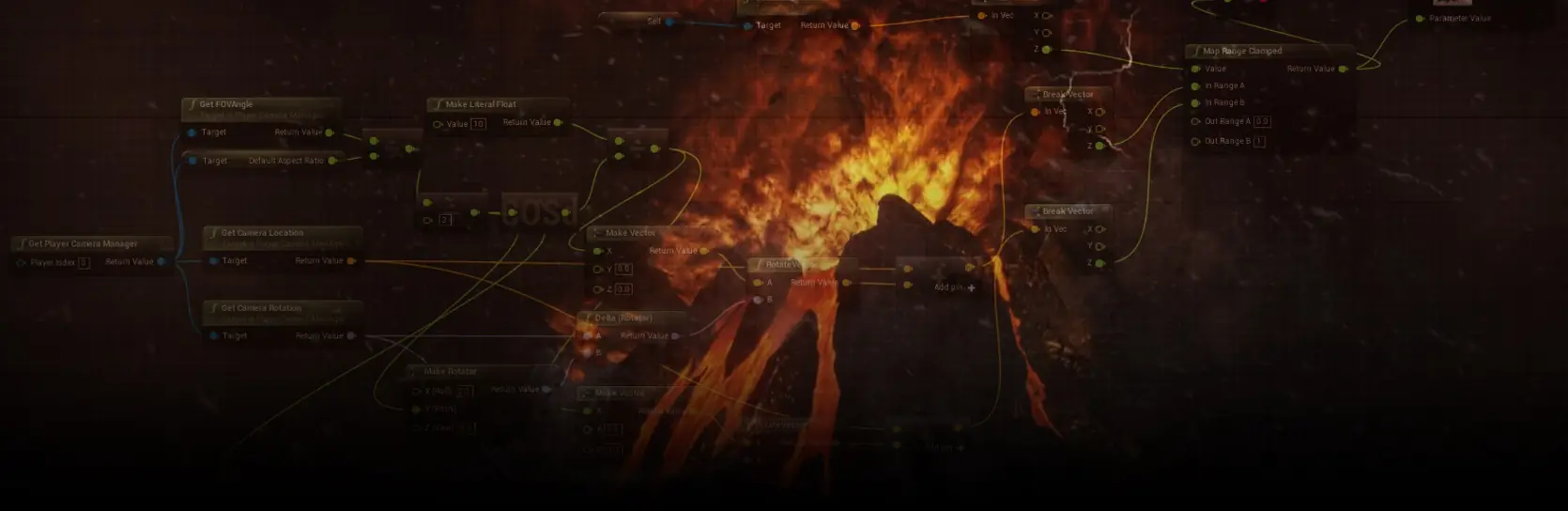

Unreal Engine Blueprints are Epic Games’ visual scripting system built directly into the editor. Teams use Blueprints to prototype gameplay quickly, wire up UI, drive designers’ iteration loops, and ship features without a full C++ programmer for every task. C++ is still the right tool for heavy runtime logic, engine extensions, and tight performance budgets.
Blueprints as visual scripting: what the graph actually does
A Blueprint is a compiled asset. When a designer connects nodes in the graph editor, the editor generates a bytecode script that the Unreal Virtual Machine executes at runtime. Each node is a call into native C++ code, so a Blueprint is a scripted composition of C++ functions, not a separate language on top of the engine. This is why the visual metaphor is safe for production: the underlying operations are the same operations a C++ programmer would call.
Most Blueprint classes inherit from an existing C++ or Blueprint parent, override a few functions, add variables, and expose them to designers. The result is a data-driven asset that lives in the content browser, can be diffed, versioned, and instanced like any other Unreal asset.
Scoping an Unreal Engine build and weighing Blueprint-heavy versus hybrid production?
Blueprint vs C++: performance, hiring cost, iteration speed
Blueprints trade raw performance for iteration speed. Bytecode nodes carry a per-call overhead measured in the low microseconds, which is invisible for gameplay logic that runs a few times per frame and painful for tight loops that run thousands of times per frame. The right split is behavioural rule: Blueprints for game flow, UI, spawning, quest logic, sequencing, and prototyping; C++ for physics-heavy systems, procedural generation, netcode paths, and any subsystem called every frame across many actors.
Hiring economics also matter. A senior Unreal C++ engineer commands a higher day-rate and is harder to source than a strong Blueprint-focused technical designer. A common Game-Ace setup pairs one Unreal C++ engineer with two or three Blueprint-capable designers, which is faster and cheaper than an all-C++ team for gameplay-driven projects.
Blueprints vs C++ vs Hybrid at a glance
| Approach | Runtime performance | Iteration speed | Hiring cost | Best fit |
|---|---|---|---|---|
| Blueprints only | Adequate for gameplay logic, weaker for heavy per-frame loops | Fastest, hot reload in editor | Lower, easier to hire | Prototypes, UI-heavy titles, small-team indie, UEFN experiences |
| C++ only | Highest, native compiled code | Slowest, requires editor reload or Live Coding | Higher, senior engineers | Engine extensions, dedicated servers, heavy simulation |
| Hybrid (C++ base, Blueprint children) | Near-native for hot paths, flexible on top | High, designers iterate in Blueprints | Balanced, one C++ lead plus Blueprint designers | Most mid-budget production titles, mobile and VR games |
| Blueprint plus Data Assets and Data Tables | Fast enough, data drives the branches | Very high, content changes without recompilation | Low, technical designer profile | Loot tables, ability data, level tuning, live-ops content |
| Verse (UEFN only) | Managed, sandboxed, tuned for UEFN | High inside UEFN, single-language workflow | New skill, growing talent pool since 2023 | UEFN islands and experiences |
Blueprint Nativization is gone: what replaced it
Blueprint Nativization, the feature that converted Blueprint graphs into generated C++ at cook time, was deprecated in Unreal Engine 4.27 and removed in Unreal Engine 5.0. Epic Games documented that maintenance cost outweighed the benefit for most projects, because modern hardware and engine optimisations narrowed the runtime gap.
The modern replacements are architectural, not a single button. Teams move hot paths into C++ base classes, keep the derived Blueprint thin, remove per-frame Tick logic in favour of events and timers, and store data in Data Assets and Data Tables so the runtime does not evaluate the same branches thousands of times. On UE 5.4, this pattern comfortably ships to consoles and mid-range mobile devices without nativized bytecode.
Blueprint Interfaces and Event Dispatchers: talking between actors
Blueprint communication patterns are where junior teams create hard-to-maintain projects. Three patterns cover almost every case. Direct Cast is the simplest and creates a hard reference between two Blueprints, which is fine for tightly-coupled parent and child but expensive when overused. Blueprint Interfaces let one actor call a function on another without knowing its exact class, which keeps modules decoupled. Event Dispatchers implement the observer pattern: an actor broadcasts an event and any number of listeners react without the sender knowing who is listening.
- Direct Cast: two actors that already know each other, such as a weapon and its owning character.
- Blueprint Interface: a door that reacts to any “Interact” caller, whether it is the player, an AI, or a cinematic.
- Event Dispatcher: UI, sound, and score subsystems that all react to a “Player Died” event without coupling.
Blueprint communication and reference cost
Hard references are the quiet source of memory bloat. A Blueprint that hard-references another Blueprint pulls the entire referenced asset and its dependency graph into memory. On a mobile or VR build, one careless Direct Cast can double the memory footprint of a level. Blueprint Interfaces and Soft Object References solve this. Interfaces call functions without loading the target class ahead of time. Soft References resolve at runtime, so a boss actor with many optional cinematics only loads the cinematic assets when the fight actually starts.
Verse and UEFN: how Blueprints compare to Epic’s new language
Verse is Epic Games’ new programming language that ships inside Unreal Editor for Fortnite (UEFN). It targets UEFN experiences today and, according to Epic, will grow into the main Unreal Engine over time. Verse is a strongly typed, functional logic language with concurrency primitives, so it is closer to a modern general-purpose language than Blueprints. For a UEFN island team, Verse replaces both the Blueprint and C++ layers with a single language.
For traditional Unreal Engine projects shipped outside UEFN today, Verse is not yet an option. Blueprints and C++ remain the correct choice for standalone games and enterprise real-time projects. Teams starting a UEFN island project should skip Blueprints and adopt Verse directly.
Performance patterns: kill Tick, embrace events and timers
Blueprint Tick is the most common performance mistake in Unreal Engine projects. Every actor that ticks every frame costs bytecode overhead multiplied by frame count and actor count. On a mid-range mobile device at 30 frames per second with 200 ticking Blueprints, that overhead alone can consume the frame budget. Turn Tick off by default on new Blueprint classes and re-enable it only where continuous per-frame work is genuinely required, such as smooth camera follow.
Event-driven design is the replacement. Set Timer by Function Name runs a function on an interval without a frame-locked Tick. Delegates and Event Dispatchers push updates only when state changes. Async tasks handle work that would otherwise sit inside Tick waiting for a condition. The result is a graph that sleeps until something interesting happens, which is exactly how a well-written C++ actor behaves.
For projects using the Gameplay Ability System, abilities and effects run through a data-driven pipeline that keeps most gameplay logic out of Tick entirely.
Blueprint for gameplay prototyping
Blueprints are the reason many Unreal projects reach a playable state in weeks rather than months. A designer with Blueprint fluency can build a controller, wire an ability, iterate on feel, and hand off a working reference to the C++ engineer for hardening. Game-Ace uses this loop on most Unreal engagements: the first playable is Blueprint-heavy, and the second milestone moves confirmed hot paths into C++ while the design team keeps iterating on the rest.
When to graduate a system to C++
Move a system to C++ when it stops being a design decision and starts being a performance or architectural constraint. Common triggers include a Blueprint that appears in profile captures more than once, a base class that many other Blueprints depend on and therefore cannot change safely, netcode paths that need custom serialisation, a subsystem that runs across most actors, and any code that needs to be exposed as a plugin or shared across projects.
The migration is rarely a full rewrite. The idiomatic Unreal pattern is a C++ base class with Blueprint children, which keeps designers productive and moves the expensive work to native code.
Blueprints with Data Assets and Data Tables
Data-driven design keeps Blueprints small. A weapon Blueprint that reads its damage, fire rate, spread, and recoil from a Data Asset is a single class that scales to a hundred weapons without a hundred Blueprint duplicates. Data Tables do the same for tabular content such as loot drops, ability parameters, and mission configuration, and they import cleanly from spreadsheets a designer edits outside the engine.
Team workflow: source control for Blueprint binary assets
Blueprints are binary assets, which changes how source control works. Text-based diff and merge do not apply. Perforce Helix Core is the industry-standard choice because it supports exclusive checkout, which prevents two people from editing the same Blueprint at the same time and losing changes. Git LFS is a valid alternative for smaller teams already on Git, provided the team accepts a lock-based workflow through a plugin such as git-lfs-locks.
Inside the editor, the Blueprint Diff Tool visualises graph changes between two revisions, and the Blueprint Merge Tool resolves conflicts when they happen. For a team of ten or more Unreal developers, adopting these tools day one prevents most of the pain that gives “Blueprints do not scale” its reputation.
Mobile and VR: where Blueprint overhead actually matters
Mobile and VR are the two platforms where careless Blueprint use will show up as dropped frames. VR runs at 72 to 120 frames per second with a strict frame budget and no room for hitches. Mobile chips vary widely, and mid-range Android devices have a fraction of the CPU headroom of a modern console. The rules from earlier in this article become non-negotiable on these platforms: turn Tick off, avoid hard references that inflate memory, move any per-frame work into C++, and profile early.
For a mobile or VR title, Game-Ace typically writes character movement, physics interactions, and any per-frame simulation in C++, leaves UI and gameplay flow in Blueprints, and validates on target hardware from the first vertical slice.
An Unreal Engine project Game-Ace has shipped
Welcome to Skyscraper, an Unreal Engine action-horror prototype by Game-Ace
Skyscraper is a third-person action-horror prototype built in Unreal Engine and C++, with an emphasis on responsive character movement and combat feel. Game-Ace handled full-cycle production, from concept through gameplay implementation, leaning on Unreal’s replication-ready character framework.
Further reading from Epic Games: Blueprints Visual Scripting documentation and Blueprint Best Practices.
When to talk to Game-Ace about Unreal Engine Blueprints
Bring Game-Ace in when the project needs a hybrid Blueprint and C++ setup, a mobile or VR build with a real frame budget, or a team that already owns Perforce, Blueprint Diff and Merge tools, and a data-driven asset pipeline. Game-Ace’s custom game development studio handles full-cycle delivery, co-development, and team extension for Unreal Engine projects. Since 2005, the 120+ in-house team has shipped Unreal titles across VR, mobile, and PC.
 Unreal Engine 5.6 cinematics: a production guide
  How to build an endless runner game in Unreal Engine
  Best game engines: a working shortlist
  Unity vs Unreal: picking the right engine for your game
  Unreal Engine 4 vs 5: evolution in game development


































