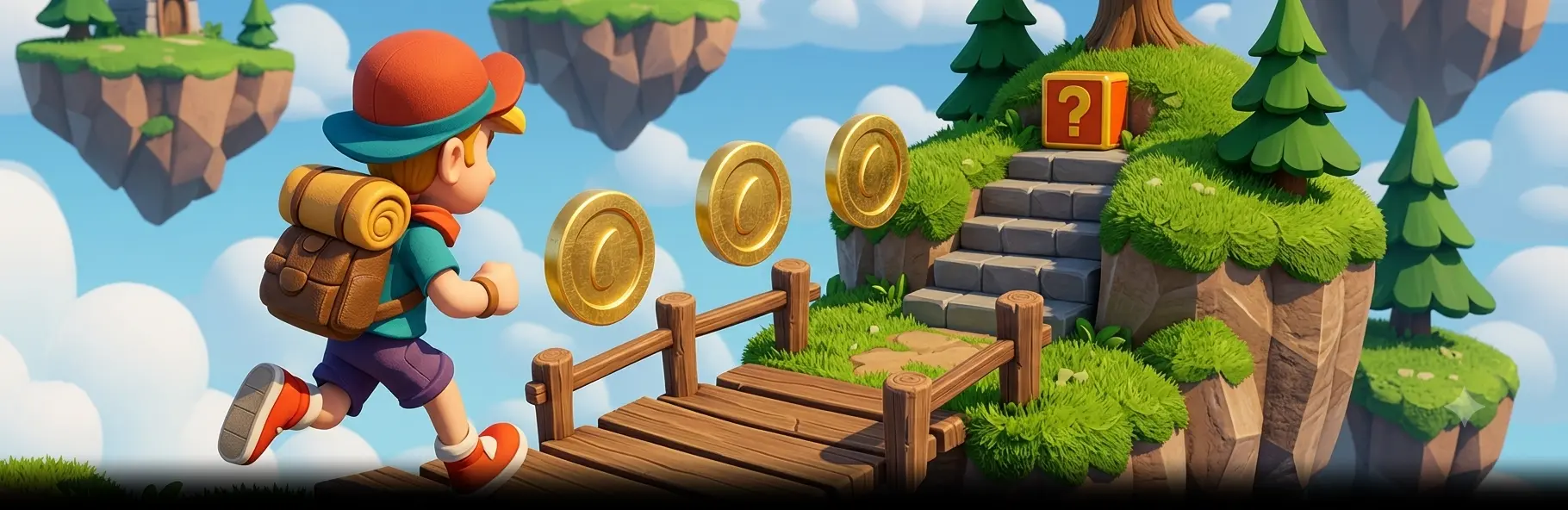

WebGL games are interactive titles that run inside a browser through the WebGL graphics API, with no download or app install. WebGL game development typically uses Unity WebGL, PlayCanvas, Three.js, Babylon.js, Phaser, or Cocos Creator, with WebGL 2.0 as the default and WebGPU as the emerging path for compute-heavy effects.
If you are scoping a WebGL game build, a browser-first marketing campaign, or co-development with your in-house web team, talk to Game-Ace.
What WebGL games are and how they work

WebGL games are real-time interactive applications rendered in a browser through the WebGL API, which exposes GPU-accelerated graphics to JavaScript. The browser becomes the runtime: no installers, no platform store, no second binary. A player opens a URL, the engine bootstraps, and the game runs the whole session inside a canvas element. Most production WebGL games today target WebGL 2.0 with a WebAssembly logic layer and progressive asset streaming, which keeps initial load light while the rest of the content downloads behind the first playable frame. The WebGL standard itself is defined by the Khronos Group; see the Khronos WebGL specification for the reference spec used by browser vendors.
A typical WebGL game pipeline covers:
- Rendering through WebGL 2.0, with WebGPU as the emerging path for compute-heavy effects
- Logic in JavaScript or WebAssembly compiled from C# (Unity), C++ (Cocos, custom engines), or Rust
- Asset streaming via HTTP/2 or HTTP/3 with progressive loading and addressables
- Audio via Web Audio API
- Input through pointer, gamepad, and touch events
- Networking via WebSockets, WebRTC, or HTTP for multiplayer and analytics
How WebGL games differ from native, Electron, and PWA builds
WebGL games run as web pages; native, Electron, and PWA builds run as installed applications. A native iOS or Android game ships through the App Store or Google Play, uses platform SDKs at runtime, and has full access to device features, push notifications, and IAP rails. Electron wraps Chromium and Node.js into a desktop binary that the user installs. A Progressive Web App lives somewhere between: still a web page, but cacheable for offline use and pinnable to the home screen.
WebGL games skip the install entirely. The player clicks a link, the game loads on demand, and the session ends when the tab closes. This makes WebGL games the natural fit for marketing campaigns, playable ads, casual portals, and embedded experiences inside larger web apps, but it also imposes constraints on memory, storage, and background processing that native builds do not face. Teams comparing options often prototype with browser game development before committing to a native build.
WebGL game development tech stack in 2026
A modern WebGL game stack combines a rendering API, a runtime, a build pipeline, and a hosting layer. Rendering is moving from WebGL 1.0 toward WebGL 2.0 and WebGPU. Runtime logic ships through WebAssembly when performance matters, plain JavaScript when iteration speed matters more.
Engines and frameworks for WebGL games
The right engine choice depends on team skill, target performance, project scope, and how much custom rendering the game needs. Studios that already run Unity game development pipelines often reuse C# code through the Unity WebGL build target. The table below compares the most active options for WebGL game development.
| Engine or framework | Best fit | Typical output size | Performance ceiling | Learning curve | Ecosystem |
| Unity WebGL | Studios with Unity assets and C# code | 20–80 MB compressed | High, mature WebGL 2.0 | Medium, full IDE | Largest asset store and tooling |
| PlayCanvas | Marketing games, instant play, multiplayer | 2–15 MB compressed | High, WebGL 2.0 and WebGPU paths | Medium, browser editor | Strong web focus, used by Snap |
| Three.js | Custom 3D experiences and dashboards | 0.5–5 MB core | High when hand-tuned | Steep, code-first | Largest 3D web community |
| Babylon.js | Visualisation, configurators, mid-budget 3D | 1–6 MB core | High, WebGPU compute support | Medium, documented APIs | Microsoft-backed, active |
| Phaser | 2D arcade, casual, and HTML5 portal games | 0.3–3 MB | High for 2D | Low, JavaScript-first | Strong for portal distribution |
| Construct 3 | Designers and small teams, no-code 2D | 1–5 MB | Solid for 2D | Low, visual editor | Subscription, web editor |
| Cocos Creator | 2D and 3D mobile-style games on web | 3–15 MB | Strong, WebGL 2.0 and WebGPU | Medium | Popular in Asia, mobile bridge |
| Godot HTML5 | Indie 2D and 3D with open licence | 10–30 MB | Improving, WebGL 2.0 | Medium | Active OSS community |
| Unreal Engine HTML5 | Not recommended | n/a | Deprecated | n/a | Removed by Epic in 4.24 |
Business use cases for WebGL games
Brands and studios reach for WebGL games when distribution friction matters more than device-level features. Marketing teams use them as branded landing-page experiences and ad campaigns: one URL, one click, no install, full analytics. Casual portals and operator lobbies use them to grow time-on-site and reduce the friction of trying a new title. Education and training teams use them inside LMS platforms because IT departments do not need to whitelist a binary. iGaming operators use them to ship instant-play casino lobbies that work on both desktop and mobile from the same build.
For lighter HTML5/Canvas variants of the same problem, our team also publishes HTML5 game development notes for buyers who are weighing the lighter rendering path. Common business uses for WebGL games include:
- Branded marketing campaigns and product launches
- Playable ads inside Google Ads, Meta, and Unity LevelPlay networks
- Gamified onboarding and compliance training inside LMS platforms
- Customer loyalty rewards and seasonal mini-events
- Casual portals such as Poki, CrazyGames, GameDistribution, and Y8
- Operator lobby integrations for iGaming and instant-play casual catalogues
WebGL 1.0 vs WebGL 2.0 vs WebGPU: which to use
WebGL 1.0 still ships in every browser and is the safest baseline for very old hardware, but it caps shader features and texture formats that modern WebGL games need. WebGL 2.0 is the current default production target: it supports GLSL ES 3.00, transform feedback, multiple render targets, and 3D textures. WebGPU is the newer standard, modelled on Vulkan, Metal, and DirectX 12, with compute shaders and lower CPU overhead. For canonical browser-support data, see caniuse.com WebGL 2. Most production WebGL games in 2026 target WebGL 2.0 with a WebGPU code path behind a feature flag.
| Aspect | WebGL 1.0 | WebGL 2.0 | WebGPU |
| Browser support 2026 | Universal | Universal | Chrome, Edge, Safari 18, Firefox 141 |
| Shader language | GLSL ES 1.00 | GLSL ES 3.00 | WGSL |
| Compute shaders | No | No | Yes |
| Storage buffers | No | Limited | Yes |
| CPU overhead | High | Medium | Low |
| When to choose | Legacy compatibility only | Default production target | High-end effects, dashboards, compute |
How WebGL games and dashboards improve performance and interactivity
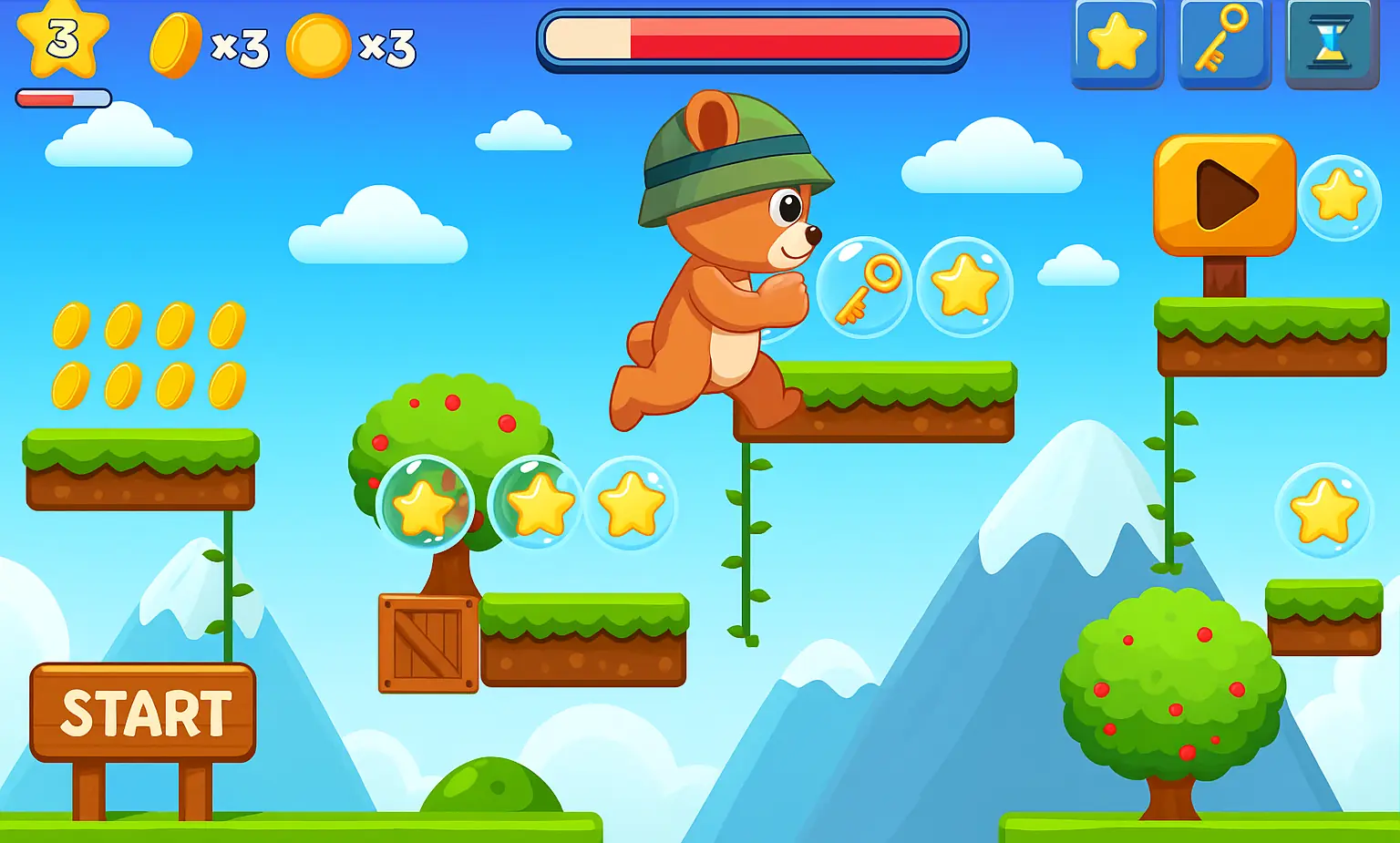
WebGL games and interactive WebGL dashboards gain performance by moving rendering and heavy math to the GPU and keeping the main thread free for input and UI. The browser draws frames through the GPU pipeline instead of redrawing DOM nodes one element at a time.
Performance levers that matter for WebGL games in production:
- WebGL 2.0 instanced rendering for crowds, particles, and tilemaps
- KTX2 and Basis Universal textures with hardware decompression
- Mesh and material atlasing to reduce draw calls
- OffscreenCanvas plus Web Workers for animation and physics off the main thread
- Service Worker caching for fast warm starts and offline reloads
- Brotli compression and HTTP/3 transport for asset delivery
Cross-platform reach and browser compatibility for WebGL games
WebGL games reach any device with an evergreen browser: desktops, laptops, Android and iOS phones, tablets, smart TVs, and most in-app web views. Chrome, Edge, Firefox, Safari, Samsung Internet, and Opera all ship WebGL 2.0 as a baseline. iOS Safari supports WebGL 2.0 since iOS 15, and WebGPU since Safari 18. The same build runs across operating systems with a single canvas, which is why marketing teams use WebGL games to avoid maintaining iOS, Android, and desktop variants separately.
The trade-off is device variance: a low-end Android phone with a Mali GPU draws frames differently than a desktop with an RTX card. Reference docs for the underlying API are maintained at the MDN WebGL API documentation and remain the canonical implementation guide. Production teams handle device variance through a tested device matrix, with a low-spec target, a mid-tier target, and a desktop target benchmarked across Chrome, Safari, and Firefox before launch.
Browser game case from Game-Ace
One Game-Ace project shows how WebGL and browser-based delivery work in production for an HTML5 slot game.
Welcome to Rome Slots, an HTML5 slot game by Game-Ace

Rome Slots is a cross-platform browser slot game built on the Cocos2D framework with an Ancient Rome theme, animated symbols, and balanced math. Game-Ace handled engine setup, art production, animation, and front-end implementation so the title runs smoothly in any modern browser.
Cost and timeline for WebGL game development
WebGL game development cost depends on scope, art style, and target performance. A focused casual game (single mode, 2D or low-poly 3D, 1 to 3 levels) usually fits in the €25,000–€60,000 range with a 2 to 4 month build. A mid-budget WebGL title with multiplayer, persistent state, and broader content typically runs €80,000–€200,000 over 5 to 9 months. Larger live-service browser games with multiple environments, regular content drops, and operator integrations move higher and are scoped per project. Teams looking to extend their pipeline often start by reviewing Unity 2D vs 3D games to lock the render style before estimating, then either hire in-house or hire WebGL game developers on Team Extension or Co-development terms.
Cost drivers for WebGL game development:
- Engine choice and asset pipeline (Unity WebGL vs PlayCanvas vs custom Three.js)
- Number of levels, characters, and unique art assets
- Multiplayer scope and backend complexity
- Target device matrix (mobile-first vs desktop-only)
- Localisation, certification, and portal-specific compliance
- Live ops cadence and post-launch support window
When to talk to Game-Ace about WebGL games
Game-Ace is a Cyprus-headquartered game development studio founded in 2005, with 120+ in-house specialists and 200+ delivered games. The studio is part of Program-Ace and works with operators, publishers, and brands on WebGL game development under Team Extension, Co-development, and Full-cycle delivery models.
Engagements usually start when a team has a defined scope (marketing campaign, instant-play casino lobby, portal title, training experience) and needs production capacity, a senior WebGL lead, or a full art and engineering pipeline. Public clients and partners include Unity, Wargaming, Bigpoint, Bandai Namco, Hopster, and Kalypso Media. Typical deliverables include a GDD, POC or MVP, the production build with source code, art source files, QA documentation, and a post-launch support window. To start a scoping conversation, see our WebGL game development service page.
 Web development services for the game industry
  HTML5 game development in practice