


3D modeling for video games is the production of digital assets, characters, environments, props, weapons, vehicles, foliage, that engines like Unity and Unreal render in real time. It combines DCC modeling, UV work, texturing, LOD generation, and engine integration. Scope, polycount, and pipeline shift with platform and art style.
If you are scoping a 3D asset pipeline or co-development on 3D modeling, talk to Game-Ace.
What actually gets built in 3D modeling for video games
A production catalog usually mixes six recurring asset categories: hero characters, background NPCs, environments, props, hard-surface objects (weapons, vehicles, machinery), and organic natural elements (foliage, terrain, creatures). Each has its own polycount ceiling, texture budget, and animation dependency. Character work feeds rigging and skinning. Environment work feeds lighting and streaming. Hard-surface feeds baked normal maps; organic feeds sculpted-and-retopoed pipelines. This split is what makes the scope estimable.
Six categories of 3D modeling for video games
Below is the working typology most studios use when they scope a 3D asset pipeline. Polycount ranges are indicative for current-gen mobile-to-desktop targets and shift with LOD strategy.
| Type | Primary tools | Polycount range | Typical scope |
| Character (hero) | ZBrush, Maya, Blender | 40k-120k tris | Playable protagonists, boss NPCs |
| Character (background) | Maya, Blender | 8k-25k tris | Crowd NPCs, enemy variants |
| Environment | Maya, Blender, Houdini | Varies by tile/module | Levels, exteriors, interiors |
| Prop | Blender, Maya, Substance 3D Painter | 500-8k tris | Furniture, tools, pickups, clutter |
| Hard-surface | Maya, Blender, Fusion 360 | 5k-60k tris | Weapons, vehicles, mechs, sci-fi rigs |
| Organic (natural) | ZBrush, Blender, SpeedTree | Foliage LOD dependent | Trees, rocks, creatures, terrain scatter |
Stylized 3D modeling for video games sits across all six categories and depends more on shader choice and silhouette discipline than on polycount.
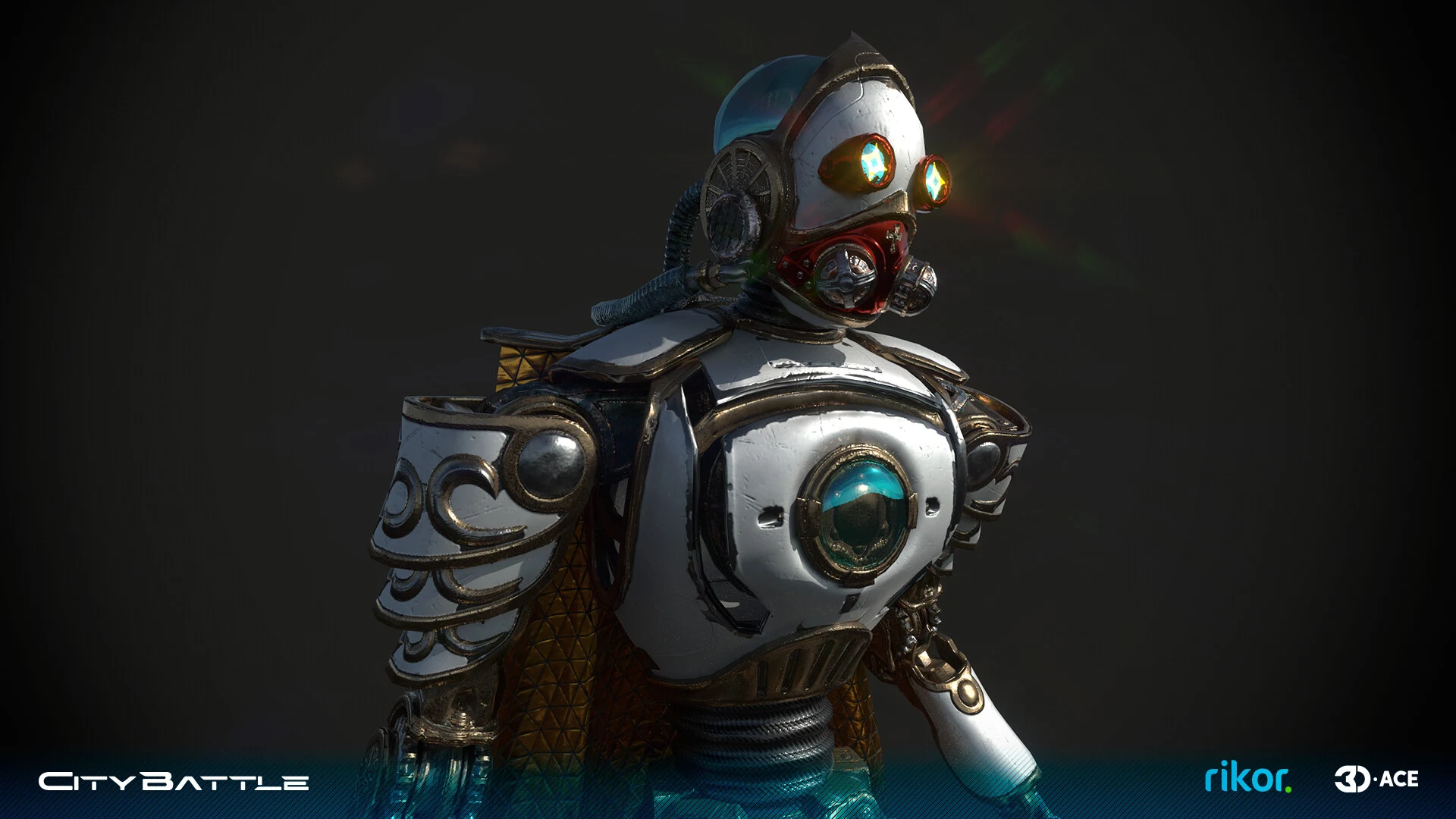
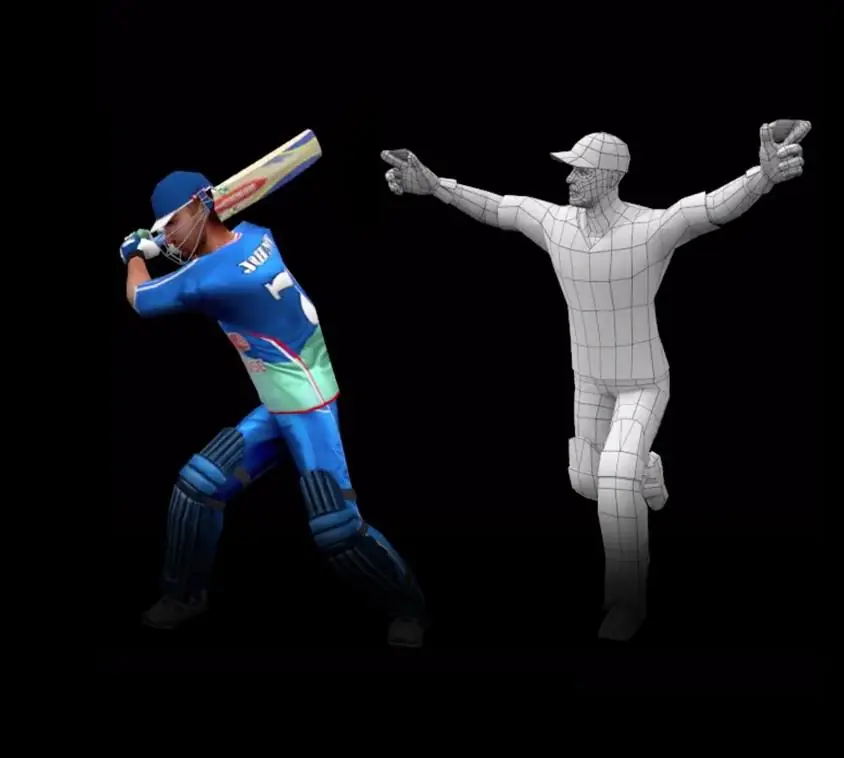
Character: Phantome
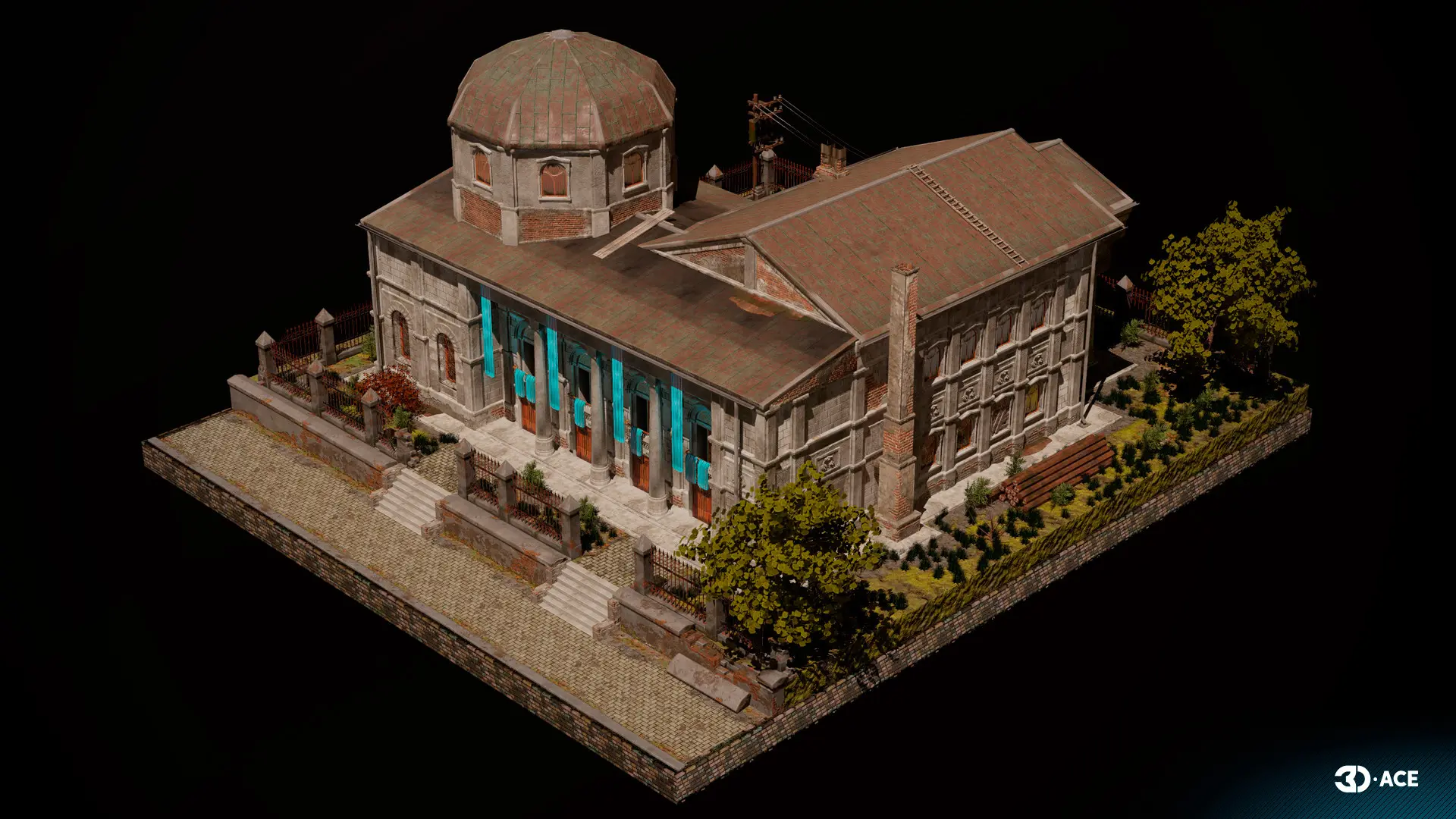
Environment
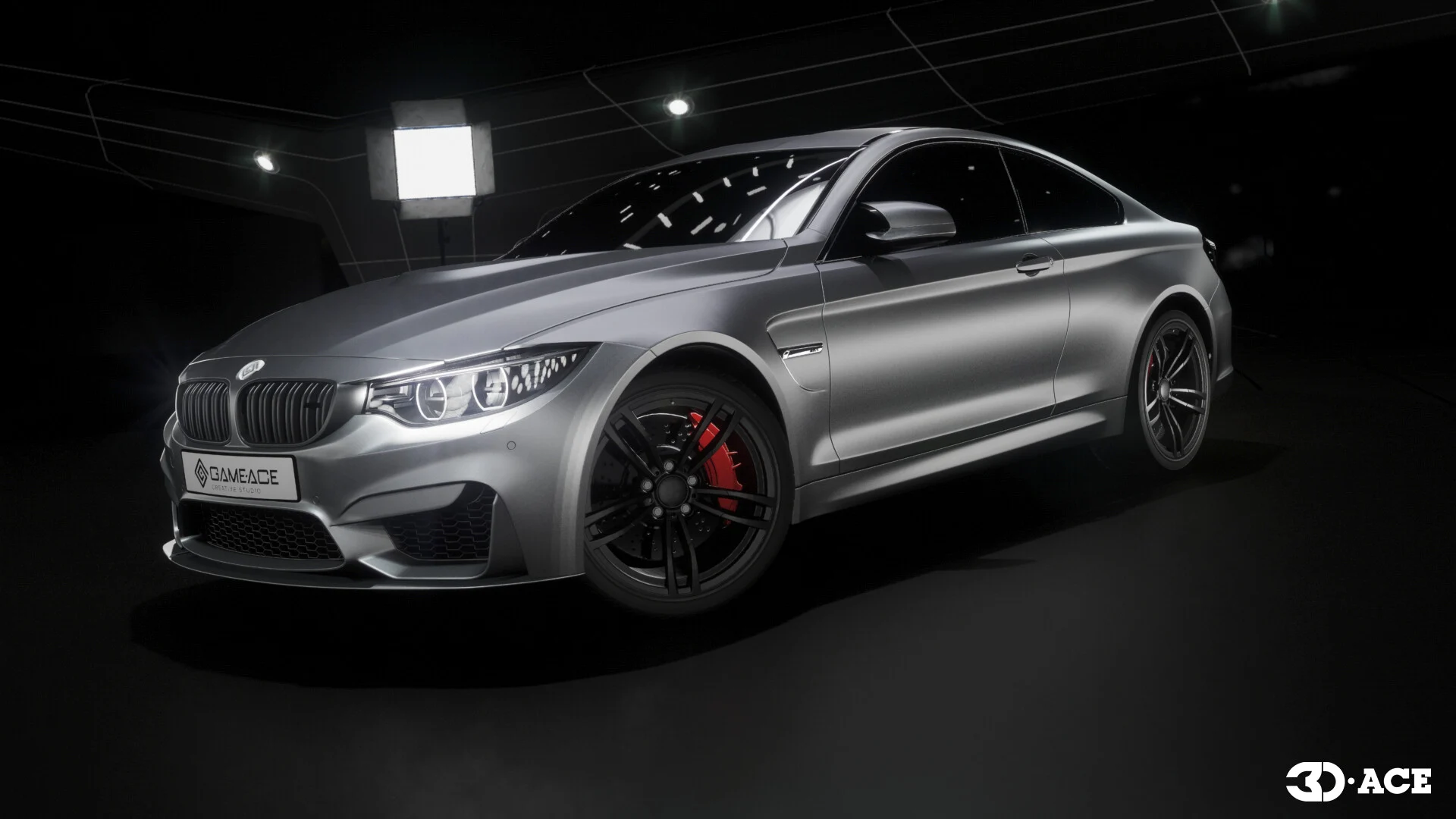
Vehicle
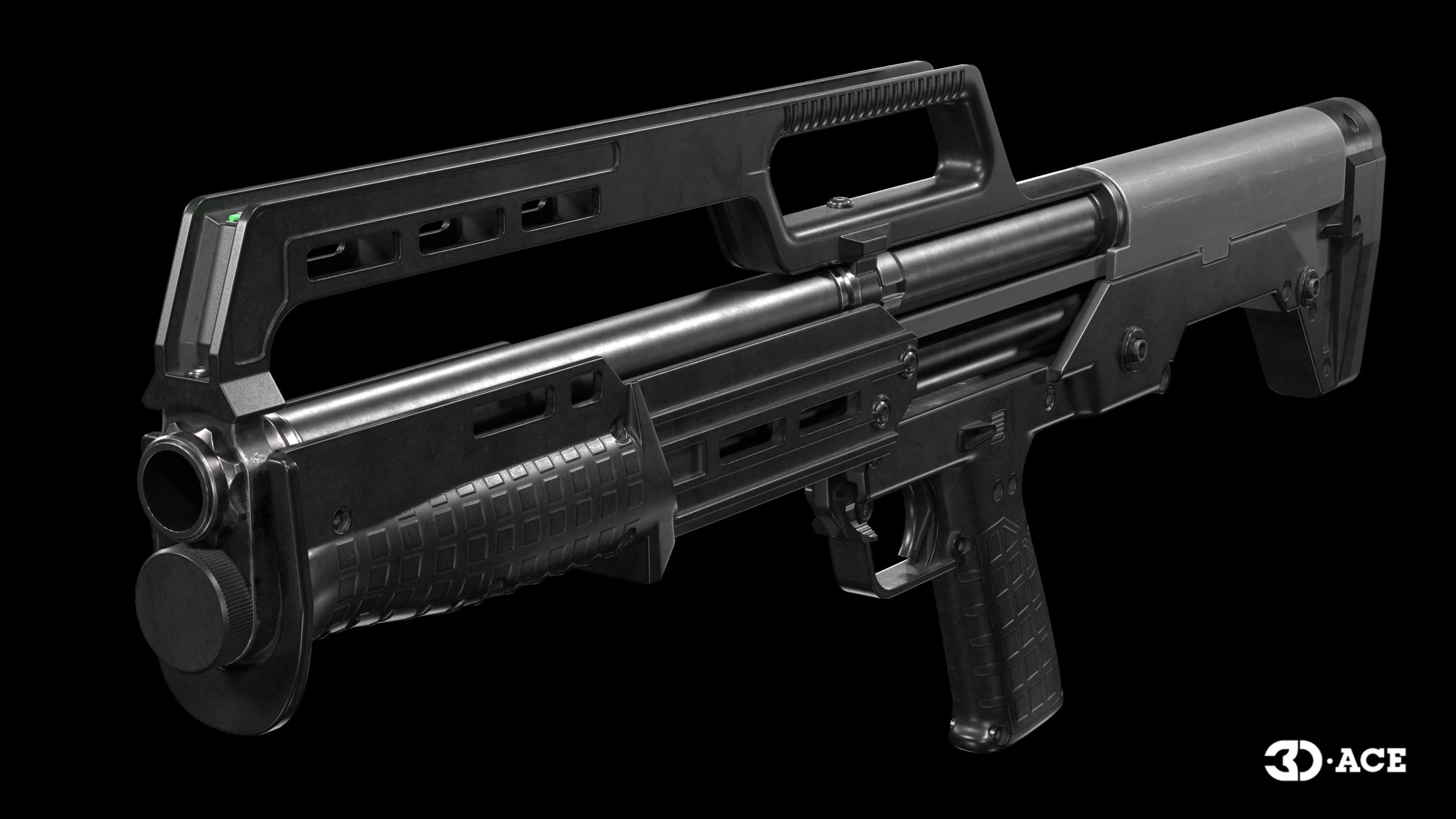
Props
Which tools studios use
Two DCC suites cover most of the market. Blender has become the default open-source option for indie and mid-size teams, it now handles modeling, sculpting, UVs, retopology, and baking without leaving the app. Autodesk Maya remains the studio standard for character and animation pipelines, especially where rigging and mocap cleanup are involved.
- Sculpting: ZBrush, Blender (Sculpt Mode).
- Retopology: Maya Quad Draw, Blender RetopoFlow, TopoGun.
- Texturing: Substance 3D Painter, Substance 3D Designer, Mari.
- Baking and viewing: Marmoset Toolbag, xNormal.
The production pipeline, condensed
Pipeline discipline is where 3D modeling for video games goes right or wrong. The order is fixed: concept and reference lock first, then blockout for scale, then high-poly detailing, then low-poly for the engine, then UVs, then baking, then PBR texturing, then rig or LOD chain, then engine integration and validation. Skipping blockout is the most common mistake, it forces expensive rework once assets hit the level.
How platform target changes the model
The same asset built for mobile, PC, and next-gen console is not the same asset. Mobile targets aggressive tri budgets, packed atlases, and minimal shader complexity. Console builds tolerate higher poly counts, more material slots, and Nanite-style micro-geometry on Unreal. A single 3D modeling for video games engagement will often deliver two or three LODs per hero asset and a compressed variant for lower-tier platforms.
Outsourcing options and engagement models
Three engagement shapes cover most outsourced 3D modeling for video games. Choice depends on how much of the pipeline the client already runs.
- Full asset production: external team owns the pipeline from concept to engine-ready delivery.
- Co-development: external artists plug into the client's DCC stack, source control, and review cadence.
- Team extension: dedicated artists work as an extension of the internal team, reporting to the client's art lead.
Studios with a strong art director and weak throughput usually pick team extension. Studios building a new IP without an internal art function usually pick full asset production.
A 3D modeling case from the Game-Ace portfolio
Skyscraper, a 3D action horror prototype by Game-Ace
Skyscraper is a third-person action horror prototype developed in Unreal Engine. Game-Ace created custom 3D models for characters, creatures, props, weapons, and environments, including high-poly assets for enemies and interactive objects.
Related reading
- 3D character modeling, deep dive into hero and NPC character workflows.
- High-poly models, sculpting and detail work for baking source.
- Low-poly models, real-time asset budgets and LOD strategy.
- Unreal Engine 3D modeling: a step-by-step guide, engine-specific pipeline walkthrough.
When to talk to Game-Ace about 3D modeling for video games
Game-Ace runs 3D modeling for video games as a full-service line inside game art design, from concept lock through engine integration. Engagements range from a single character batch to a full multi-quarter asset pipeline. Studios usually reach out to Game-Ace's game development studio when internal art capacity cannot cover a milestone, when a new IP needs a full asset pipeline stood up, or when a live game needs steady weekly output of new 3D content. You can also hire dedicated staff directly through hire 3D modelers or hire 3D artists, with animation follow-on covered by the game animation team.
 3D and AI avatars in casino: how they boost acquisition, retention, and time-on-device
 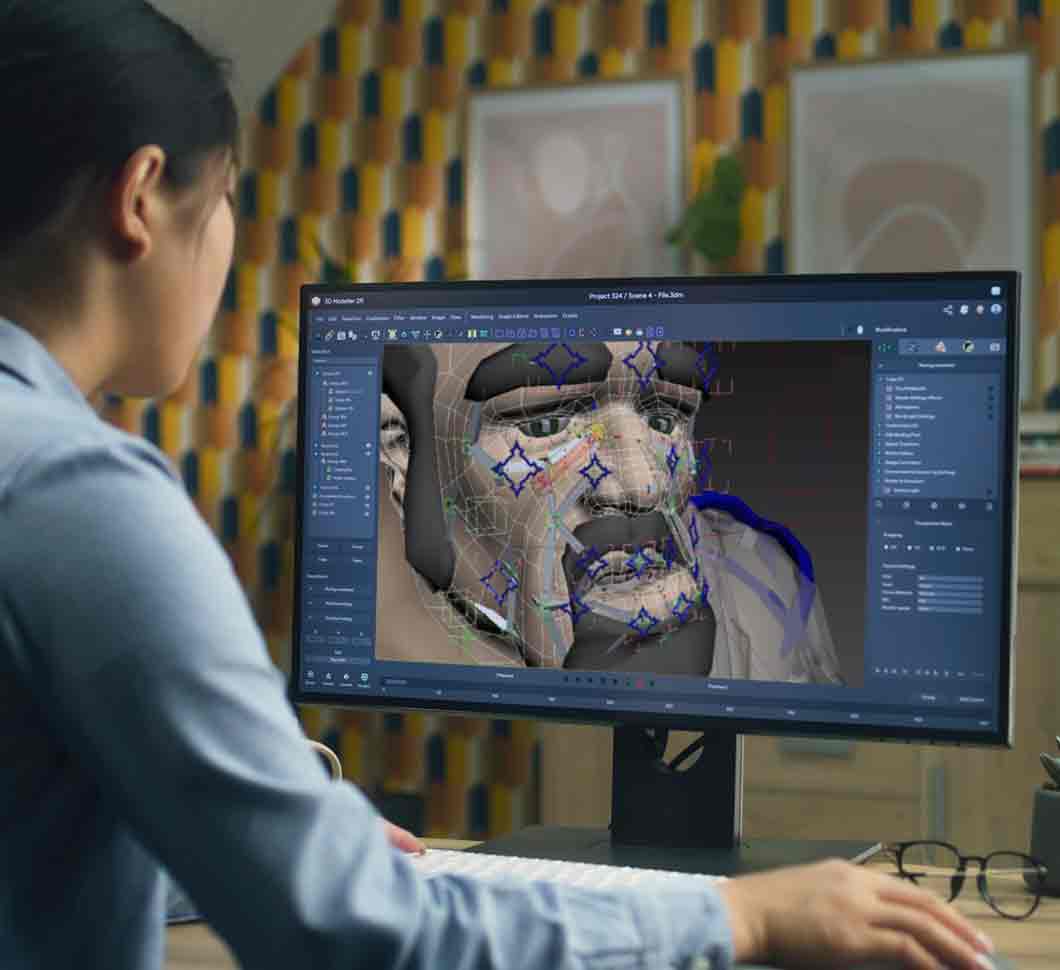 Character skinning for game-ready 3D animation
 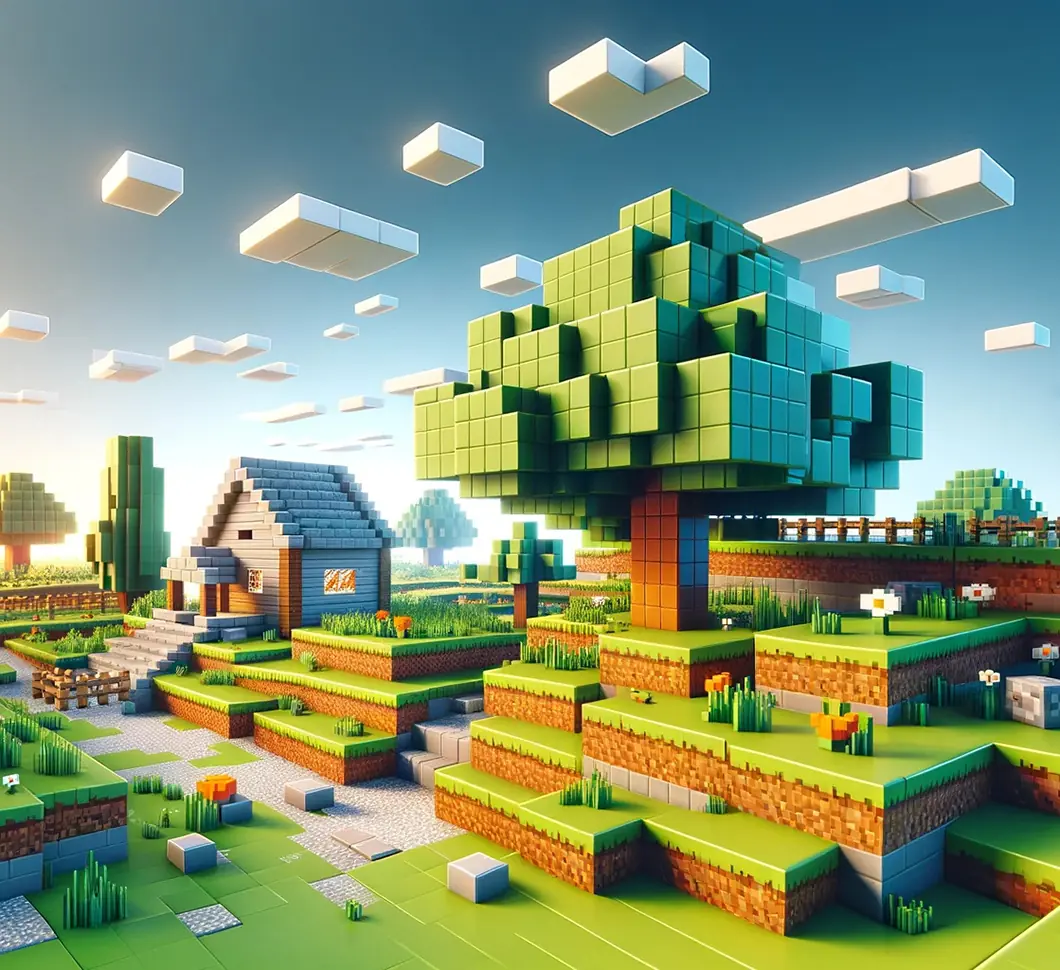 Procedural generation in games: what actually works in production
 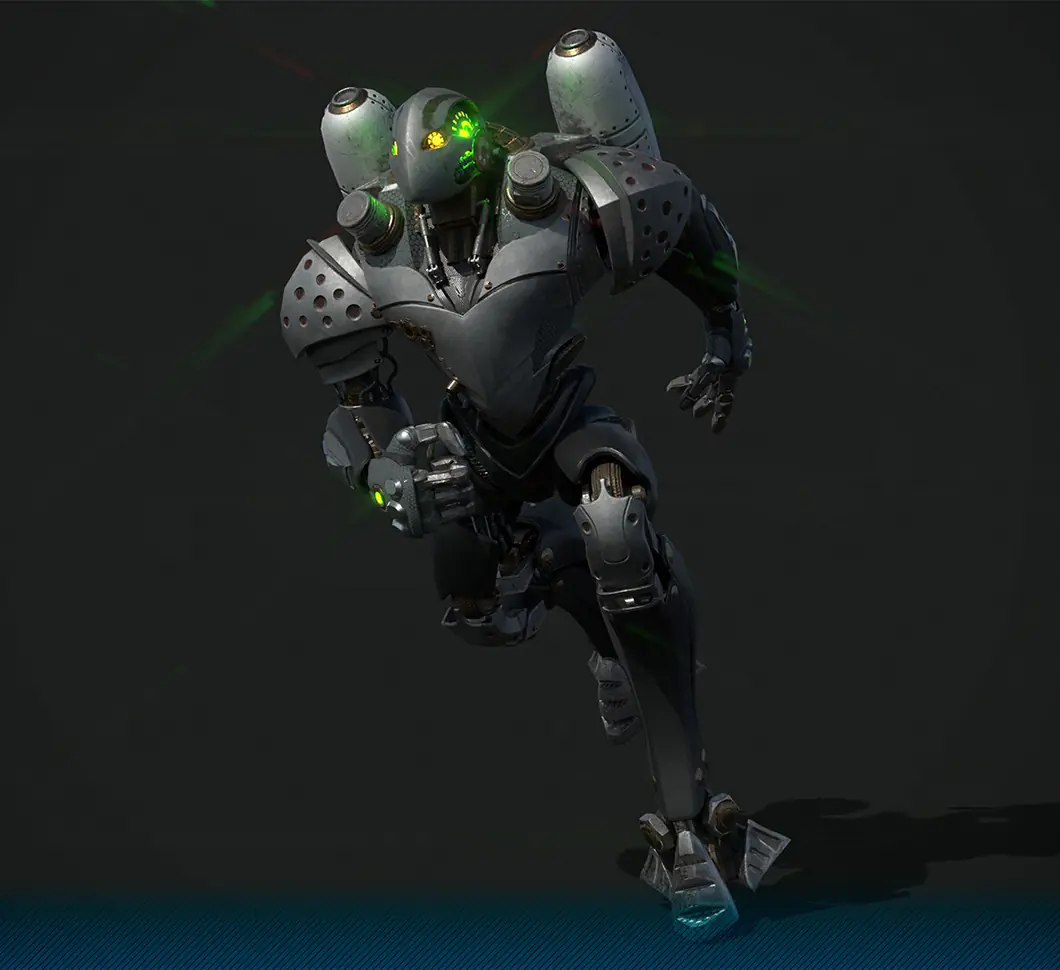 3D character modeling for game production
  Unity 3D modeling: how to make and import models for your game


































