


Low-poly models are 3D game assets built with a deliberately small polygon count so they render fast on mobile, web, and mid-range PC hardware. In practice, low-poly models for games sit between a few hundred and about eight thousand triangles per asset, and rely on clean silhouettes, baked lighting, and flat or gradient textures to carry visual detail that a high-poly mesh would carry through geometry.
If you are scoping low-poly models for a mobile, web, or console release, talk to Game-Ace.
What counts as low-poly models in modern game production
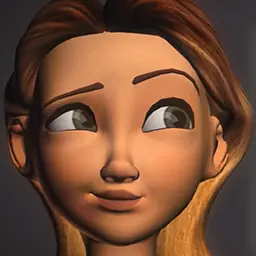

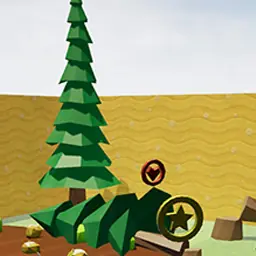
Low-poly models are defined by budget, not by style. A character built at 4,000 triangles for a mobile shooter is low-poly. A stylized environment prop built at 300 triangles for a web puzzle is also low-poly. The label describes a polycount decision made against a target platform, target framerate, and the number of on-screen assets, not a look.
That distinction matters for scoping. Two teams asking for low-poly models can mean very different pipelines: one wants engine-ready mobile assets with baked normals, the other wants a stylized flat-shaded look reminiscent of Monument Valley 3 or Untitled Goose Game. The scoping conversation always starts with target platform, target draw call budget, and the intended art direction.
For a deeper look at 3D modeling fundamentals, see the 3D modeling for video games guide.
Polycount ranges: low-poly vs mid-poly vs high-poly
The polycount tier decides which platforms the model can ship to, how many instances the engine can draw per frame, and how much of the visual work sits in textures versus geometry. The table below summarises the practical ranges Game-Ace uses when scoping low-poly models against mid-poly and high-poly work.
| Tier | Triangle range (per asset) | Typical use case | Cost band (per asset) |
|---|---|---|---|
| Low-poly | 300-8,000 | Mobile characters, web props, stylized casual | €120-€1,200 |
| Mid-poly | 8,000-30,000 | PC/console characters, hero mobile assets | €1,200-€5,000 |
| High-poly | 30,000-500,000+ | Cinematics, hero PC/console meshes, bake source | €5,000-€25,000+ |
For teams comparing tiers directly, the high-poly models breakdown covers the opposite end of the same pipeline.
Where low-poly models make commercial sense
Low-poly models are the default choice when the target device is mobile, when the game needs to render dozens or hundreds of instances at once, or when the art direction is stylized on purpose. They are also the default when the release window is short: fewer polygons mean faster modeling, faster UV, faster texturing, and faster iteration with the design team.
- Mobile-first releases where GPU thermal and battery budgets are tight.
- WebGL and HTML5 casual games where the build must load fast on 4G.
- Stylized indie titles where the look is a deliberate choice, not a compromise.
- Hyper-casual and casual games where content volume matters more than per-asset fidelity.
- Educational and children’s games where readability of shapes beats surface detail.
- Simulation and management titles like farm sims where hundreds of objects must render together.
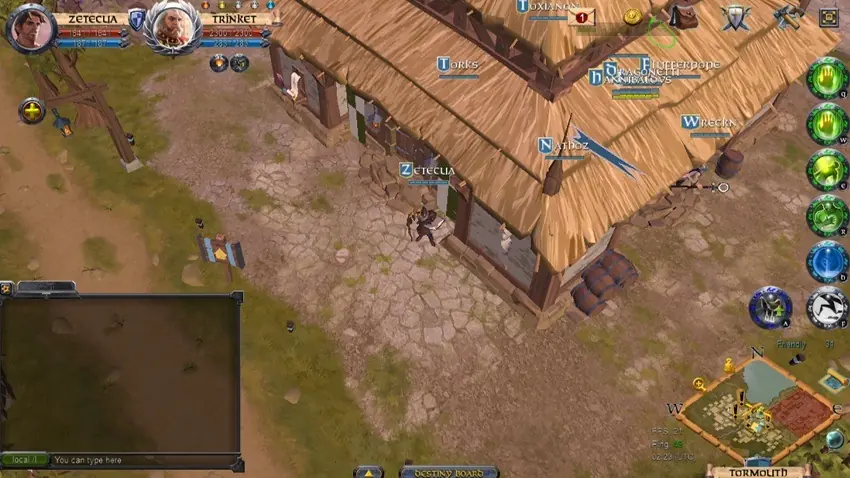
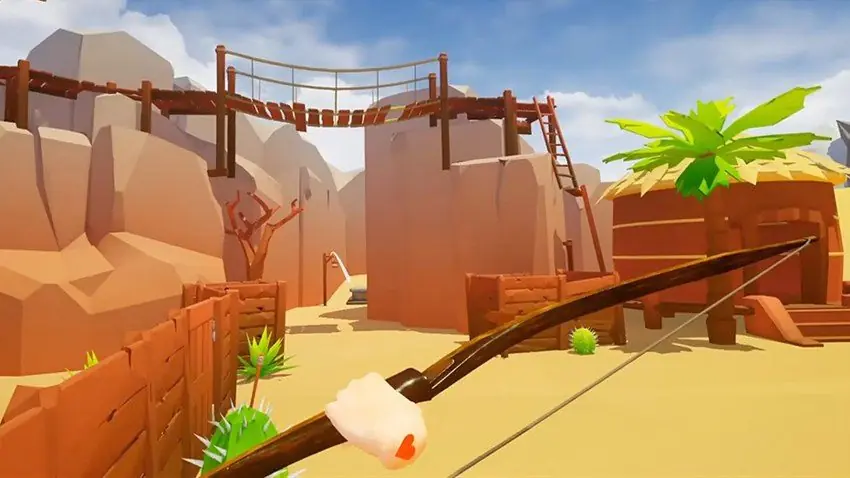
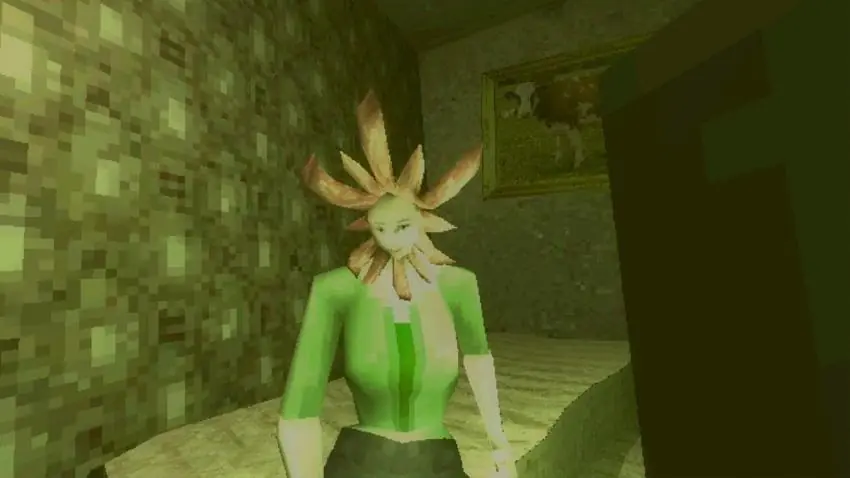
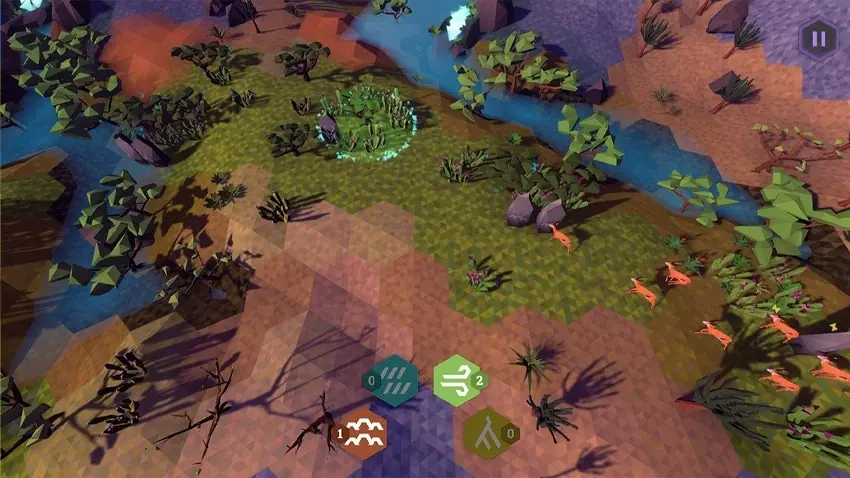
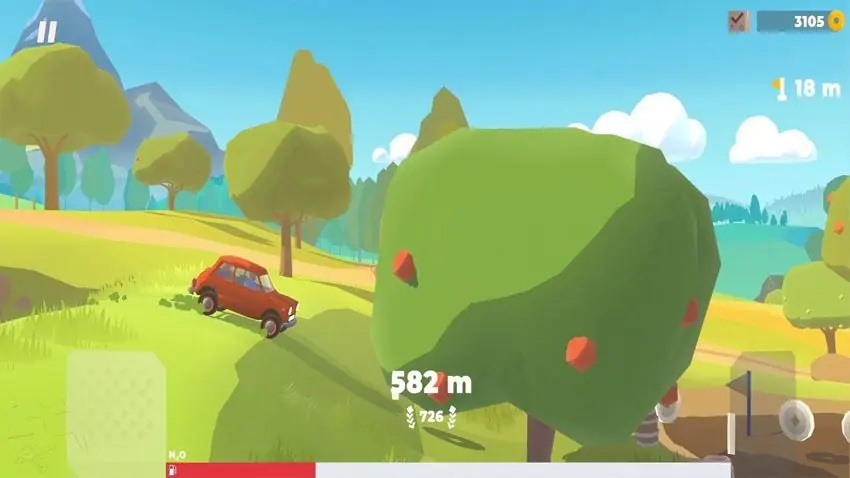
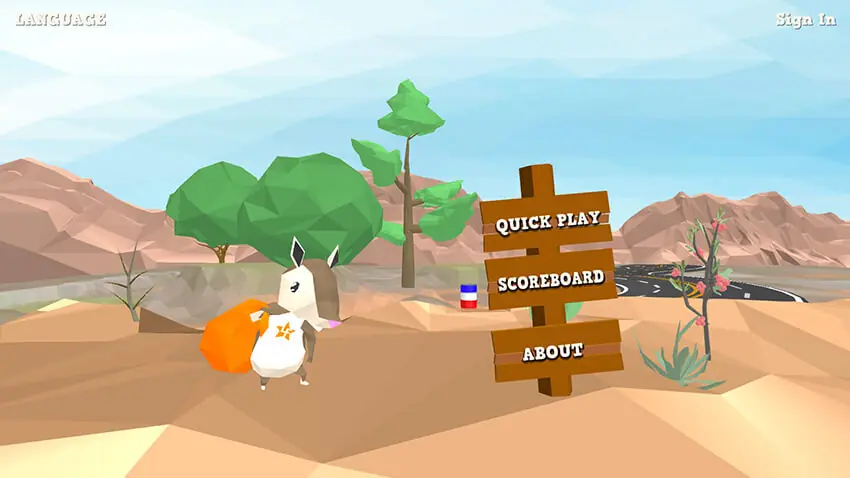
Kentucky Route Zero, Superliminal, and Firewatch show how low-poly geometry paired with strong lighting and colour can carry a full narrative game without a single high-poly hero mesh.
Tools studios use to build low-poly models
Tool choice for low-poly models is driven by team habits and target engine, not by feature checklists. Most professional pipelines standardise on one DCC package plus a texturing tool and a preview environment.
- Blender, free, industry-standard for indie and mid-size studios; see the Blender Foundation reference.
- Autodesk Maya, the default for many outsourcing studios; strong UV and rigging.
- Autodesk 3ds Max, still widely used for hard-surface and architectural low-poly.
- Modo, favoured for hard-surface modeling with quick topology tools.
- MagicaVoxel, Crocotile 3D, Wings 3D, specialised tools for voxel and tile-based low-poly.
- Substance Painter / 3D Coat, for the small texture atlases low-poly assets rely on.
- Sketchfab, for client review and portfolio hosting; see Sketchfab for reference.
For engine-specific pipelines, our Unreal Engine 3D modeling step-by-step guide walks through export settings and material setup.
Pipeline for building low-poly models
A production-ready low-poly model goes through six checkpoints before it lands in the engine.
- Concept and reference: silhouette sketch, reference sheet, agreed polycount budget.
- Blockout: rough geometry to check scale, proportions, and gameplay collision.
- Retopology or clean modeling: final quad-and-tri mesh at the target polycount.
- UV unwrap: single atlas where possible to reduce draw calls; overlapping UVs on symmetric parts.
- Texturing: hand-painted or baked from a high-poly source; small texture sizes (256-1,024 px).
- Engine integration: export to FBX or glTF, LODs, collision mesh, material setup.
A short low-poly prop can move from concept to engine in a single day. A rigged low-poly character typically takes three to five days depending on animation scope. When the pipeline is well documented, an outsourcing team can pick up a style and hit it consistently across dozens of assets. That is where a partner like Game-Ace’s 3D game art outsourcing team fits, style guide in, engine-ready assets out.
Low-poly art style vs low-poly for performance
Low-poly is used in two different conversations. In one, it describes a visible art style with hard flat facets and bold colour. In the other, it describes a performance target: keep the polycount low so the mobile GPU can handle the scene. The two often overlap, but not always.
Untitled Goose Game and Alto’s Odyssey use low-poly for the style. Sky: Children of the Light and Monument Valley 3 use low-poly for performance while hiding the polycount under gradient shading and lighting. The scoping question is which one you are asking for. Our video game art styles overview covers where flat-shaded, painterly, and stylized directions overlap.
Case studies from Game-Ace’s low-poly and stylized work
Welcome to Farmerama, a low-poly farm simulation project by Game-Ace

Farmerama is a browser-first farm simulation where dozens of low-poly assets render together on modest hardware. Game-Ace contributed ongoing development and content updates to keep the scene light while the world stays visually rich, reusing modular low-poly kits across new seasonal buildings and props.
Cost drivers for a low-poly model
A single low-poly prop typically costs €120-€400 when scoped in a batch. A rigged low-poly character with a small animation set usually falls in the €800-€2,500 range. Costs move up with rig complexity, LOD count, VFX-ready attachment points, and how much iteration the client expects on style approval.
Batch pricing is where low-poly production earns its reputation. Twenty stylized props scoped together often cost less per asset than five props scoped one at a time, because the style guide, texturing rules, and export settings are set once and reused across the batch.
When to talk to Game-Ace about low-poly models
If low-poly models are on the roadmap for a mobile, web, or stylized console release, Game-Ace’s custom game development studio delivers full-cycle art production, co-development, and team extension from a 120+ specialist team. Style guide in, engine-ready low-poly models out, with LODs, atlases, and documentation for the client’s engine.
 3D and AI avatars in casino: how they boost acquisition, retention, and time-on-device
 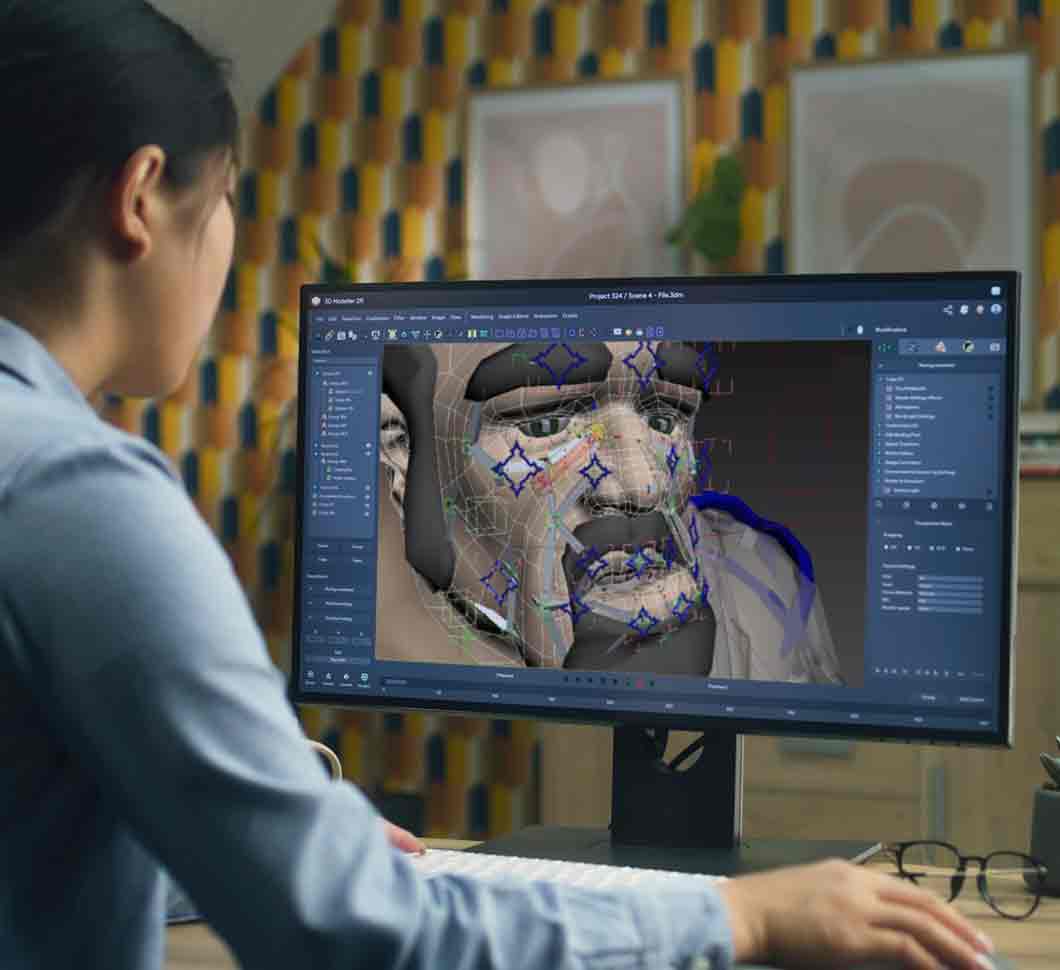 Character skinning for game-ready 3D animation
 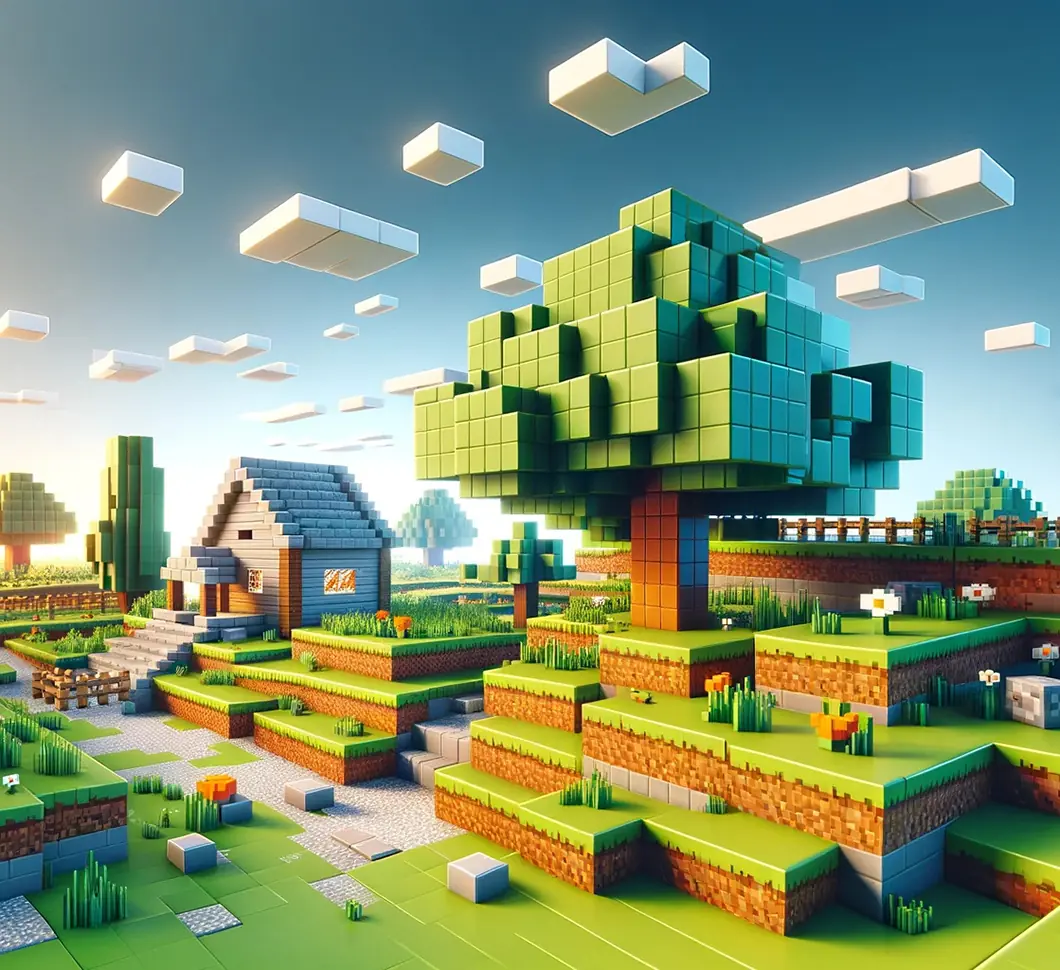 Procedural generation in games: what actually works in production
 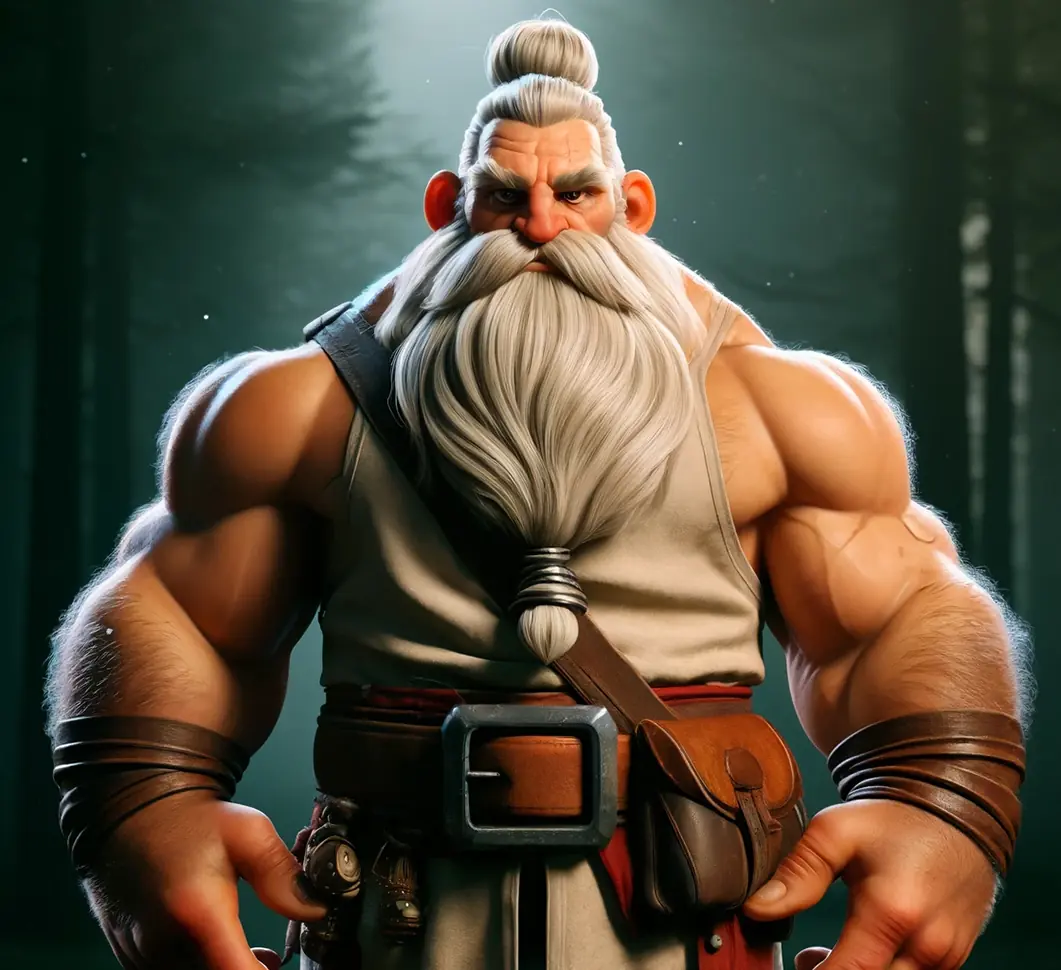 3D modeling for video games: a production overview
 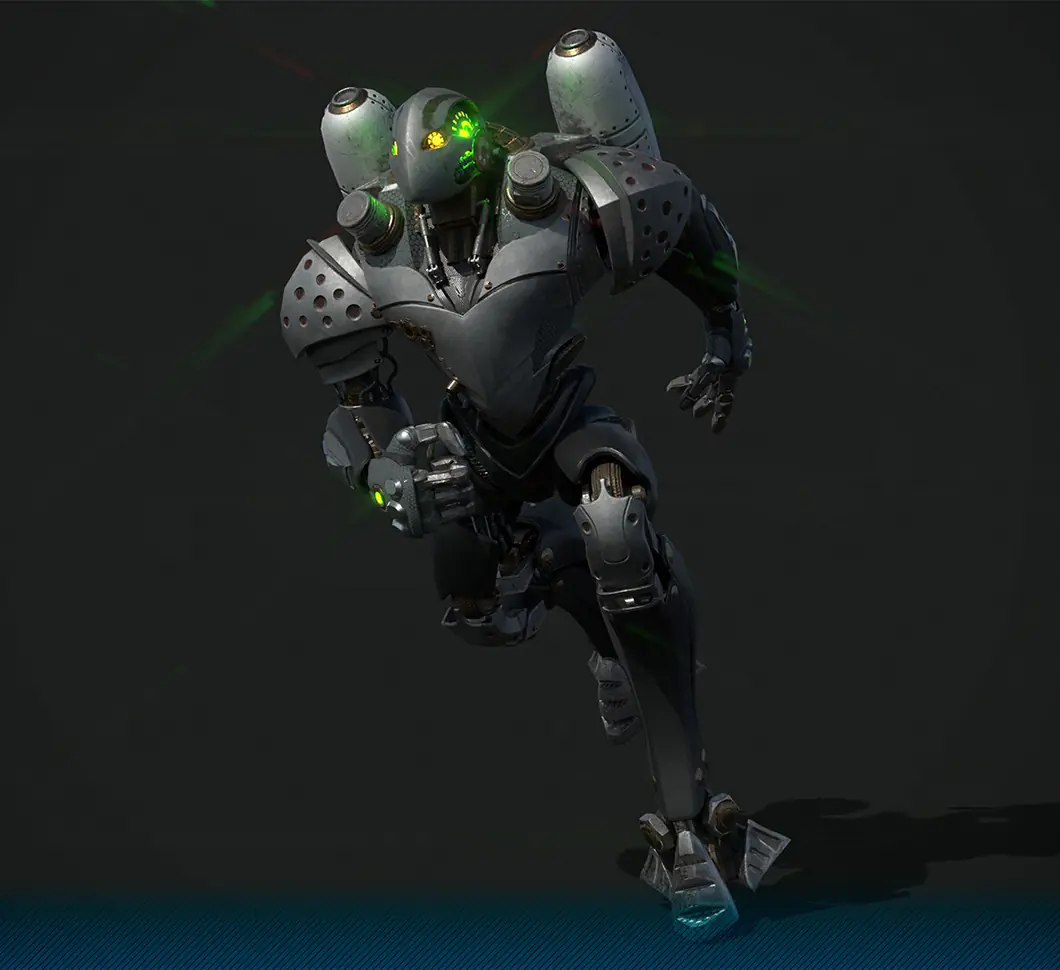 3D character modeling for game production


































