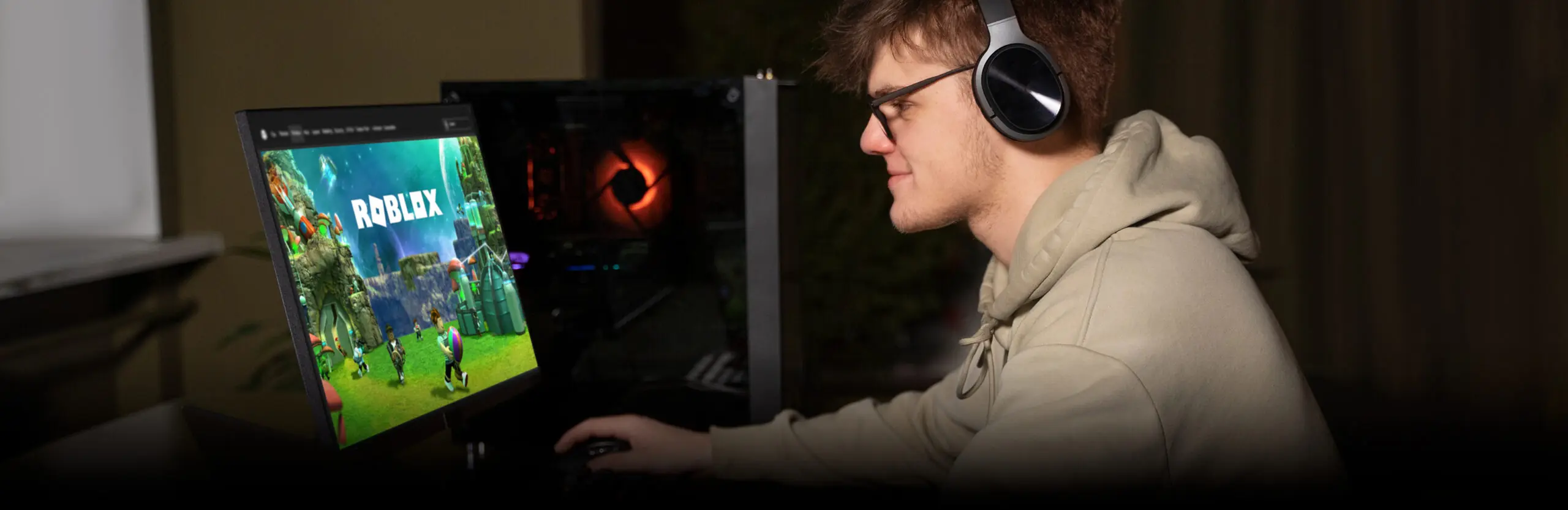

You can play Roblox in a web browser without installing the desktop client by using third-party cloud streaming services such as now.gg and CloudMoon. These services run Roblox on a remote machine and stream the gameplay to your browser. Roblox itself does not currently offer a full-featured official browser client, so cloud streaming is the practical way to access Roblox without a download.
What is a Roblox browser game?
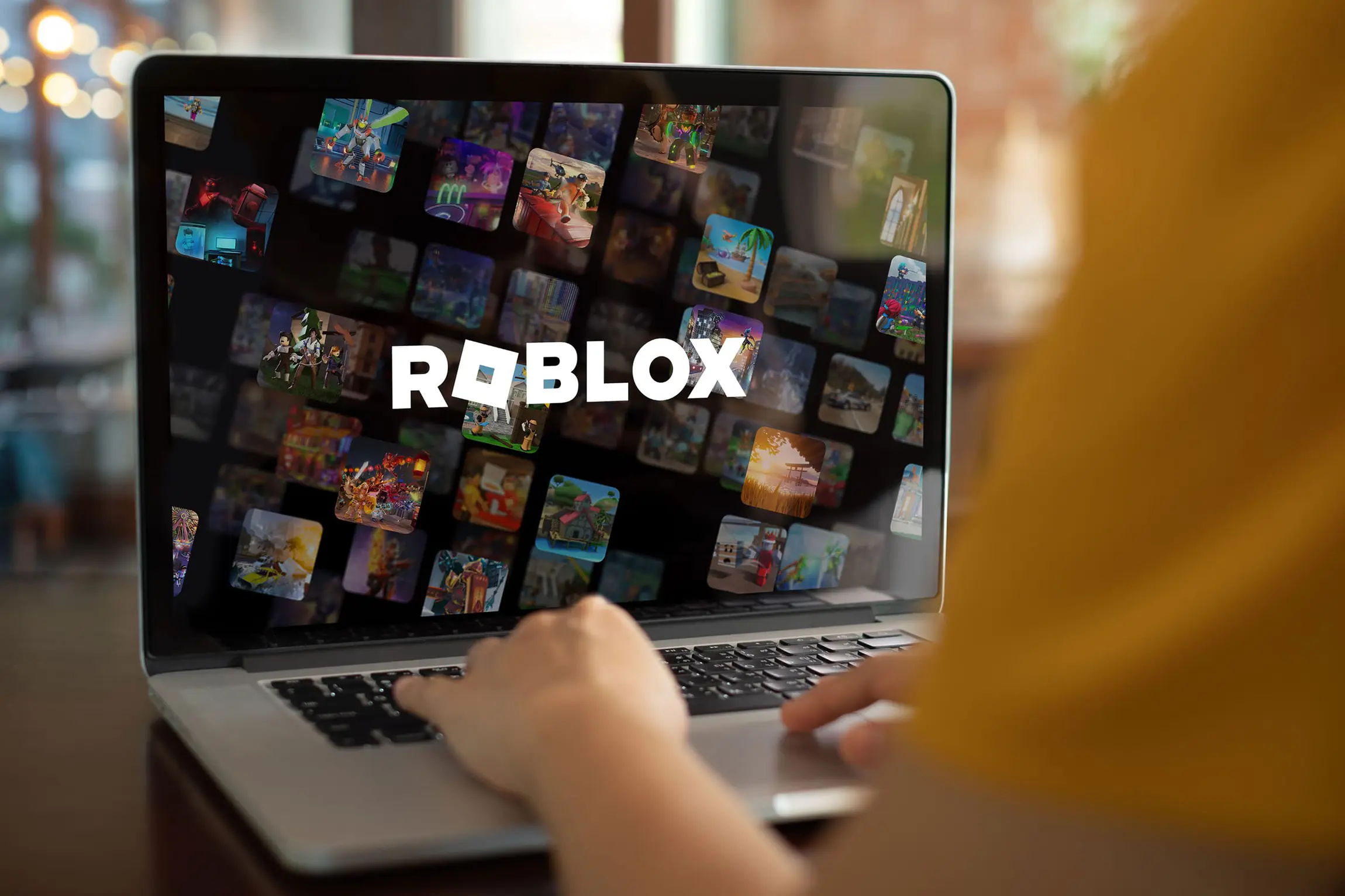
A Roblox browser game is a Roblox experience accessed through a web browser instead of the installed Roblox desktop or mobile app. The game itself is the same Roblox experience that runs in the regular client. What changes is the delivery: a cloud streaming service runs the Roblox client on a remote server and sends the video output to your browser, while your inputs (keyboard, mouse, touch) are sent back to that remote machine.
This is similar to how cloud gaming services like GeForce NOW or Xbox Cloud Gaming work for other games: nothing runs on your device, the game runs in a data center, and the browser is just the screen.
How to play Roblox in your browser, step by step
The two most common paths in practice:
- Open now.gg in any modern browser (Chrome, Safari, Edge, Firefox).
- Search for Roblox or for the specific Roblox experience you want to play.
- Sign in with your Roblox account when prompted.
- Wait for the cloud server to start the Roblox client (usually a few seconds).
- Play in the browser window. Your progress, friends, and Robux are tied to your Roblox account.
Alternative services such as CloudMoon, EasyFun, and similar remote-runtime products follow the same pattern. Performance depends on your internet speed and how busy the cloud service is at that moment.
Best ways to play Roblox without downloading
Choose by what you need:
- now.gg: well-known, easy to start, supports most Roblox experiences. Free tier available with limits.
- CloudMoon: similar cloud-streaming pattern, popular as an alternative.
- EasyFun: another cloud-based option for browser play.
For all three: you still need a Roblox account, and the experience runs at the cloud server's performance, not your device's. If your local hardware is weak but your internet is fast, this is exactly the case where browser play wins.
Playing Roblox on a school or work Chromebook
School-issued Chromebooks and many work laptops block app installations. Cloud streaming via the browser is the typical workaround, since it runs Roblox without installing anything on the device. Two cautions:
- School IT may also block now.gg and similar streaming services at the network level. If that is the case, the workaround stops working until you are on a different network.
- Some schools forbid playing games on school devices even when it is technically possible. Check the acceptable-use policy before relying on a workaround.
Is it safe to play Roblox in a browser?
Cloud streaming for Roblox via a reputable service is generally safe in the same sense the native Roblox app is: the same content moderation and safety features apply because the game runs in the standard Roblox client. The differences worth knowing:
- Account security: never sign in to your Roblox account on an untrusted streaming site. Stick to well-known services with proper login flows.
- Network: cloud streaming sends every input and frame between you and a remote server. On public Wi-Fi, use a secure connection.
- Age and content controls: Roblox account-level parental controls apply across all access methods, including cloud streaming.
Browser play vs the Roblox desktop app: what is different?
Same game, different delivery. The Roblox client itself is identical inside the cloud server; what changes is how it reaches your screen.
| Aspect | Desktop / mobile app | Browser via cloud streaming |
| Install | Required | Not required |
| Performance | Runs on your device, limited by your hardware | Runs on a cloud server, limited by your internet |
| Latency | Very low (local) | Higher than local (network round-trip) |
| Where it works | Any device you can install the app on | Any browser, including locked Chromebooks (if streaming service is not blocked) |
| Storage | Requires disk space for the app and updates | Zero local storage |
| Account and saves | Tied to your Roblox account | Tied to your Roblox account |
Why Roblox does not run natively in a browser
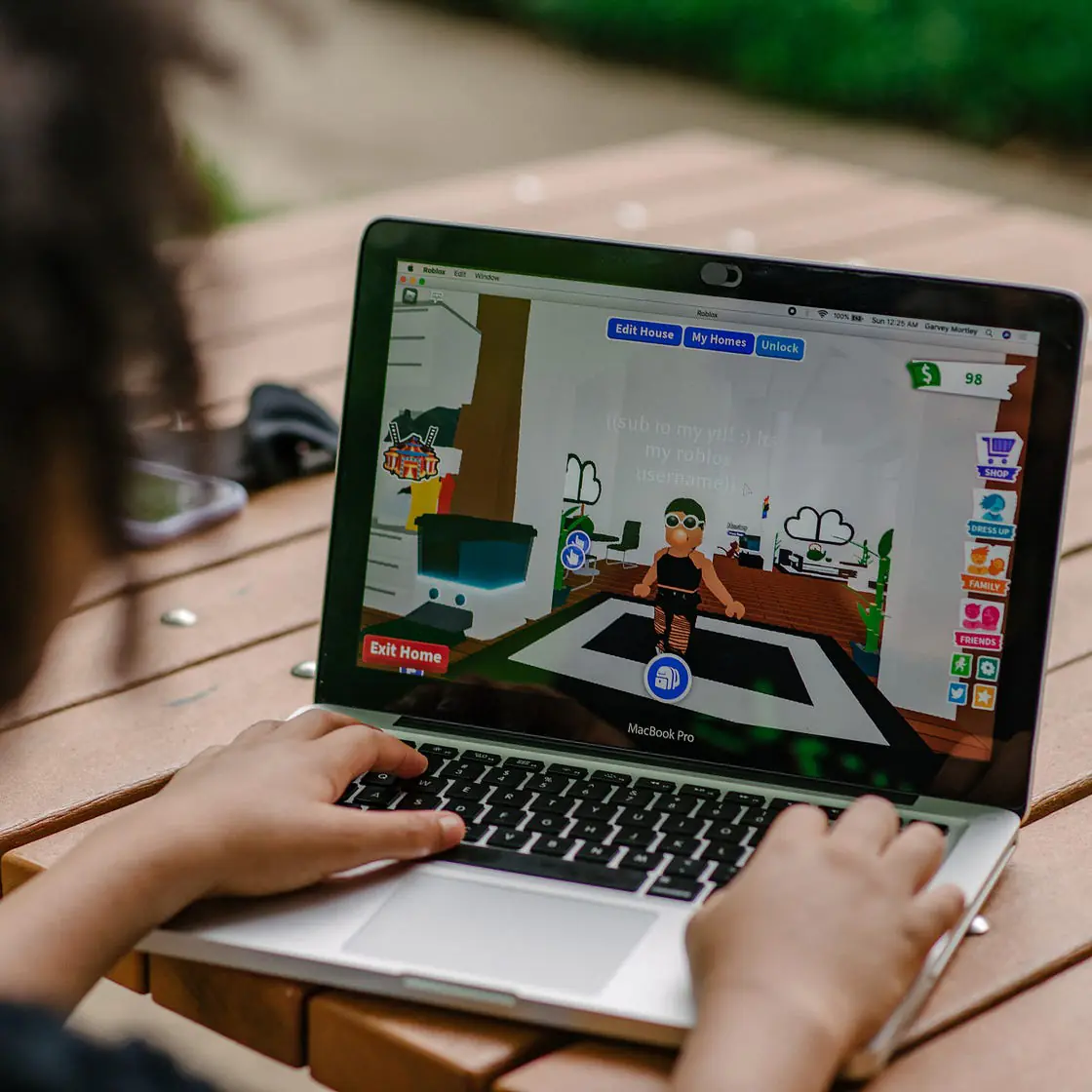
Roblox is built as a downloadable client because the platform's engine needs deep access to graphics, networking, and physics that traditional web browsers do not give to ordinary web pages. WebAssembly (WASM) and WebGPU - newer web technologies that bring near-native performance to browsers - are progressing fast, and Roblox has shown interest in browser-side optimisations. But the native official browser Roblox client is not a confirmed production reality. That is why cloud streaming through services like now.gg is the practical workaround.
Roblox browser experiences for brands, schools, and creators
Players are not the only audience for browser-accessible Roblox. The same low-friction access matters for:
Brand activations
A brand runs a Roblox experience as a marketing campaign. Cloud-streamed access lets the audience join from a link without an install, which lifts conversion.
Ed-tech and training
Learning experiences delivered as Roblox games to school-managed devices. Browser access removes the install friction that often blocks adoption in classrooms.
Creators building Roblox experiences in Luau
The language used by Roblox developers since 2021 - sometimes plan their games for both desktop and browser distribution from the start.
If you are exploring Roblox not as a player but as a place to publish a brand, training, or original game experience, the development side has its own toolkit: Roblox Studio for authoring, Luau for scripting, and the Roblox platform for distribution. That work usually goes through a development studio with Roblox-specific production experience.
About Game-Ace
Game-Ace is a custom game development studio operating since 2005 from Cyprus, part of Program-Ace. Among our services, we build Roblox experiences for brands, studios, and ed-tech projects, with Luau scripting, 3D modelling and animation, UI / UX, monetisation setup, and post-launch live operations. If you are exploring Roblox as a distribution channel rather than as a player, see Roblox Game Development or contact our team. All work runs under NDA, and the client owns approved source files and assets on acceptance.
 Roblox monetization: strategies that actually earn
  Roblox trends in gaming: what is working now
  Hire Roblox developers: where to find and how to scope
  12 Roblox game ideas that actually work
  Roblox gamified education: a play-to-learn design guide