


A single-player game backend is a lightweight server layer that handles cloud save, cross-device sync, remote config, LiveOps events, and telemetry. Even a fully offline title benefits from one, because it lets the studio patch balance, run seasonal content, watch retention metrics, and protect purchases after launch, all without shipping a new client build to the store.
What a backend actually means for a single-player title
In a single-player context, a backend is not a real-time multiplayer server. It is a set of small services that persist player data, distribute config, receive telemetry, and gate a few sensitive actions such as receipts and rewards. The client still runs the game locally. The server only steps in when the player logs in, syncs a save, checks a config, or reports an event.
That reframing matters for cost. A single-player game backend usually sits on serverless functions plus a managed database, not a fleet of always-on game servers. The load pattern is short bursts around session start and session end, which maps well to Firebase Cloud Functions, Cloudflare Workers, AWS Lambda, or Google Cloud Run. Studios that want a ready-made SDK often start on PlayFab or Beamable and drop in the pieces they need.
Game-Ace typically scopes this layer during pre-production, so the client team ships a save format and config schema that the backend can consume on day one.
Scoping a single-player game backend for a mobile, PC, or cross-platform title?
Use cases that justify a single-player game backend
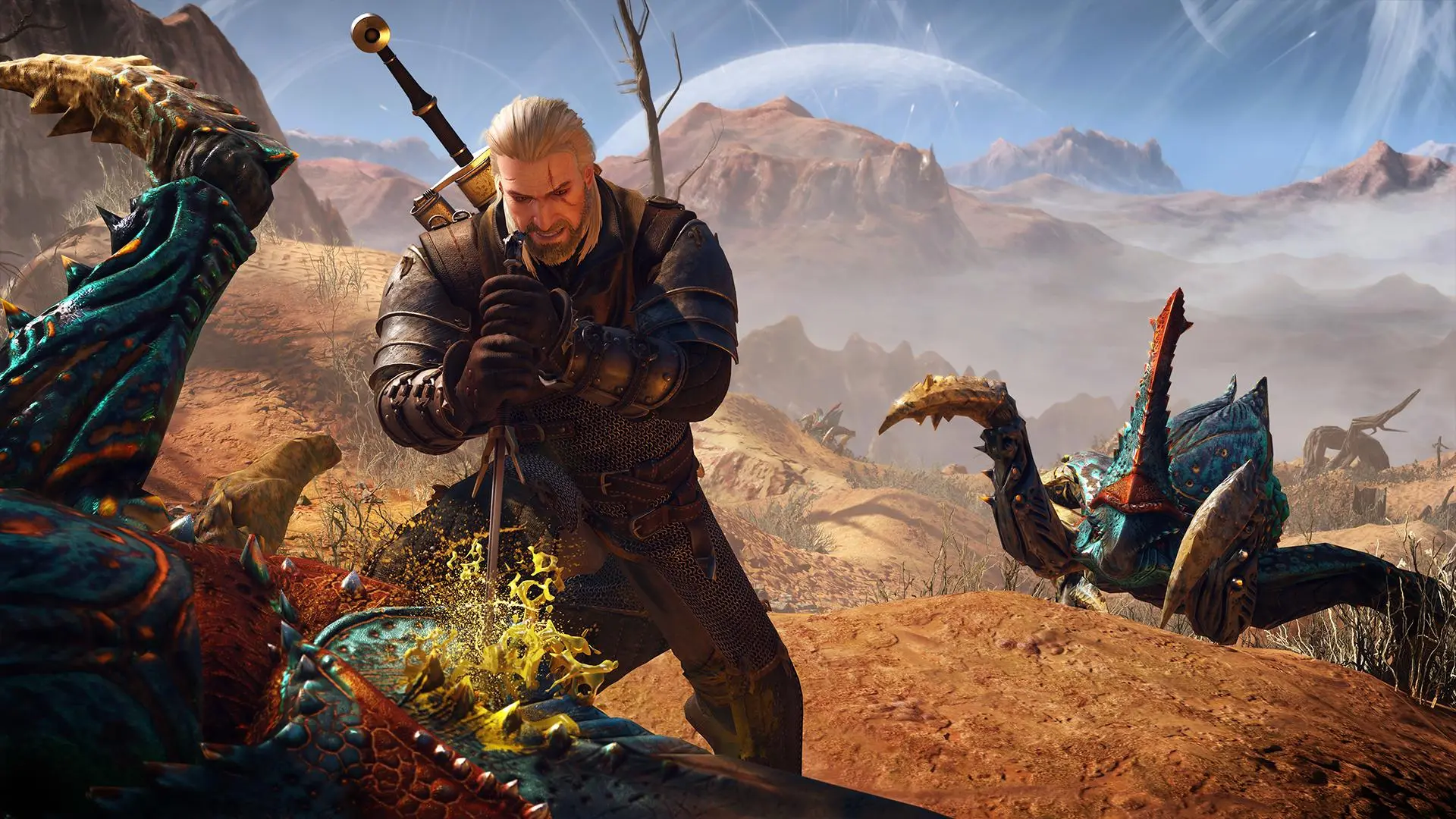
The Witcher 3: Wild Hunt

Red Dead Redemption 2
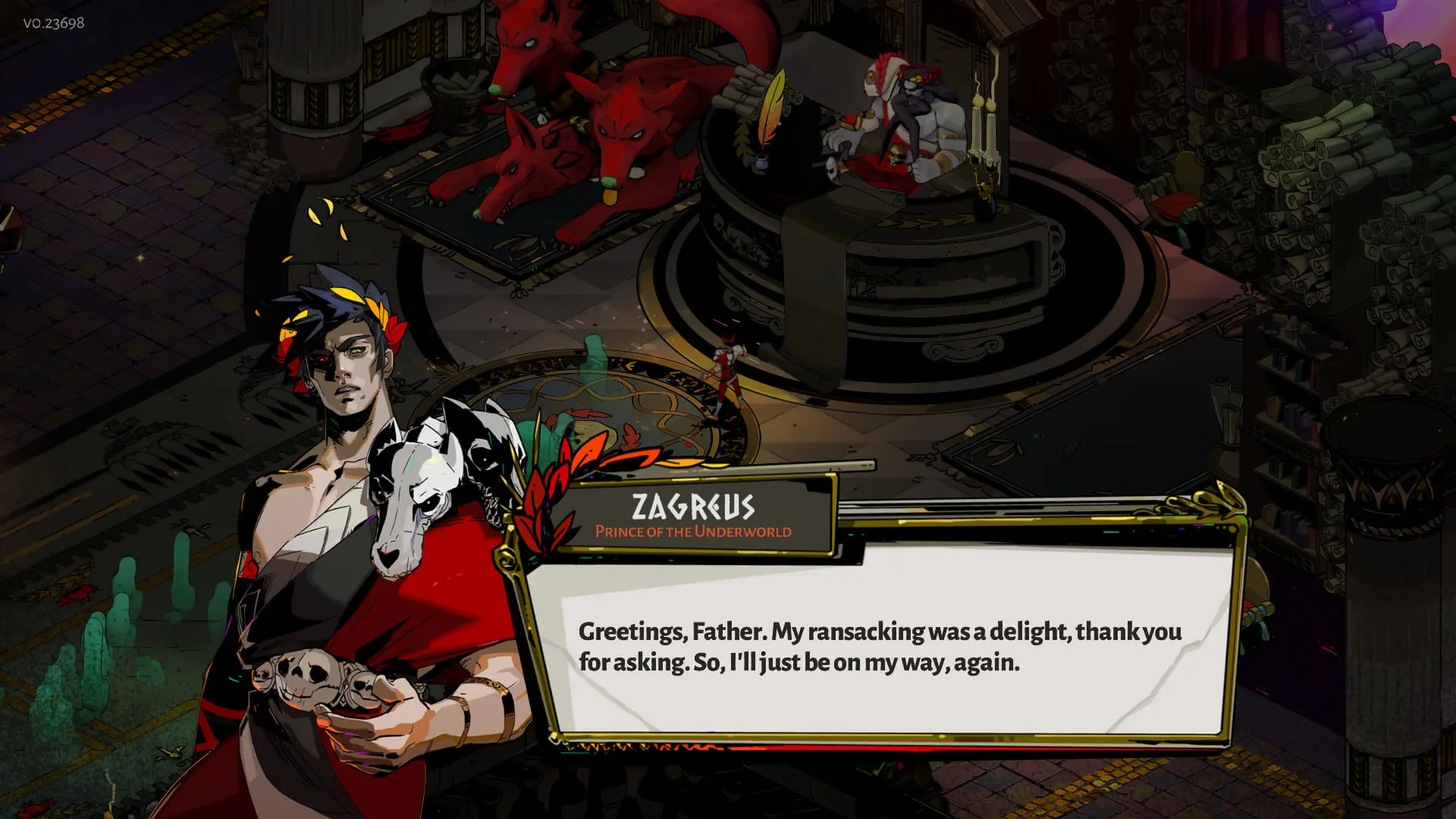
Hades
The clearest signal that a project needs a backend is the roadmap. If the studio plans post-launch content, analytics-driven balance, or any store integration, the backend pays for itself inside the first live season.
- Cloud save and cross-device sync between iOS, Android, Steam, and web builds.
- Remote config for difficulty curves, pricing, feature flags, and ad frequency.
- LiveOps events, seasonal content drops, and time-limited challenges.
- Analytics and telemetry for retention, funnel, and monetisation dashboards.
- Server-side receipt validation for App Store, Google Play, and Steam.
- Anti-cheat lite: score signing, save integrity checks, and reward gating.
- A/B testing for onboarding, first-time-user experience, and paywall design.
- Hotfix patching through remote content bundles instead of a store update.
For a premium indie title without IAP, a backend is optional. For a free-to-play or ad-supported single-player game, it is production-critical.
When a single-player game does not need a backend
Not every project needs one. A short narrative game with a single ending, no IAP, no leaderboards, no cross-device play, and no plan for seasonal content can ship without any server. Local save files and a store-level analytics SDK are usually enough. Game-Ace's own Demon Runner is a working example: the team deliberately kept scoring, chest logic, and health tracking as local systems inside Unity rather than standing up a server, which cut both cost and integration risk for a focused mobile release.
Even in that case, teams often add a very thin telemetry endpoint, purely to see install-to-completion funnel data. It costs almost nothing to run and answers the first question every publisher asks after launch.
Build vs buy: providers for a single-player game backend
Most single-player titles pick a managed backend rather than a custom build. The math is simple. A managed SDK removes weeks of identity, save, and analytics work. A custom stack only wins when the studio needs a data model or economy logic that off-the-shelf tools cannot express.
| Provider | Pricing model | Strengths | SDK coverage | Hosting |
|---|---|---|---|---|
| PlayFab | Free tier, then pay per MAU and per feature | LiveOps, economy, tournaments, mature docs | Unity, Unreal, C++, C#, JS, mobile | Microsoft Azure, fully managed |
| Firebase | Free Spark tier, then pay-as-you-go | Fastest setup, strong mobile SDKs, Remote Config, Analytics | Unity, iOS, Android, web, C++ | Google Cloud, fully managed |
| Nakama (Heroic Labs) | Open-source free, Heroic Cloud paid | Open source, self-host option, Lua and Go server logic | Unity, Unreal, Godot, JS, C++ | Self-host or Heroic Cloud |
| Beamable | Free indie tier, paid studio plans | Unity-first, content management, LiveOps UI | Unity | Managed cloud |
| Custom Node.js or Go | Cloud infra plus dev time | Full control, custom economy, no per-MAU fees | Any engine over REST or gRPC | AWS, GCP, or bare-metal |
Rule of thumb: pick Firebase for a mobile-first single-player game that leans on analytics and remote config. Pick PlayFab when the economy, tournaments, or in-game store are central. Pick Nakama when the studio wants to own the server code and avoid per-MAU fees at scale. Pick a custom Node or Go service only when the game logic truly needs it.
Architecture patterns for a single-player game backend
Three patterns cover almost every single-player project.
The BFF pattern (backend-for-frontend) puts a thin API in front of the managed provider. The client talks to the BFF, the BFF talks to PlayFab or Firebase, and the studio keeps room to swap providers later. It also hides API keys and enforces server-side validation on saves and purchases.
The event-driven pattern routes telemetry and gameplay events through a queue such as Pub/Sub, Kinesis, or a Cloudflare Queue. Downstream workers write to the analytics warehouse, trigger LiveOps rules, and update player profiles. It absorbs launch spikes without dropping data.
The serverless pattern maps each backend action to one function. Login, save, load, purchase validation, and event ingest each become a Lambda or Cloud Function. Cold start is a real concern on session boot, so warm pools or a small always-on container often handle the first login call.
Data model: what a single-player backend actually stores
A minimal schema covers four objects: player profile, save slot, event log, and receipt. Profile holds identity, device list, and consent flags. Save slot holds the serialized game state plus version and checksum. Event log stores raw telemetry. Receipt stores the validated proof of purchase and unlock state.
Keeping the schema small pays off during migrations. Studios that treat the save slot as an opaque blob, versioned by client build, avoid painful backend rewrites when the game design pivots mid-development.
Privacy, GDPR, and COPPA for a single-player game backend
Any backend that stores player data has to answer three questions before launch: what is collected, where is it stored, and how long is it retained. Under GDPR, the studio needs a lawful basis, a privacy notice, and a data subject request flow for access and deletion. Under COPPA, any game likely to be played by children under 13 in the US needs verifiable parental consent and a strict data minimisation policy.
Practical steps that Game-Ace applies on production projects: pseudonymise the player ID, keep raw IP out of the analytics warehouse, region-pin the database when the audience is EU-heavy, and expose a Delete My Data endpoint that the support team can trigger. Regulatory reference: the FTC COPPA rule.
Cost model for a single-player game backend
For a mobile single-player title with 50,000 monthly active users, a managed backend on Firebase or PlayFab typically runs €150-€600 per month in infra, plus the SDK's per-MAU fees on the paid tier. A Nakama self-host on a small cloud VM starts around €80-€200 per month for the same load, before engineering time.
Initial integration work is where the real cost sits. A clean cloud save, remote config, analytics, and receipt validation setup for a mid-size single-player game usually runs €15,000-€40,000 in engineering. Adding LiveOps calendars, A/B tools, and a custom BFF pushes the range to €40,000-€90,000.
Launch scaling and monitoring
Launch day is the only moment a single-player game backend behaves like a live service. Session-start traffic spikes, save writes cluster in the first hour, and any misconfigured function shows up immediately.
- Load-test the login and save endpoints at 5x expected concurrent users.
- Cache remote config at the CDN edge (Cloudflare, Fastly, or CloudFront).
- Set a queue in front of receipt validation so store outages do not block gameplay.
- Monitor p95 latency for login and save, not just error rate.
- Wire alerts to on-call for 5xx spikes, cost anomalies, and failed IAP validation.
- Keep a feature flag to disable non-critical telemetry if the pipeline is overloaded.
Observability stack most single-player projects settle on: Datadog, Grafana Cloud, or Google Cloud Operations for metrics and logs, Sentry for client crash reporting, and BigQuery or ClickHouse for the analytics warehouse.
A single-player game backend in a Game-Ace project
Welcome to Haiku, a single-player serious game with a live backend by Game-Ace
Haiku is a single-player cybersecurity training game built in Unity that talks to servers over RESTful APIs for real-time, no-lag data retrieval. Game-Ace built a state-saving feature so learners resume a session exactly where they left off, the same server-side pattern a cloud-save backend uses for any single-player title.
When to talk to Game-Ace about a single-player game backend
The right moment is early in pre-production, before the save format is locked. Game-Ace helps studios pick a provider, design the data model, and scope the LiveOps roadmap so the backend supports the game plan instead of constraining it. Since 2005, the team has shipped 200+ titles across mobile, web, and PC, with 120+ in-house specialists working under NDA and full IP transfer. For a broader view of end-to-end delivery, see Game-Ace's full-cycle game development and mobile game development practices.
 How MetaHuman changes game character development
  Game development for startups: budget and MVP guide
  Engineering tower defense games from prototype to live service
  Idle game development: a full production guide
  Gamification in recruitment: what actually works


































