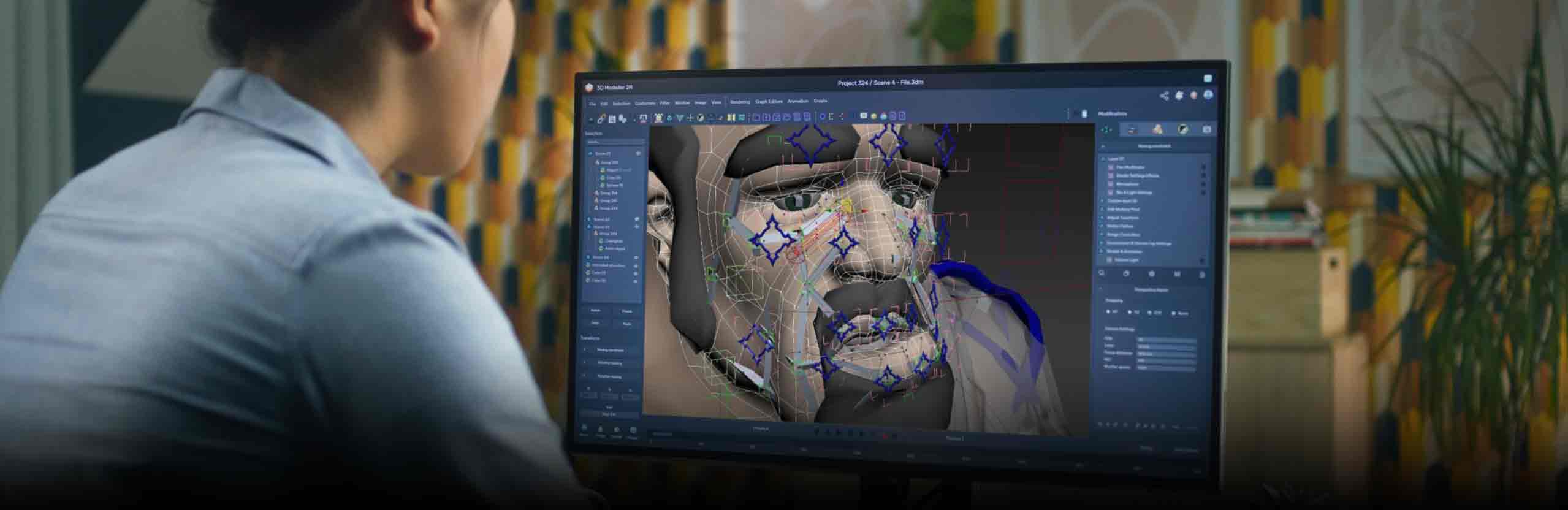

Character skinning is the technical step that binds a 3D mesh to a skeletal rig and assigns each vertex a weighted influence from one or more bones. When the skeleton moves, the mesh deforms according to those weights, which is what turns a static model into an animated character. Clean character skinning is the difference between a believable performance and visible mesh clipping, joint collapse, or volume loss.
What character skinning is and why it matters
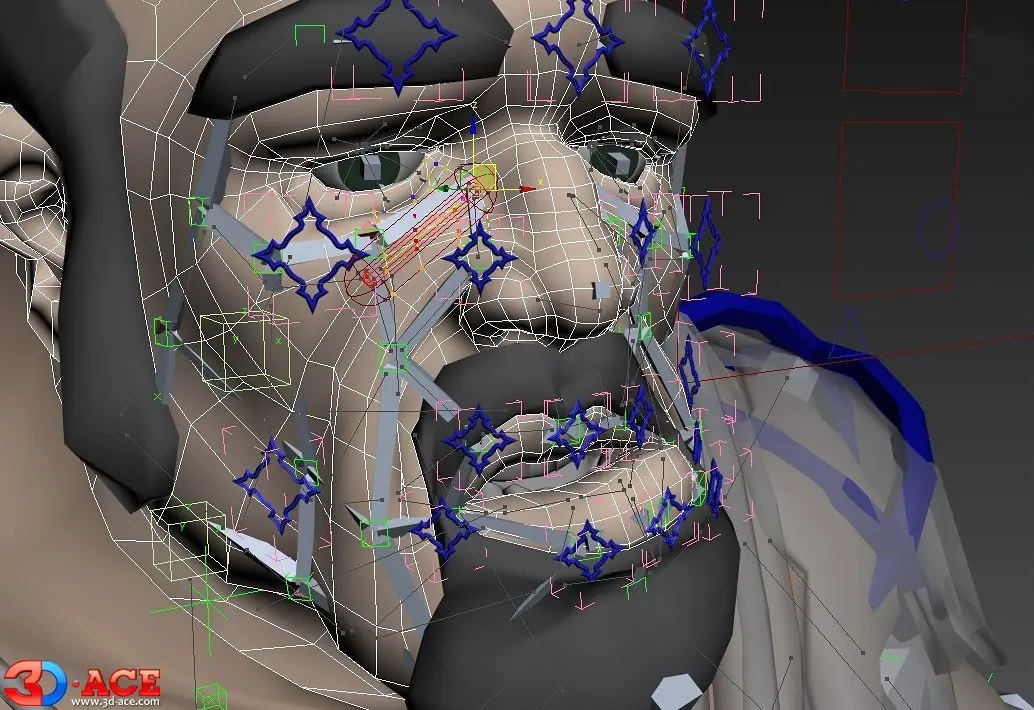
Character skinning is the bind between a 3D mesh and a skeleton, where each vertex receives a numeric weight against one or more joints. During playback those weights drive deformation, so the surface follows the rig rather than sliding off it. In production, character skinning sits between modeling and animation: the model defines silhouette, the rig defines motion, and skinning defines how the silhouette responds to motion. Without it, even a well-modeled hero looks stiff or breaks at the elbows. The same logic applies whether the asset goes through full game animation services or a focused weight-painting pass alone. Game-Ace treats skinning as a technical milestone with its own review pass, because skin issues that ship are far more expensive to fix than skin issues caught during binding. Across mobile, multiplayer, and VR projects, the cost of a bad bind multiplies once animators start layering on top of it.
How skinning binds the skeleton to the mesh
Binding starts after the rig hierarchy is finalised and the mesh is in its bind pose, usually T-pose or A-pose. The artist applies a skin cluster, which assigns each vertex a list of bone influences and a weight value per influence. Weight values are normalised so the per-vertex total stays at 1.0. Engines and runtime systems then read those weights and combine the bone transforms each frame to produce the deformed mesh. Most game pipelines cap the number of influences per vertex (typically four or eight) to keep the runtime cost predictable. Weight painting tools let artists raise or lower a joint's pull on a region until the deformation reads cleanly. Riggers paint elbows, knees, shoulders, and wrists first, because those are the joints where animators will notice errors immediately on the first walk cycle.
Once binding is set, the skin data ships with the mesh through standard interchange formats. The most common pipeline targets are listed below.
- Bind pose: the reference position where the mesh and skeleton are aligned before weights are applied.
- Skin cluster: the data block that stores vertex-to-bone weights and influence counts.
- Weight normalisation: per-vertex weight totals are kept at 1.0 to prevent scale or volume drift.
- Influence cap: most game runtimes allow four or eight influences per vertex.
- Bind pose snapshot: a stored copy used to recover the rest position when re-skinning.
Character skinning techniques: rigid, LBS, DQS, and PSD
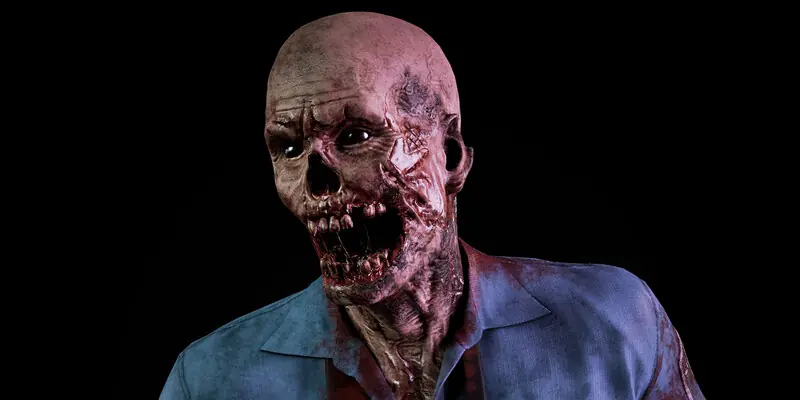
Four character skinning techniques cover almost every game production case. Rigid skinning attaches each vertex to a single bone and is mostly used for hard-surface props or mechanical characters. Linear blend skinning (LBS) is the runtime default in Unity and Unreal: fast, well-supported, and good enough for most humanoid motion, with a known volume-loss issue around twisted joints. Dual quaternion skinning (DQS) preserves volume at high twist angles and is the standard fix for the 'candy wrap' shoulder. Pose space deformation (PSD), often delivered through corrective shapes or runtime correctives, fixes the residual errors that LBS and DQS still cannot solve. Game-Ace typically starts on LBS for the production rig, switches problem joints to DQS, and adds PSD only where the camera will catch the artefact.
| Technique | How it works | Best fit | Trade-off |
| Rigid skinning | One vertex bound to one bone, no blending. | Hard-surface props, mechs, robots, gears. | No smooth bending at joints. |
| Linear blend (LBS) | Weighted sum of bone transforms per vertex. | Default for humanoids in Unity and Unreal. | Volume loss on twisted joints (candy wrap). |
| Dual quaternion (DQS) | Blends rotations as quaternions, preserves volume. | Shoulders, hips, wrists, neck twist. | Higher runtime cost, can produce bulge. |
| Pose space deformation | Corrective shapes triggered by pose. | Face, problem joints, hero close-ups. | Authoring time and runtime memory. |
Technique choice depends on how the rig is built upstream. The trade-offs above also influence the rig itself, which is covered in detail in character rigging for video games.
Best tools for character skinning
Tool choice for character skinning depends on team size, target engine, and how much auto-rig support is needed. Autodesk Maya remains the studio default for hero rigs, mainly because of its weight-painting workflow, the ngSkinTools plugin, and the deep skin cluster API. Blender has closed the gap for indie and mid-budget productions with strong weight tools, shape keys, and a free licence backed by the Blender Foundation. 3ds Max keeps a foothold in mobile and outsourcing studios that already run on its CAT and Biped systems. Houdini covers procedural and crowd pipelines where every step needs to be reproducible. Cascadeur and Wonder Dynamics now handle AI-assisted rigging and motion cleanup for teams that need quick iteration on secondary characters. Game-Ace selects tools per project, but most current builds use Maya for hero characters and Blender or Cascadeur for crowd assets.
| Tool | Skinning features | Weight tools | Plugin ecosystem | Licence |
| Autodesk Maya | Skin cluster, dual quaternion, corrective shapes. | Paint Skin Weights, Component Editor, ngSkinTools. | Largest in industry: ngSkinTools, Brave Rabbit, AdvancedSkeleton. | Commercial, subscription. |
| Blender | Armature with vertex groups, dual quaternion option. | Weight Paint mode, vertex group mirror, normalise all. | Smaller but active: Auto-Rig Pro, Rigify, BlenRig. | Free, GPL. |
| Autodesk 3ds Max | Skin modifier, Skin Wrap, CAT, Biped. | Envelope-based weighting plus per-vertex paint. | Mature game-pipeline scripts and exporters. | Commercial, subscription. |
| SideFX Houdini | Capture Region SOP, biharmonic capture, procedural binds. | Paint and procedural weight workflows. | Strong for crowds, FX, and procedural rigs. | Indie and commercial tiers. |
| Cascadeur | AI-assisted rigging and physics-aware animation. | Auto-posing, secondary motion solver. | Growing, focused on animation rather than skinning. | Free tier plus commercial. |
- Mixamo (Adobe) for quick auto-rig and a standard humanoid skeleton.
- AccuRig (Reallusion) for free auto-rigging and direct export to Unity and Unreal.
- Wonder Dynamics (Autodesk) for AI body tracking and rig retargeting.
- ngSkinTools for layered weight painting inside Maya.
Hardware skinning and GPU skinning explained
Hardware skinning, also called GPU skinning, moves the per-vertex bone-matrix math from the CPU to the GPU. The CPU sends a bone matrix array each frame; the vertex shader reads each vertex's bone indices and weights, blends the matrices, and outputs the deformed position. Software skinning runs the same math on the CPU and uploads a fresh mesh per frame. Hardware skinning wins on any platform with a competent GPU because vertex transforms parallelise well and CPU bandwidth is usually the bottleneck. Both Unity and Unreal default to GPU skinning for skinned mesh renderers, with fallbacks for older mobile GPUs. The glTF 2.0 specification from Khronos defines skinning data layout for cross-engine delivery, which is useful when a WebGL build sits beside the native one. Game-Ace uses hardware skinning across mobile, PC, and VR builds, and reserves CPU skinning for edge cases such as mesh data the CPU still needs to read each frame (ragdolls, cloth attachment points, custom collision).
- CPU skinning: per-frame math runs on the CPU and the deformed mesh is re-uploaded each frame.
- GPU vertex-shader skinning: bone matrices uploaded once per frame, vertex shader does the blend.
- GPU compute-shader skinning: matrices and weights processed in compute, deformed mesh stored for reuse.
- DOTS Animation (Unity) and Niagara mesh skinning (Unreal) for high-count scenes.
Strategies for minimising GPU skinning cost at scale
Cutting GPU skinning cost at scale is usually about three levers: reducing per-vertex work, reducing the number of skinned vertices on screen, and reducing draw call count. Per-vertex work drops when bone influence counts go from eight to four (or two for crowd LODs), and when the rig is trimmed of unused bones. Skinned vertex counts fall with proper animation LODs that swap to lower-resolution skinned meshes at distance, then to non-skinned or animated billboards at very long range. Draw calls collapse when characters share material instances and bone arrays, and when GPU instancing or skinned-mesh batching is enabled. Teams scaling crowd characters often pair this work with 3D animation services so the optimised rig and the animation set are tuned together. Game-Ace tunes these levers per platform: mobile and VR builds prioritise influence-count reduction and aggressive LODs, while desktop crowds lean on compute-shader skinning and GPU instancing.
- Cap bone influences at four per vertex for main characters, two for crowd LODs.
- Set up at least three animation LODs: full rig, simplified rig, billboard or imposter.
- Strip unused bones from export to keep the bone matrix array small.
- Share rigs and material instances across crowd characters to enable GPU instancing.
- Use compute-shader skinning when the same skinned mesh is read by multiple passes (shadows, reflections).
Engine integration for character skinning in Unity and Unreal
Unity and Unreal both ship production-ready skinning, with different defaults and trade-offs. Unity uses the Skinned Mesh Renderer component on a GameObject with a Humanoid or Generic rig. Humanoid retargets animation across any humanoid skeleton through Mecanim; Generic preserves the source bone structure for creatures, vehicles, and custom rigs. DOTS Animation supports skinned meshes for high-density scenes. Unreal exposes a Skeleton asset, a Skeletal Mesh, and an Animation Blueprint, with Skin Weight Profiles for per-LOD weight overrides and Niagara mesh skinning for particle-driven crowds. Both engines accept FBX as the primary interchange, with glTF and USD supported through plugins. Game-Ace standardises on FBX for rig and animation handover, glTF for web and lightweight runtimes, and USD when the client pipeline already uses it for cross-tool collaboration.
Common deformation issues and how to fix them
Most character skinning bugs fall into a short list, and each has a known fix. Volume loss at the shoulder or hip ('candy wrap') comes from LBS at high twist angles; switching the joint to dual quaternion skinning or adding a twist-bone setup usually solves it. Mesh tearing or stretching around the armpit and groin comes from missing or unbalanced weights and is repaired with targeted weight painting or a corrective blend shape. Joint pop on the knee or elbow comes from a bone that pivots a frame too early in the rotation; the fix is either a corrective driven by the angle or a re-pivot of the joint. Finger and wrist collapse comes from too few influences on the wrist; raising influence count or rebuilding the wrist-to-forearm twist chain fixes it. Game-Ace logs each fix in the rig notes so animators know which joints have correctives layered on top.
- Candy-wrap shoulder: switch to dual quaternion or add a twist-bone chain.
- Mesh tearing at armpit or groin: rebalance weights, add a corrective blend shape.
- Knee or elbow pop: add a pose-driven corrective or re-pivot the joint.
- Wrist collapse: raise influence count or rebuild the forearm twist setup.
- Facial mask drift: combine joint-based skinning with blend shapes around lips and eyes.
AI-assisted character skinning and auto-rigging
AI tools now cover a useful slice of character skinning work, especially for secondary characters and rapid prototypes. Mixamo still handles standard humanoid auto-rig and animation retargeting in minutes. AccuRig covers a similar slot with direct Unity and Unreal export. Cascadeur applies physics-aware posing and auto-rigging that produces usable secondary motion without keyframing every overlap. Wonder Dynamics, now part of Autodesk, focuses on video-to-rig retargeting for cinematics and previsualisation. None of these tools replace a senior rigger for a hero character: facial rigs, stylised anatomy, and engine-specific optimisations still need manual work. Studios that need to scale character output without sacrificing hero quality often combine AI auto-rig for crowd assets with the option to hire 3D animators on demand for hero rigs. Game-Ace uses this split routinely: AI tools for blockouts and crowds, senior artists for hero rigs and facial work.
Character skinning inside the broader art pipeline
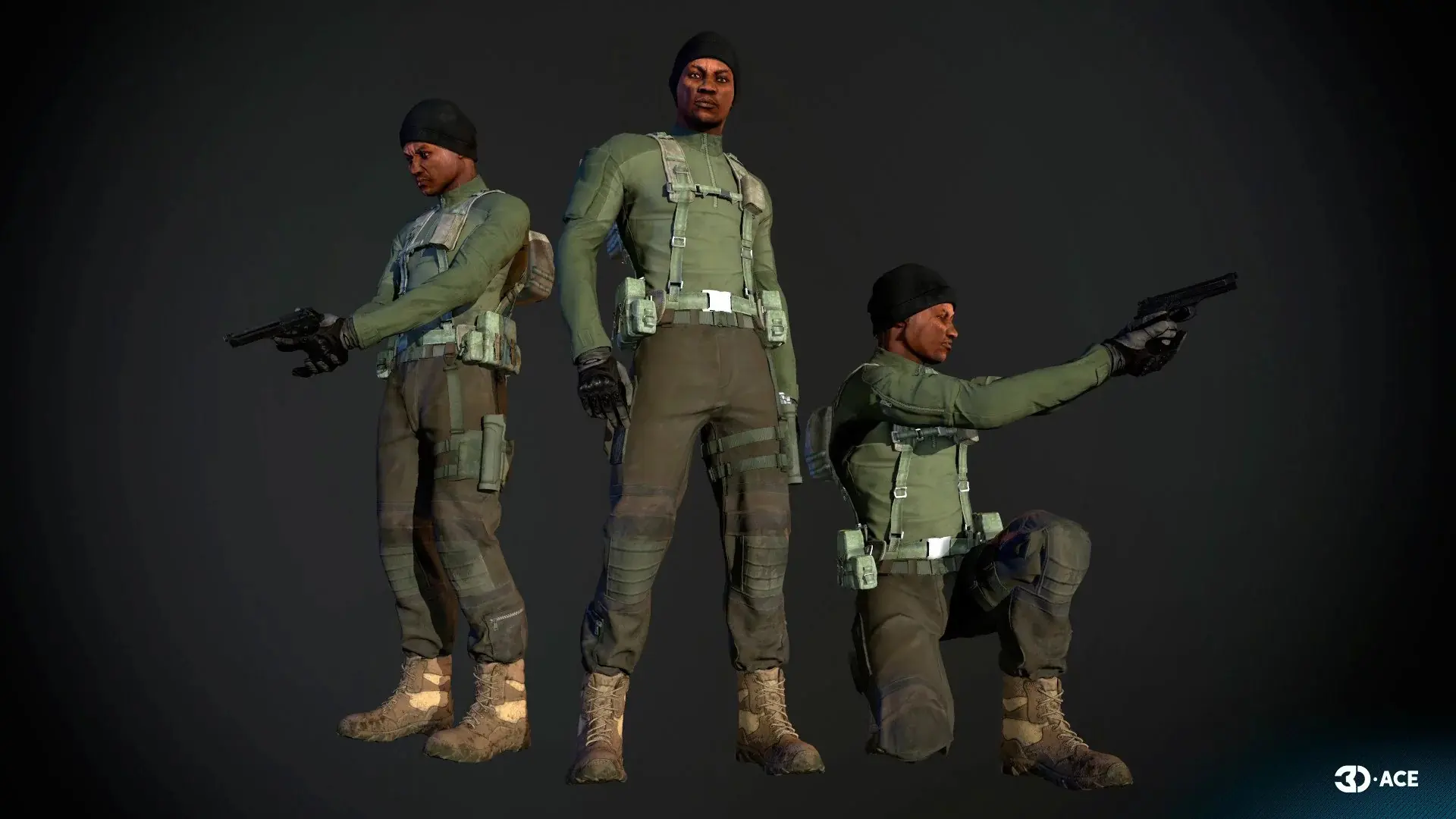
Skinning sits late in the character art pipeline but its quality depends on upstream choices. Mesh topology, edge flow around joints, and polygon budget all decide how clean the bind can be. Production teams that want to control this from the start usually plan modeling and skinning as one phase, drawing on practices documented in 3D character modeling and the broader 3D modeling for video games workflow. Style direction set during concept also matters, because video game art styles drive how forgiving the silhouette is at extreme poses.
Character skinning in action: Game-Ace case study
One shipped project shows character skinning work in a stylised tactical RPG with customisable characters.
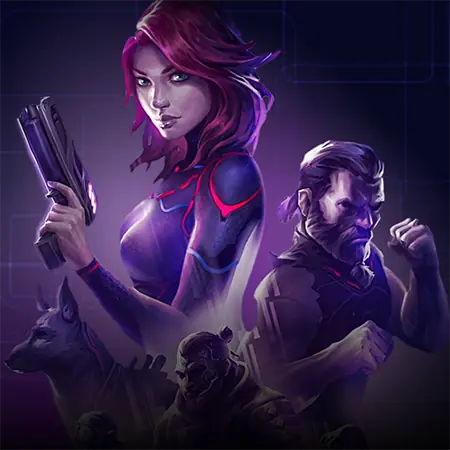
Welcome to The Protagonist: EX-1, a tactical RPG by Game-Ace
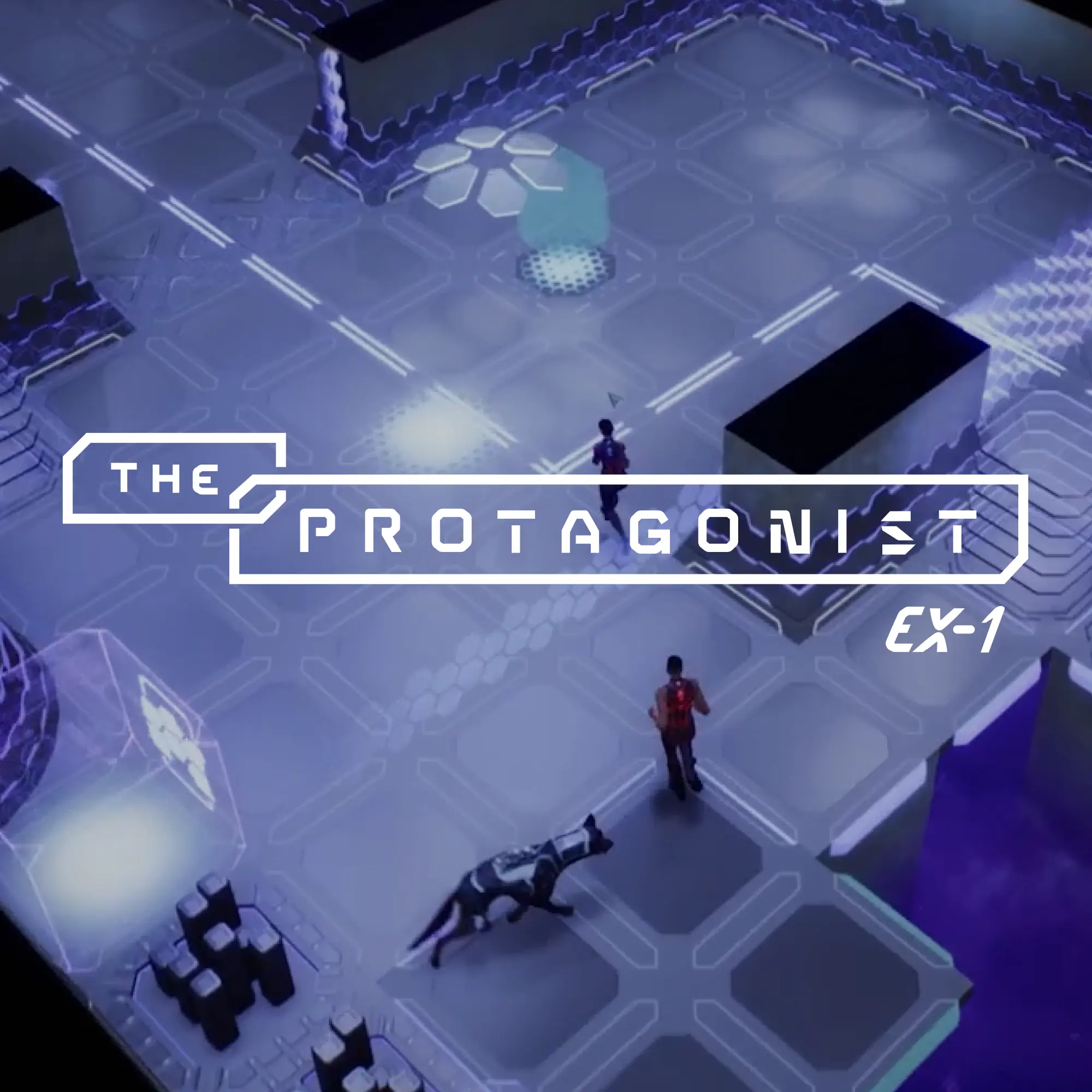
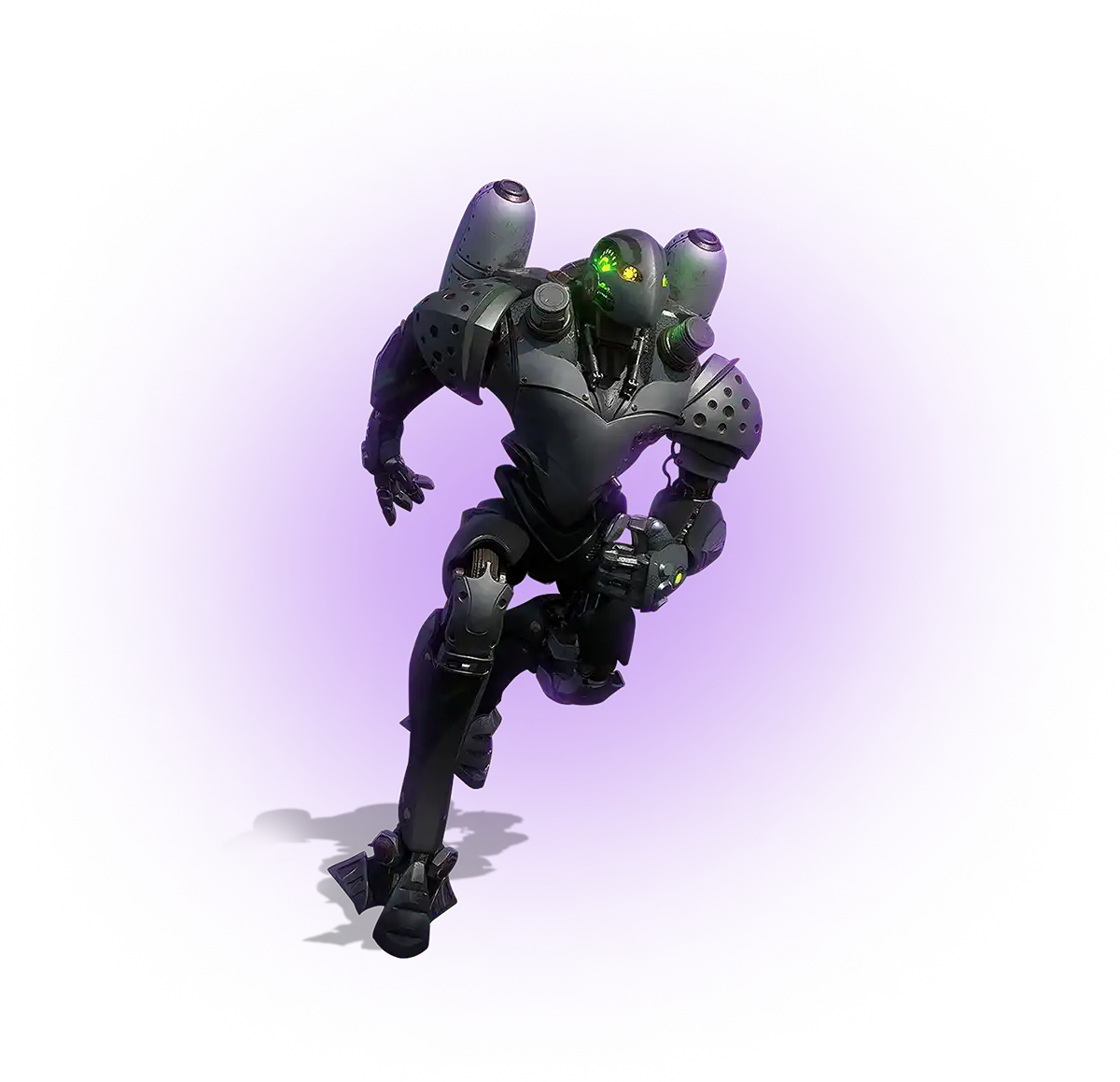
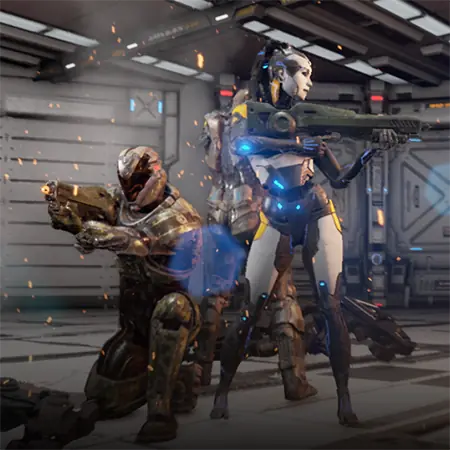
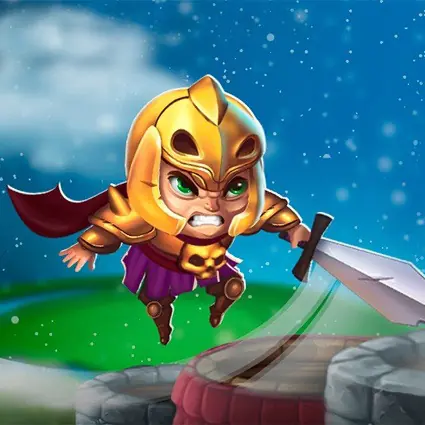
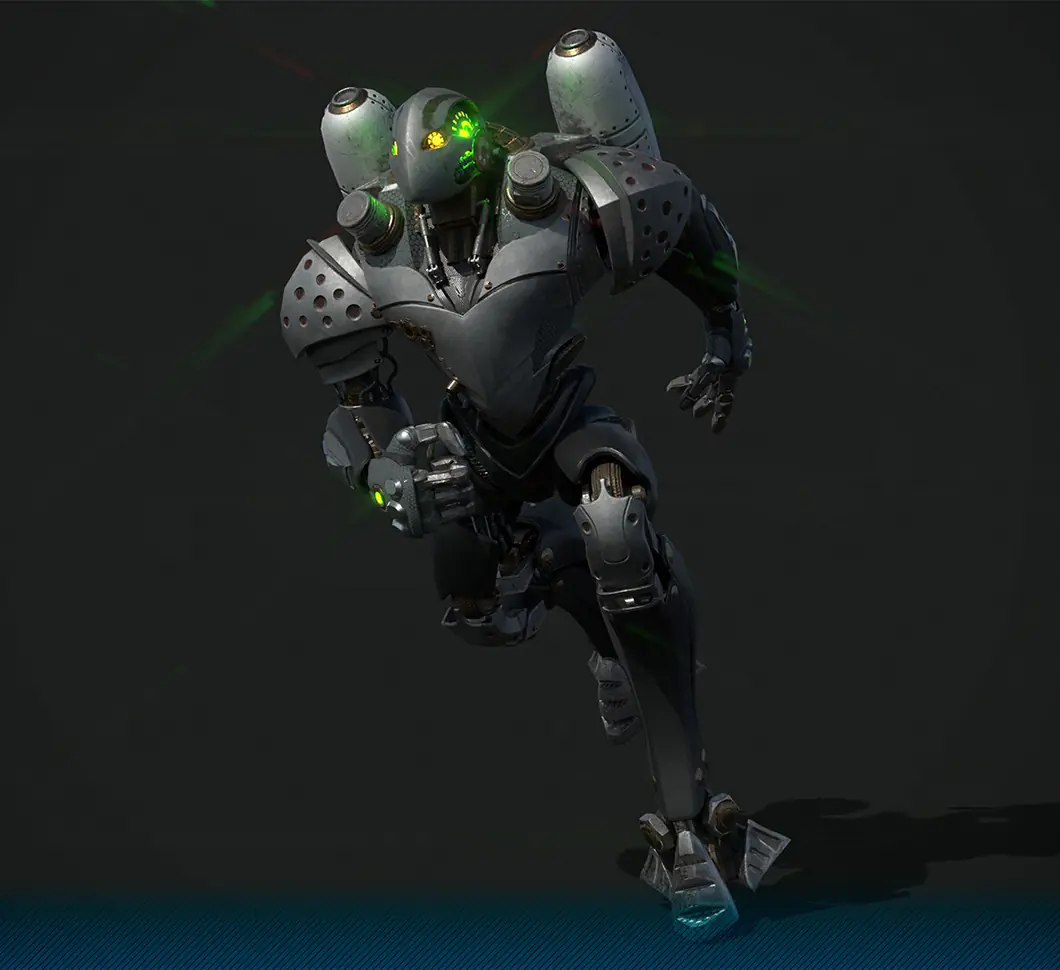
The Protagonist: EX-1 is a turn-based tactical RPG with customisable martial-arts characters, supporting a range of stances, weapons, and outfits without breaking silhouette. Game-Ace handled character art and animation with attention to clean joint deformation under combat poses.
Talk to Game-Ace about character skinning
If you are scoping a character pipeline, a face rig with ARKit blendshapes, or co-development on character setup with your in-house art team, talk to Game-Ace.
When to talk to Game-Ace about character skinning
Character skinning is a focused technical step, but the cost of doing it badly compounds across the rest of production. Teams usually reach out when a hero rig deforms poorly under animation review, when a crowd scene drops frames on target hardware, or when a new project needs the rig, skin, and engine setup planned together rather than fixed late. Game-Ace has built character rigs and skin setups for 200+ games since 2005, with 120+ in-house specialists working from HQ in Cyprus as part of Program-Ace. Shipped character work is collected in the Game-Ace portfolio for reference. Most engagements start with a short technical review of the existing rig, mesh, and engine settings, then move into a focused skinning pass or a full character production cycle under NDA.
 3D and AI avatars in casino: how they boost acquisition, retention, and time-on-device
  Procedural generation in games: what actually works in production
  3D modeling for video games: a production overview
  3D character modeling for game production
  Unity 3D modeling: how to make and import models for your game