
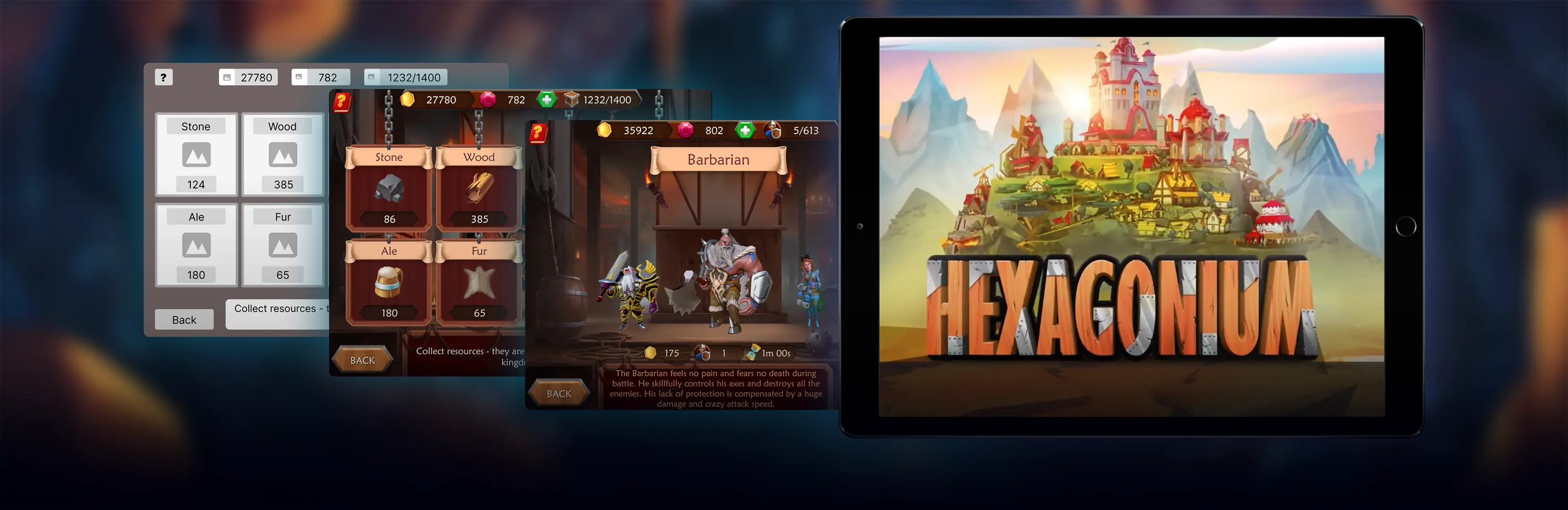

Game UX is the discipline of shaping how players perceive, learn, and enjoy a game moment to moment. Strong game user experience reduces friction in menus, tutorials, and core loops, so players reach the fun faster and stay longer. This game UX guide covers the methods studios use to measure, test, and improve UX across mobile, PC, and VR titles.
If you are scoping game UX work, from onboarding rewrites to a full playtesting programme, talk to Game-Ace.
Game UX vs game UI: how they differ
Game UX covers the full player journey: first launch, onboarding, learning the controls, difficulty pacing, reward loops, and long-term retention. Game UI is one layer inside that journey, the visual and interactive surface that lets players read information and issue input. A game can have a polished UI and still fail on UX if the tutorial pace is wrong or the reward loop confuses new players. In practice, UX produces flows, wireframes, playtest reports, and instrumentation plans; UI produces visual mockups, HUD layouts, iconography, and interaction states.
Onboarding and first-time user experience
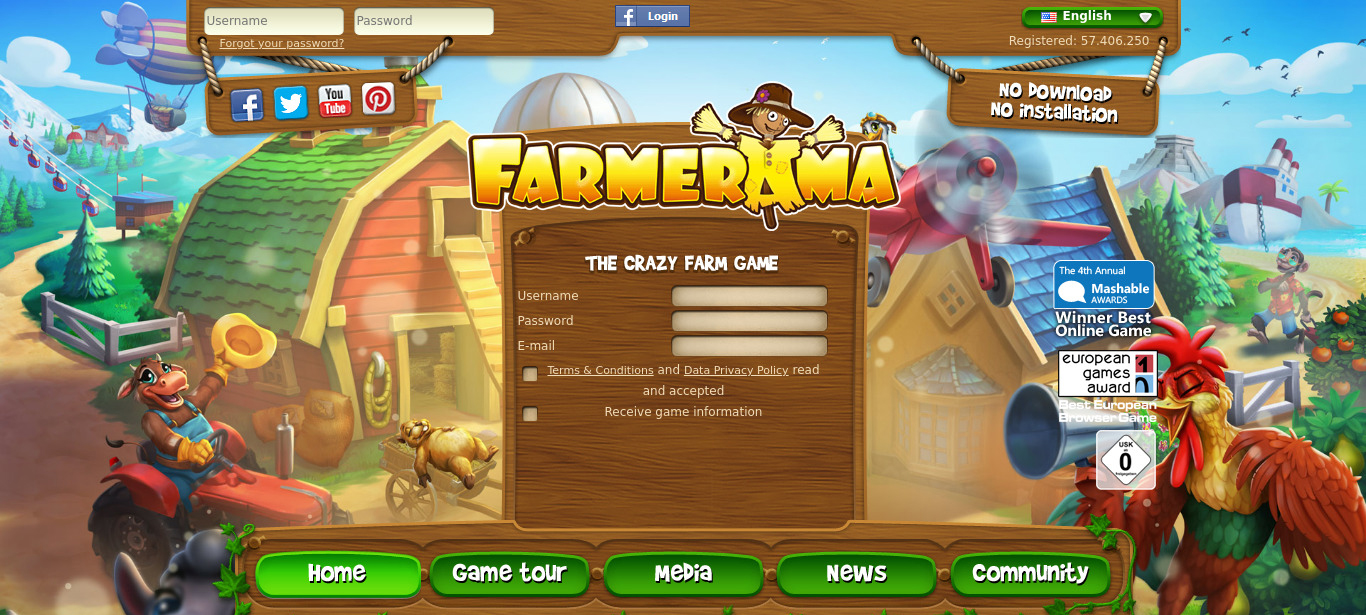
First-time user experience decides whether a new player reaches the second session. Onboarding should teach the minimum viable set of controls, one mechanic at a time, and let the player try each mechanic in a low-stakes context before the game raises pressure. Good onboarding is measurable: FTUE completion rate, time to first meaningful action, drop-off between tutorial steps. For live games, onboarding is iterative, teams ship a first version, watch funnel data, and rewrite the weakest steps.
Tutorials, hints, and feedback loops
Tutorials work best when they are contextual and short. Modal walls of text lose players; in-context prompts that appear the first time a mechanic is relevant teach the same lesson without breaking flow. Hint frequency matters, repeated hints feel patronising, missing hints leave a knowledge gap, and a hint budget per session tuned during playtesting keeps the balance right.
Every action a player takes should produce a readable response: visual, audio, or haptic. Core loop clarity is a related question at the design level, if playtesters cannot state the loop in one sentence after 30 minutes, the game UX is unclear regardless of visual polish.
Accessibility in game UX
Accessibility widens the audience and, in many markets, is a procurement requirement. Baseline options include remappable controls, subtitle size and background, colourblind modes for gameplay-critical colours, and difficulty or assist modes. The WCAG 2.2 guidelines from the W3C are a useful reference for contrast, text alternatives, and input; the IGDA Game Accessibility SIG maintains game-specific patterns. Accessibility work is cheaper when planned early, retrofitting it late usually costs more than adding it during UI design.
Playtesting: methods and cadence
Playtesting is the primary tool for validating game UX, ranging from informal internal sessions to moderated remote studies with target-audience players. A typical mid-size project runs 3 to 5 rounds of external playtesting: an early prototype test, one during vertical slice, one at alpha, one at beta, and a soft-launch round for live games. Each round has a clear question: is the tutorial teachable, is the core loop readable, is the difficulty curve fair.
Analytics and UX heuristics
Quantitative data confirms or contradicts what playtests suggest. Studios instrument events for tutorial steps, level completion, session length, retention cohorts, and monetisation actions. Common tools include Firebase, GameAnalytics, Unity Analytics, and PlayFab.
Heuristic evaluation is a fast, low-cost method: a UX specialist reviews the build against a set of heuristics adapted from the Nielsen Norman Group principles and game-specific patterns. It surfaces obvious issues before formal playtesting but does not replace it.
| Method | When to use | Strength | Limitation |
| Heuristic evaluation | Pre-alpha, unstable builds | Fast, cheap, catches systemic issues | Misses real player behaviour |
| Moderated usability test | Vertical slice to beta | Deep insight into player thinking | Small sample, higher cost |
| A/B testing | Live game or soft launch | Statistically significant comparison | Requires traffic and instrumentation |
| Analytics and funnels | Soft launch and live | Objective drop-off data at scale | Explains what, not why |
Mobile and VR game UX specifics
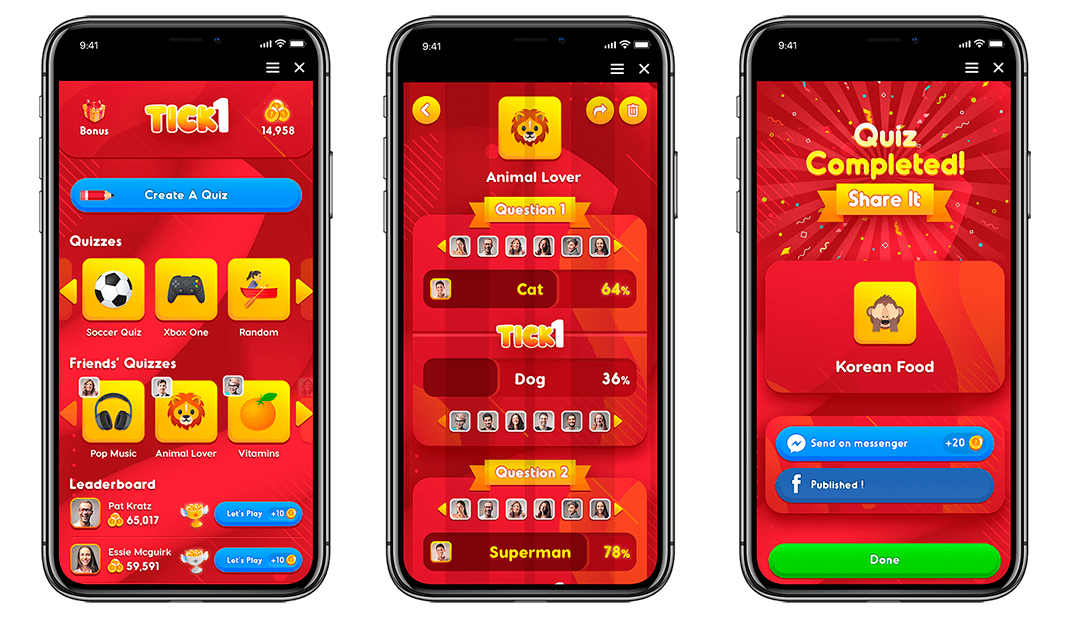
Mobile game UX has to survive short sessions, one-handed input, thumb reach, and variable network conditions. Touch targets need generous hit areas, primary actions should sit in the natural thumb zone, and the game must resume cleanly after interruptions. Store-page UX matters too, the icon, screenshots, and first frame of a preview video are the earliest UX touchpoints. See Game-Ace's mobile game development team for this end-to-end view.
VR UX adds constraints flat-screen games do not have. Comfort comes first: locomotion options, stable frame rate, and predictable camera behaviour. Text must be readable at expected head distance, and onboarding benefits from a short calibration and comfort-preference screen before the game starts.
A UX-driven case from the Game-Ace portfolio
Welcome to Ships At Sea, a maritime simulator by Game-Ace
Ships At Sea is a large-scale multiplayer maritime simulator built in Unreal Engine 5, where Game-Ace's team built a reusable fishing net system and refined VFX for water interaction and weather transitions so commercial fishing and cargo operations read clearly to players.
When to talk to Game-Ace about game UX
Game UX is easiest to fix before a title ships, and cheapest to plan alongside the first playable. If UX is part of your roadmap, Game-Ace's custom game development studio provides UX design, playtesting, QA, and full-cycle production from a single in-house team, working on Team Extension, Co-development, or Full-cycle engagements with strict NDA and full IP transfer.
 How to design learning games for kids
  Arcade game design: a production guide
  Game environment design for production-ready worlds
  Narrative game design: from concept to shipped story
  How can different video game art styles enhance your project?


































